How to manage customer connected accounts
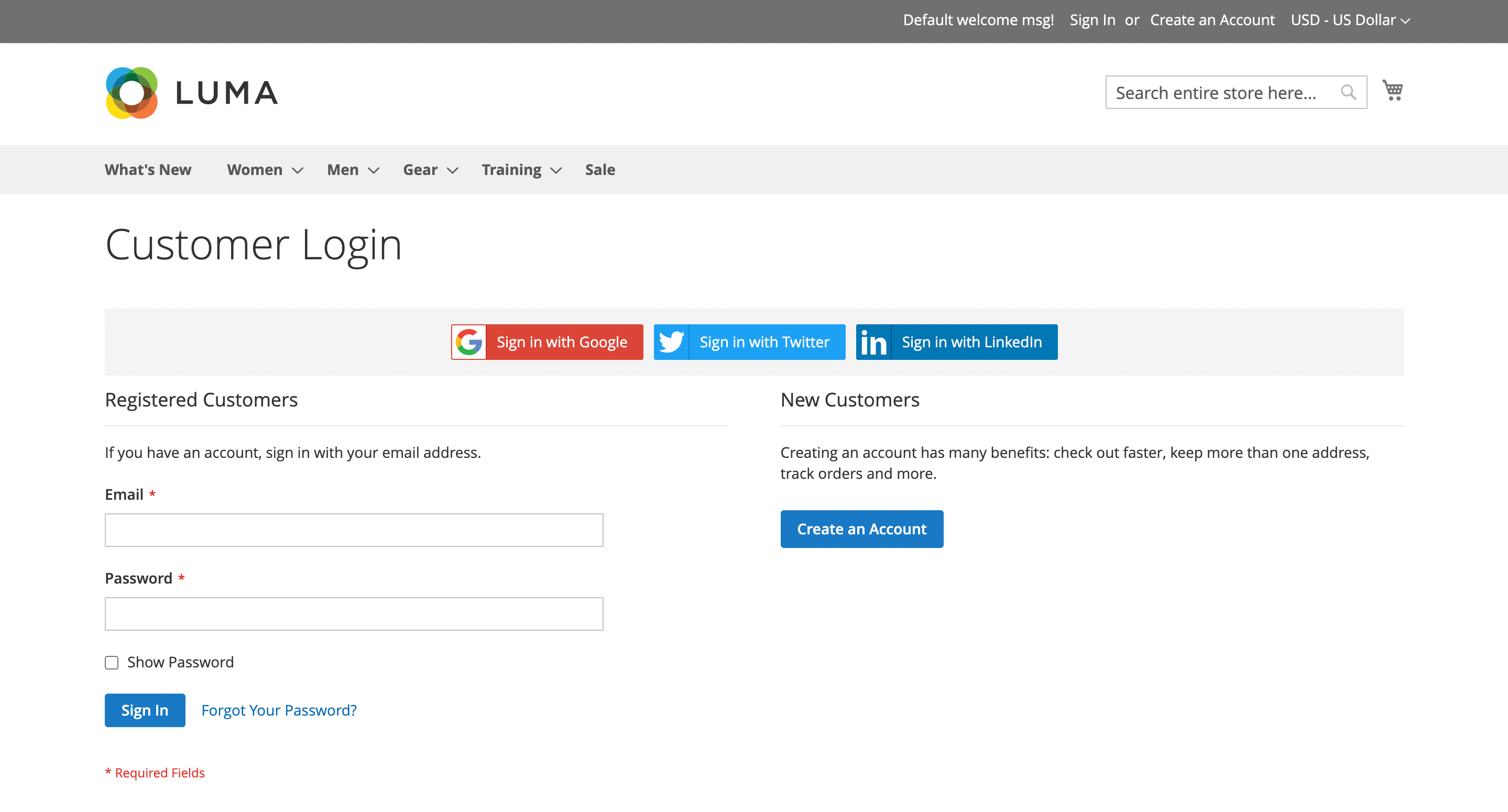
On the login and registration pages, the extension displays a block with buttons for available social networks, allowing the customer to choose one to sign in.
The primary account can be changed later in the customer’s personal account under My Account -> Account Information -> Social Accounts.
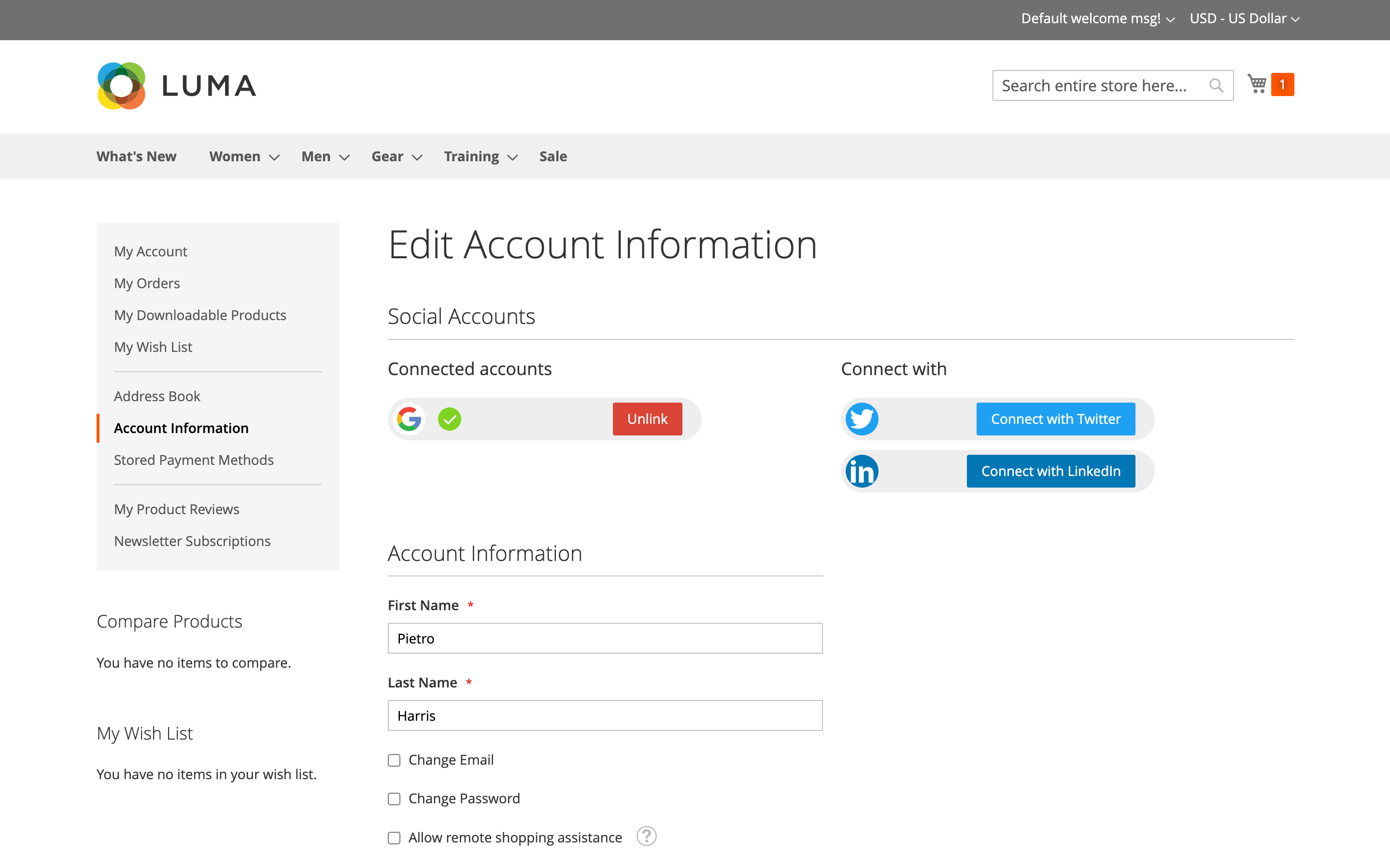
To connect a new social account, click one of the available social network buttons.
To remove a connected account, use the Unlink button.