General settings
Four settings, store-wide. Everything else in this extension is configured per feed - this page is the short list of things that apply to all of them.
Find them at Stores > Configuration > Mirasvit Extensions > Feed.
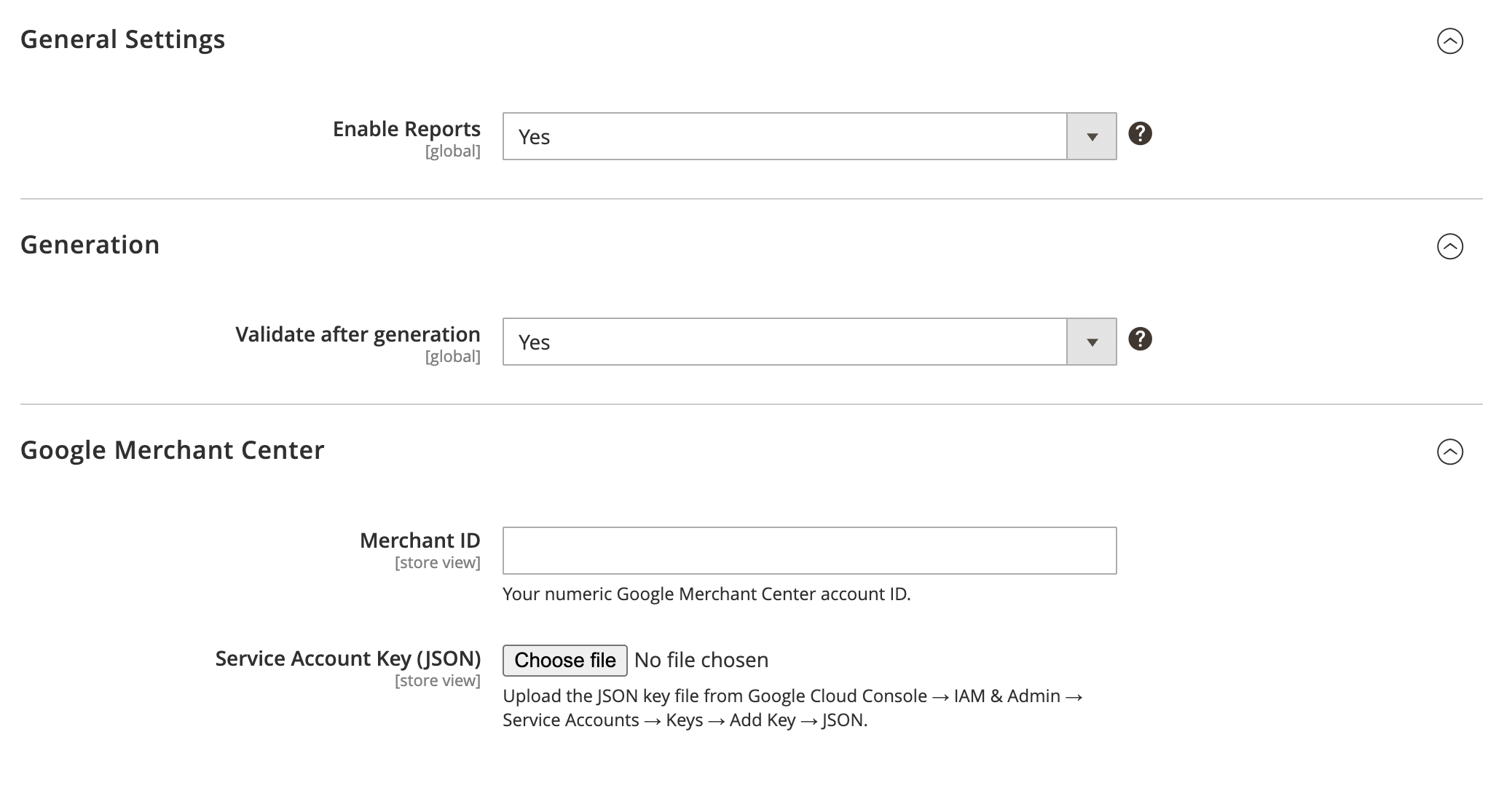
General
Enable reports: set to "Yes" to collect feed generation reports, giving you logs and statistics after every run. Without it the Reports screen has nothing to show.
Generation
Validate after generation: set to "Yes" and every generated file is checked automatically. This is the cheapest insurance in the extension - you find out about a malformed file from your own admin, minutes after it is built, rather than from a marketplace rejection days later. Leave it on.
Google Merchant Center
Credentials for the direct Google Merchant Center integration, which submits feeds to Google over its API instead of making you upload files. Needed only if you use that; FTP and manual-download workflows ignore these fields entirely.
- Merchant ID: your numeric Google Merchant Center account ID. Find it in the top-right corner of the Merchant Center interface or under Settings → Account information.
- Service account key (JSON): upload the JSON key file from Google Cloud Console → IAM & Admin → Service Accounts → Keys → Add Key → JSON. The file is stored under
pub/media/feed/gmc/and read at runtime to authenticate with the Merchant API.
Both fields can be set at the website or store-view scope, which lets you submit different feeds to different Merchant Center accounts.
See Google Merchant Center for the full setup walkthrough and per-feed options.