Import/Export reports settings
The Import/Export functionality allows you to set up a report on one store and transfer it to another by exporting its configuration and importing the file. This eliminates the need to recreate the report manually with the Report builder.
This feature is particularly helpful when working with our support team. If you request a custom report, our team can build and test it in a separate environment, then provide you with the configuration file. You can simply import the file into your store without repeating the setup.
To open it, go to Reports -> Advanced Reports -> Reports and click Import / Export above the reports list. The button is shown to admin roles with the Import/Export Reports Configurations permission (see How to restrict access to a specific report). The Import / Export Configurations page has two sections.
Export
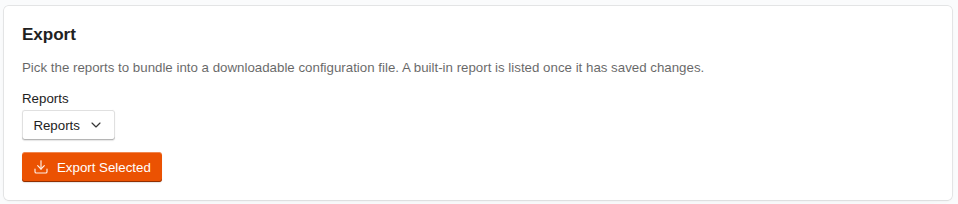
Select one or more reports in the Reports field and click Export Selected. The browser downloads the reports-config.json file with the configuration of the selected reports: name, description, columns, filters, sorting and chart settings.
The list contains your custom reports and the built-in reports that have saved changes. A built-in report without changes is not listed, as there is nothing to transfer.
Import
Choose a JSON file exported from this or another store and click Import File. When the import finishes, a message lists the imported reports.
- A custom report from the file is created as a new report.
- A built-in report from the file replaces the changes saved for that report on this store. The message names such reports.
- A report written as an SQL statement is imported only if your role has the Authoring SQL Reports permission.
- Entries that cannot be imported are skipped and listed in an error message.
Share links are not transferred: a new report arrives unshared, and an existing report keeps its current sharing setting.

The file contains report configurations only, not Config Builder configs. If a report uses columns added with the Config Builder, create the same config on the target store before importing the report.