General settings
Configure your AI provider, choose the preferred AI model, and control logging behavior in this section.
The AI Assistant settings are located at Stores -> Configuration -> Mirasvit extensions -> AI Assistant, and consist of the following section:
AI provider status
This informational section shows the connected AI models and their status.
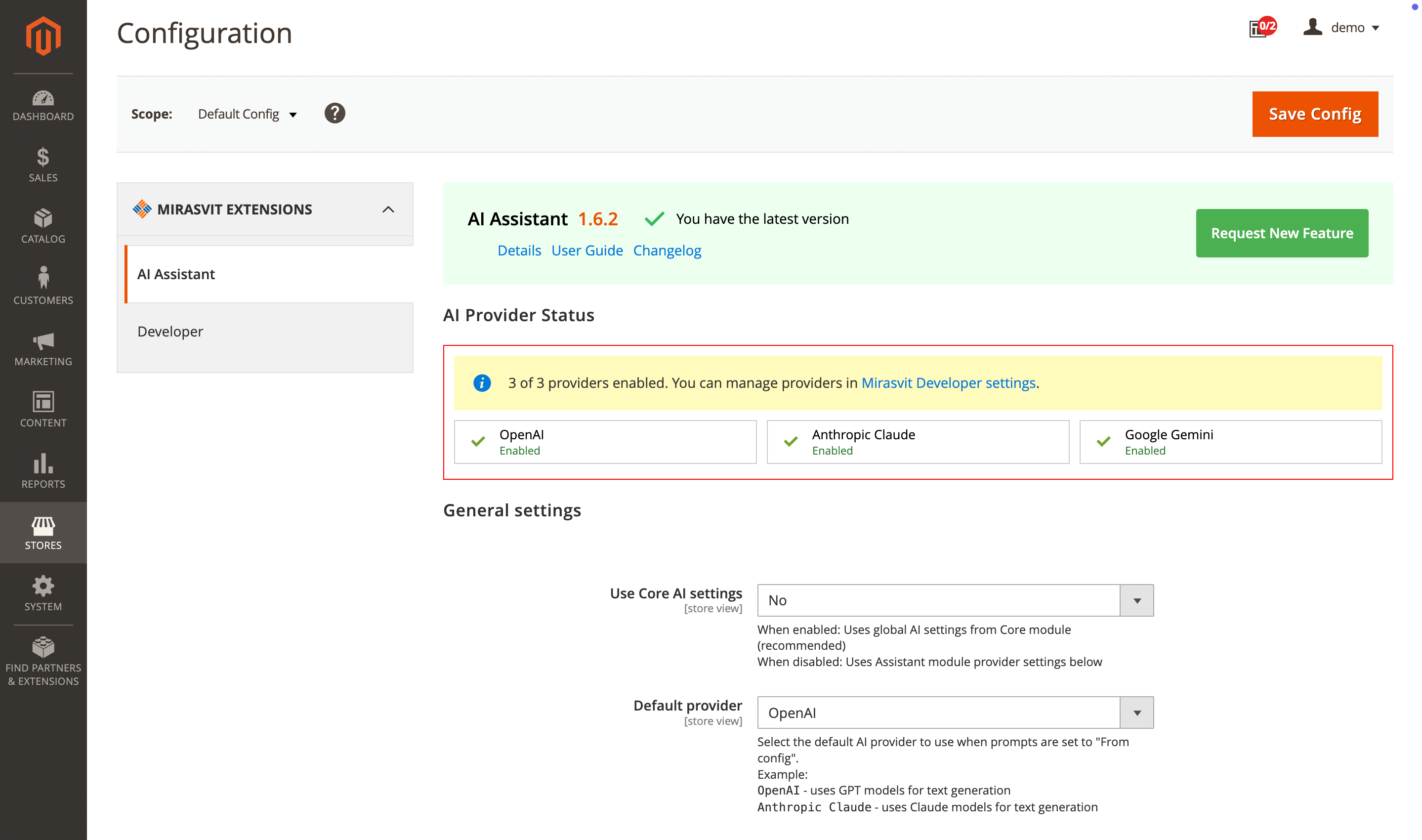
Module general settings
- Use core AI settings:
- Yes: use global AI settings from Core module (recommended).
- No: use Assistant module provider settings below.
- Default provider: select one of the enabled AI providers as the default; it will be used when prompts are set to
From config. - Maximum words per attribute value: how many words of each variable value are sent to the AI provider, for prompts with Remove HTML tags from input enabled. The rest of a longer value is cut off. Default is
200;0sends values whole. A higher limit sends more text in every request and increases the token cost. See Variables.
tip
To configure a specific AI provider for the AI Assistant module, set Use core AI settings to No, then configure the AI provider connection in the fields that appear below.
Automation rules
- Enable logging: will activate logging for automation rules. When enabled, logs will be available on the rule edit pages.