Product group
Use this section to combine several products into one group.
Group list
Navigate to Stores -> Inventory Planner -> Product group to access to view the full list.
The following columns are available here:
- ID: internal numeric identifier of the group.
- Name: group name.
- Stock Cover Time: target number of days that actual inventory quantity should cover for products in this group.
- Overstock Time: number of days used to determine when a product in this group is overstocked (used with Sales Velocity).
- Overstock qty threshold: ignore overstock if product quantity is less than this value.
- Action: quick actions (edit, delete).
tip
Use the Import/Export product groups button (top-right) to bulk-manage groups via CSV. See How to synchronize product groups for details.
Group settings
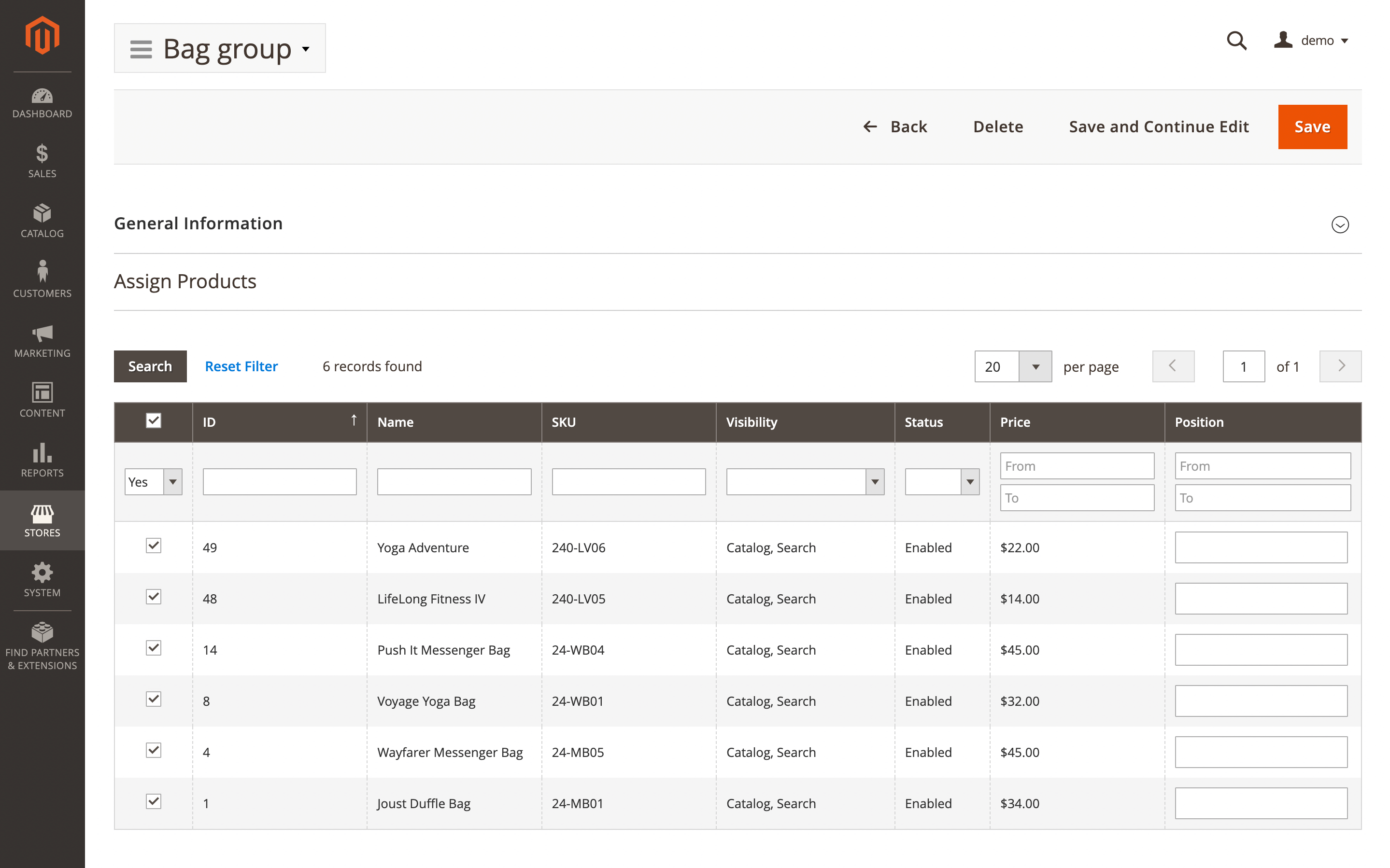
Configure the base group settings and select the products to include. Click a specific item to view its record details. The following settings will be available.
General information
- Name: group name.
- Stock cover time (days): the average number of days that actual inventory quantity should cover.
- Overstock time (days): product is overstock when actual stock quantity greater than overstock time (used with Sales Velocity).
- Overstock qty threshold: ignore overstock if product qty less this value.
Assign products
Using filters find and select products that should be grouped.