History
"It worked yesterday." The History tab is where you find out what actually happened.
Every export attempt is logged here with its outcome, so when a feed comes out empty, half-built or not at all, you have a record rather than a guess. Filter by column, search, or add your own filters from the toolbar; the Columns control changes what is shown.
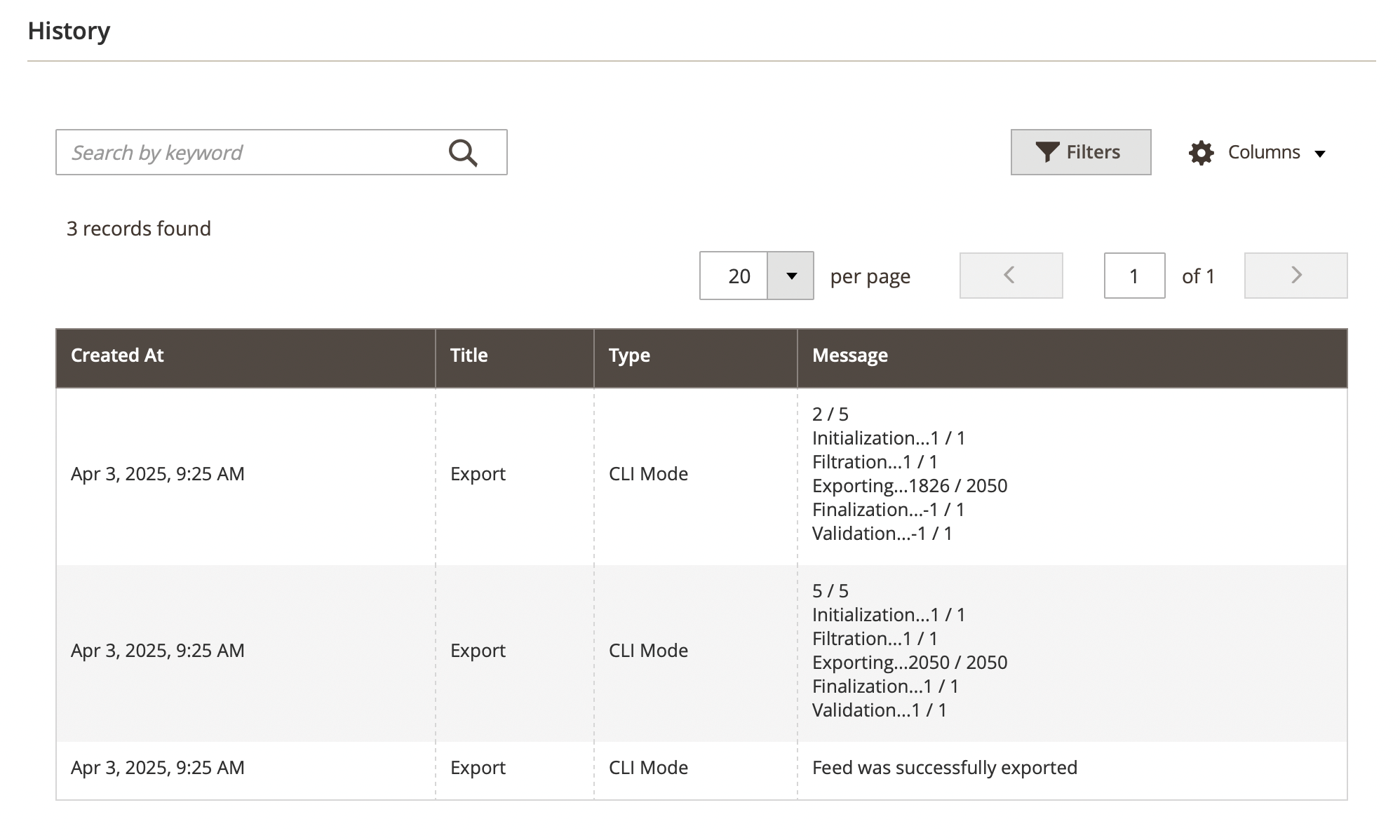
The columns:
- Created at: the date and time when the export process started.
- Title: the type of process (e.g., Export).
- Type: the method used for export (e.g., CLI Mode, Manual).
- Message: the detailed status of the export process.
note
During an export, the following steps are executed:
- Initialization: preparing the feed export process.
- Filtration: applying filters to select the correct products.
- Exporting: processing and exporting product data (e.g.,
1778 / 2050indicates progress). - Finalization: completing the export process.
- Validation: ensuring the exported data meets format and integrity checks.