User Role
The AI Agent Connector extension adds features to the user role edit page at System -> Permissions -> User Roles -> [Role]: badges on the Role Resources tab and a new MCP Info tab.
Role Resources tab
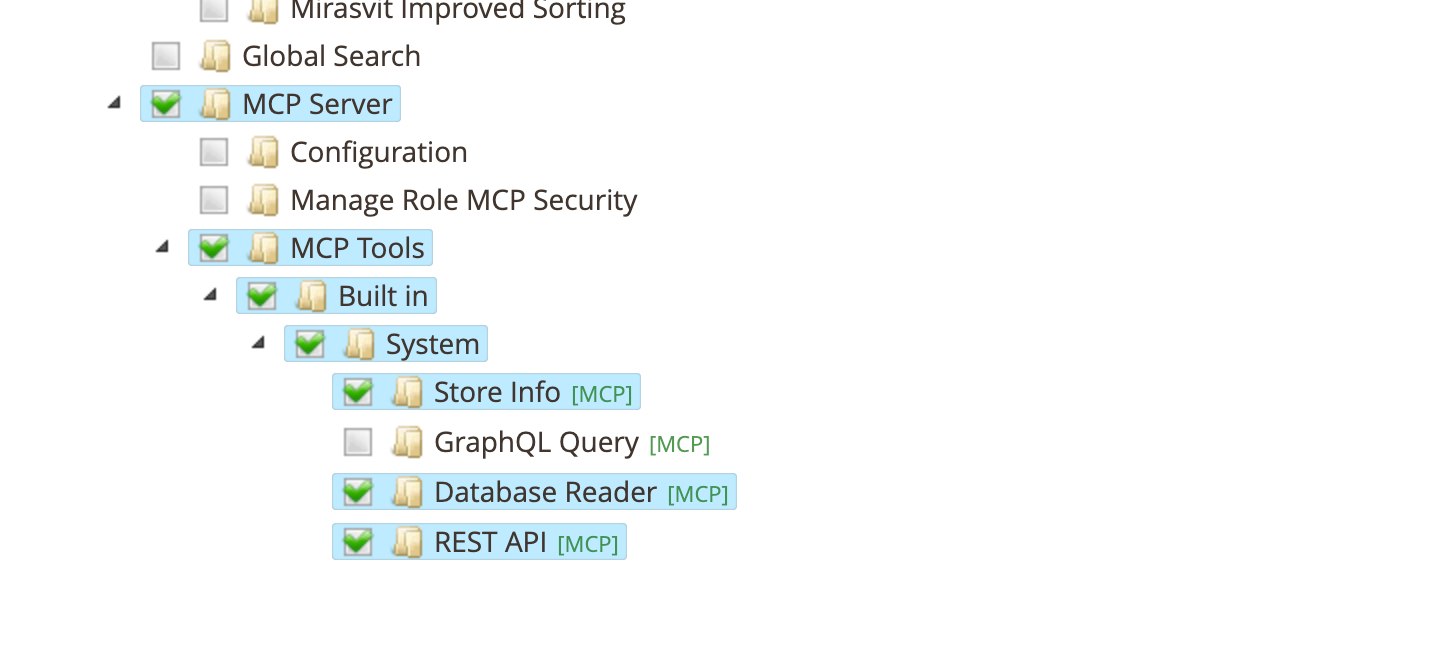
The extension uses Magento's standard ACL (access control list) to manage permissions. On the Role Resources tab, it adds badges next to resource items in the permissions tree to help administrators understand what each permission controls:
-
[MCP] (green) — the resource controls access to an MCP tool. Hover over the badge to see the tool's usage description. MCP tools are listed under the MCP Tools section of the resource tree. The tree is built dynamically from all registered tools, grouped by vendor and module.
-
[API] (gray) — the resource controls access to one or more REST API services. Hover over the badge to see the list of service names (e.g.,
catalogProductRepositoryV1). If more than 10 services are associated, the tooltip shows the first 10 and a count of the rest.
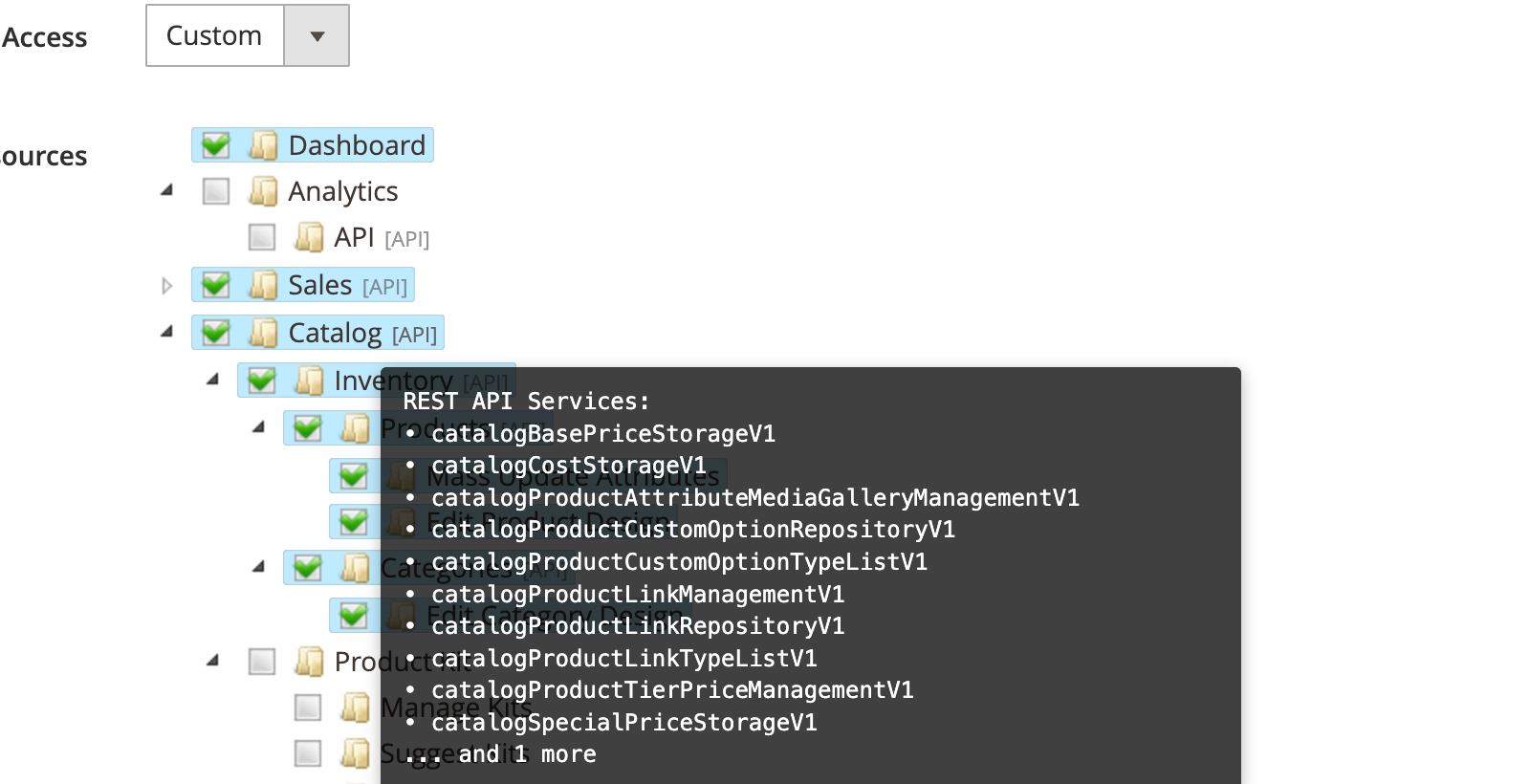
The [API] badges are especially important for the REST API tool: the AI client can only call REST endpoints that the authorizing admin user's role has access to. For example, to allow an AI client to manage products via the REST API tool, the role must have both the MCP REST API tool permission (MCP Tools -> Built in -> System -> REST API) and the relevant Magento resource (e.g., Catalog -> Inventory -> Products). See REST API — Endpoint access control for details.
MCP Info tab
The MCP Info tab allows configuring the role's write access, its restrictions for the Database Reader tool and its rules for AI agents, and displays the role's MCP tool permissions.
This tab is only shown when editing an existing role (not when creating a new one).
Write Access
This section is shown for every role. It sets whether AI clients connected as users with this role may change store data through the built-in tools.
- Write access:
- Use Global Settings (default): follows the Write access setting in MCP Tools Settings.
- Read-write: writes are allowed for this role even when the global setting is read-only. Each tool's own permissions and settings still apply.
- Read-only: every write through the built-in tools is refused for this role, even when the global setting is read-write.
Database Reader Security
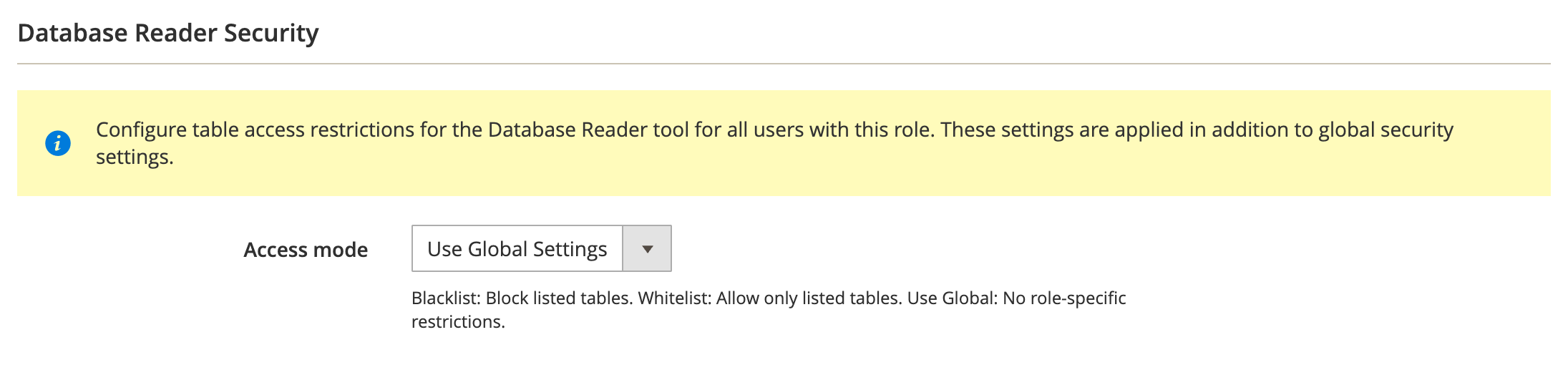
This section is displayed only if the role has ACL permission for the Database Reader tool. It configures which database tables the tool can access for users with this role.
-
Access mode: how the table patterns list is interpreted.
- Use Global Settings (default): no role-specific restrictions. The global settings from MCP Tools Settings apply.
- Blacklist: tables matching the patterns are blocked for this role.
- Whitelist: only tables matching the patterns are accessible for this role.
-
Table patterns: one pattern per line. Use
*as a wildcard (e.g.,sales_*,customer_entity).
Role patterns are applied in addition to global settings — they can only add restrictions, not remove them. For details on how global and role patterns combine, see Configure role permissions.
MCP Tools
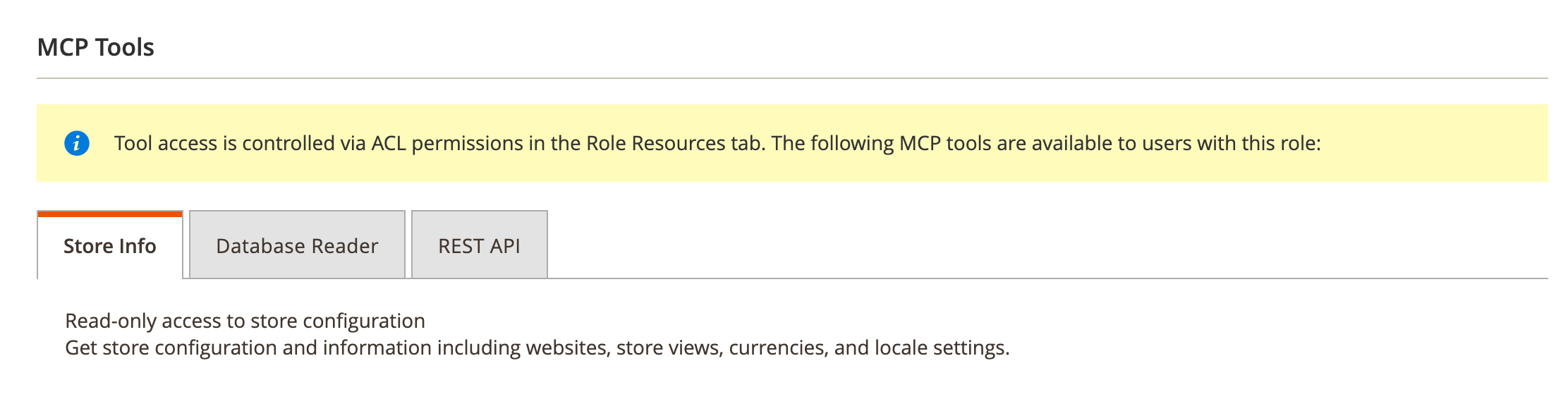
This section displays the full MCP tools permissions tree, showing which tools are available to the role. It mirrors the ACL configuration from Role Resources and serves as a quick reference.
Each tool entry shows its name, description, and permission details.
Rules for AI Agents
- Rules for this role: rules sent to the AI agents of users with this role when they connect. Empty by default.
The text is added after the store-wide rules from Settings, never in their place, so a role can add rules but cannot drop a store-wide one. Use it for rules that apply to one kind of agent only, for example "You may edit only product descriptions and meta fields."
Like the store-wide rules, the text is advice to the AI model, not a permission. To limit what the role can do, use its Role Resources and Write access.