Magento 2 Facebook Product Feed

View Demo

Your site is not the only place to advertise and sell your products. Facebook offers humongous marketing opportunities. Taking advantage of them is a smart choice for any business.

Magento 2 Facebook Feed lets you easily generate product feeds for Facebook Dynamic Ads or Facebook Store.

  • Generate product feeds for Facebook Dynamic Ads or Facebook Store
  • Export as many feeds and products as you need
  • Use templates, duplicate for similar channels, or build from scratch
  • Validate feeds against your custom rules before export
  • Filter variables with conditions
  • Schedule feed generation and delivery

ℹ️ Important: This sub-module is included in the Advanced Product Feeds extension.

Buying this item gives you access to all feeds including Facebook, Instagram, Google Shopping, and others in one powerful package.
Magento Cloud
Compatible with:
Community:
2.3.* - 2.4.9
Enterprise:
2.3.* - 2.4.9


Business Value

  • Opportunity: Facebook has over 3,59 billion active users worldwide with 33 minutes of average time a user spends on this social media platform. It is a perfect Find a new audiAds on Facebook have one of the most advanced targeting options on the market, too. You can take advantage of both Facebook’s traffic and its tools by either marketing your products with its Dynamic Ads or creating your own Facebook Store.
  • Problem: You have to regularly export your products to Facebook in order to advertise and sell products there. This means that you have to generate a product feed and automate it.
  • Solution: Magento 2 Facebook Feed is a comprehensive solution for product feed generation and automation. It lets you generate product feeds for either Facebook Dynamic Ads or Facebook Store, customize them, automate their generation and delivery, use analytics to track their performance, and so much more.

How it Works

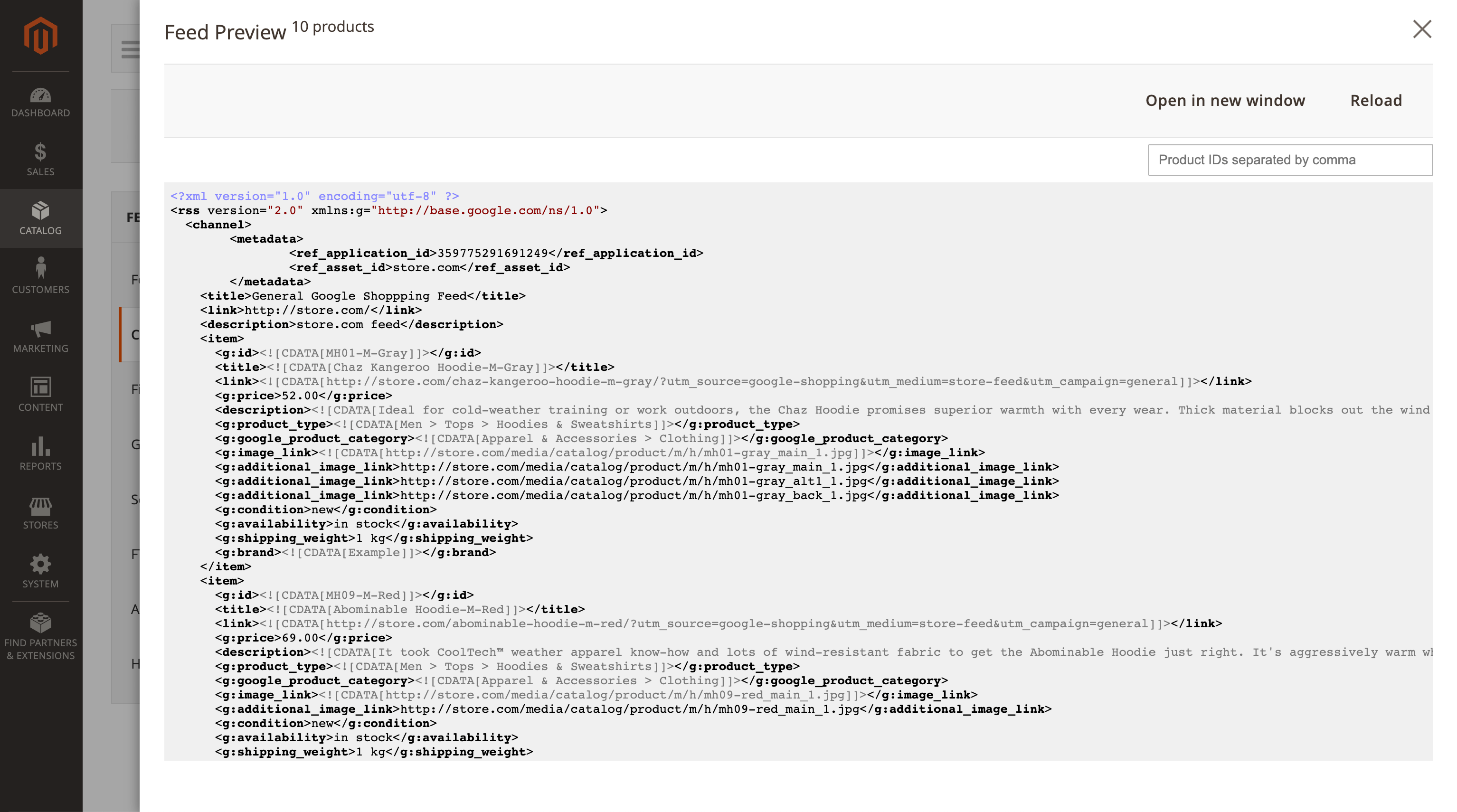
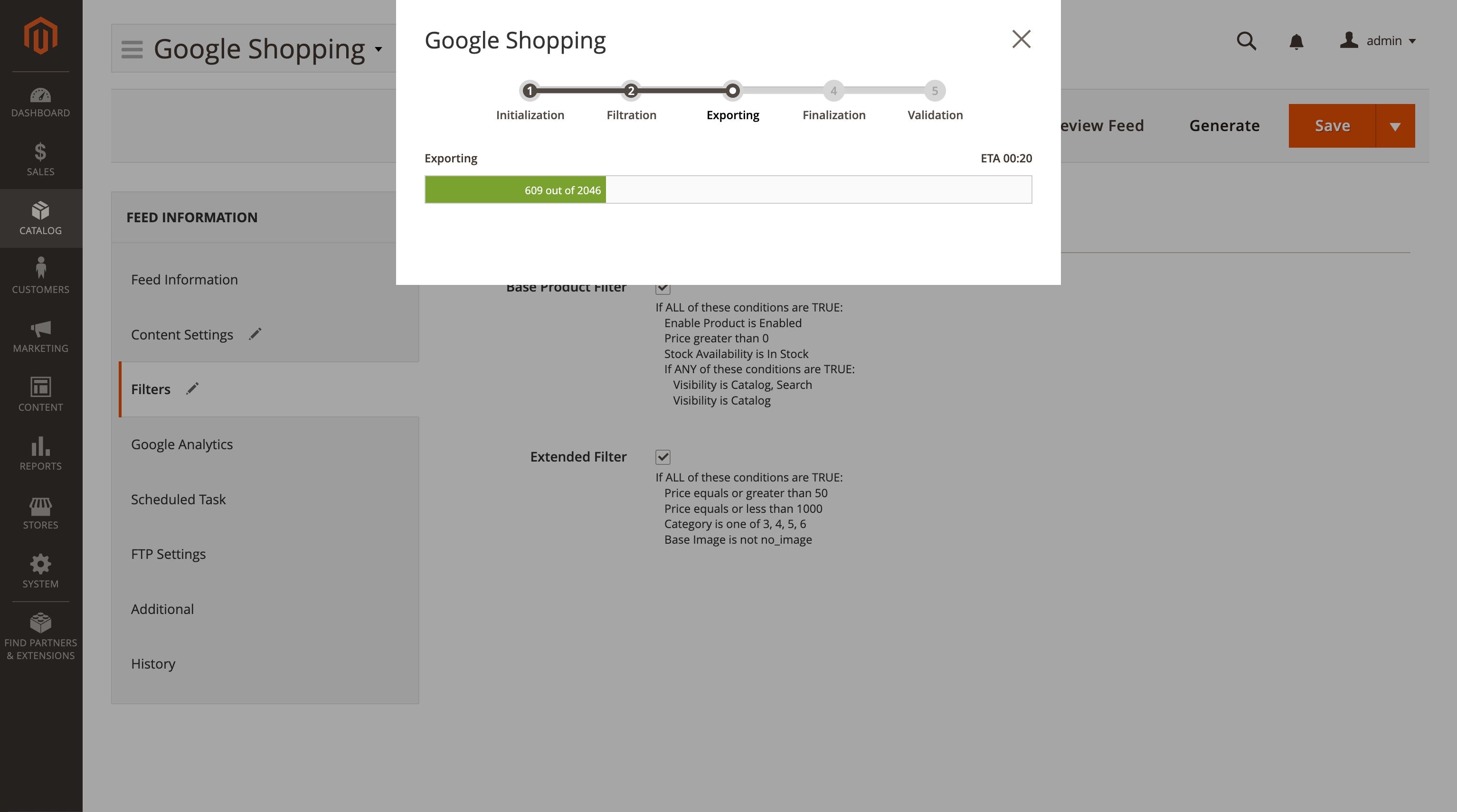
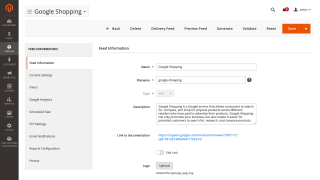
This feature lets you generate a product feed for Facebook Dynamic Ads or Facebook Store. Get a Facebook Shop integration Magento 2 feed which you can then import to the social network. We have templates that work out-of-the-box, but you can extensively customize them or even create your own ones. Feed generation and delivery can be automated, and there is also an extensive analytics suite.

Main Advantages

Export as Many Feeds and Products as You Need

Concentrate on your business, not your quota. You can update with as many products as you need to as often as you need to.

Facebook’s unlimited product import feature ensures that businesses, whether they are recently launched startups or established endeavors, can keep their product catalogs in sync with market dynamics. The result of using the Facebook product feed Magento 2 is a digital storefront that can promptly respond to changing consumer preferences, emerging trends, or seasonal shifts.

Use Ready Templates or Create Your Own Feeds

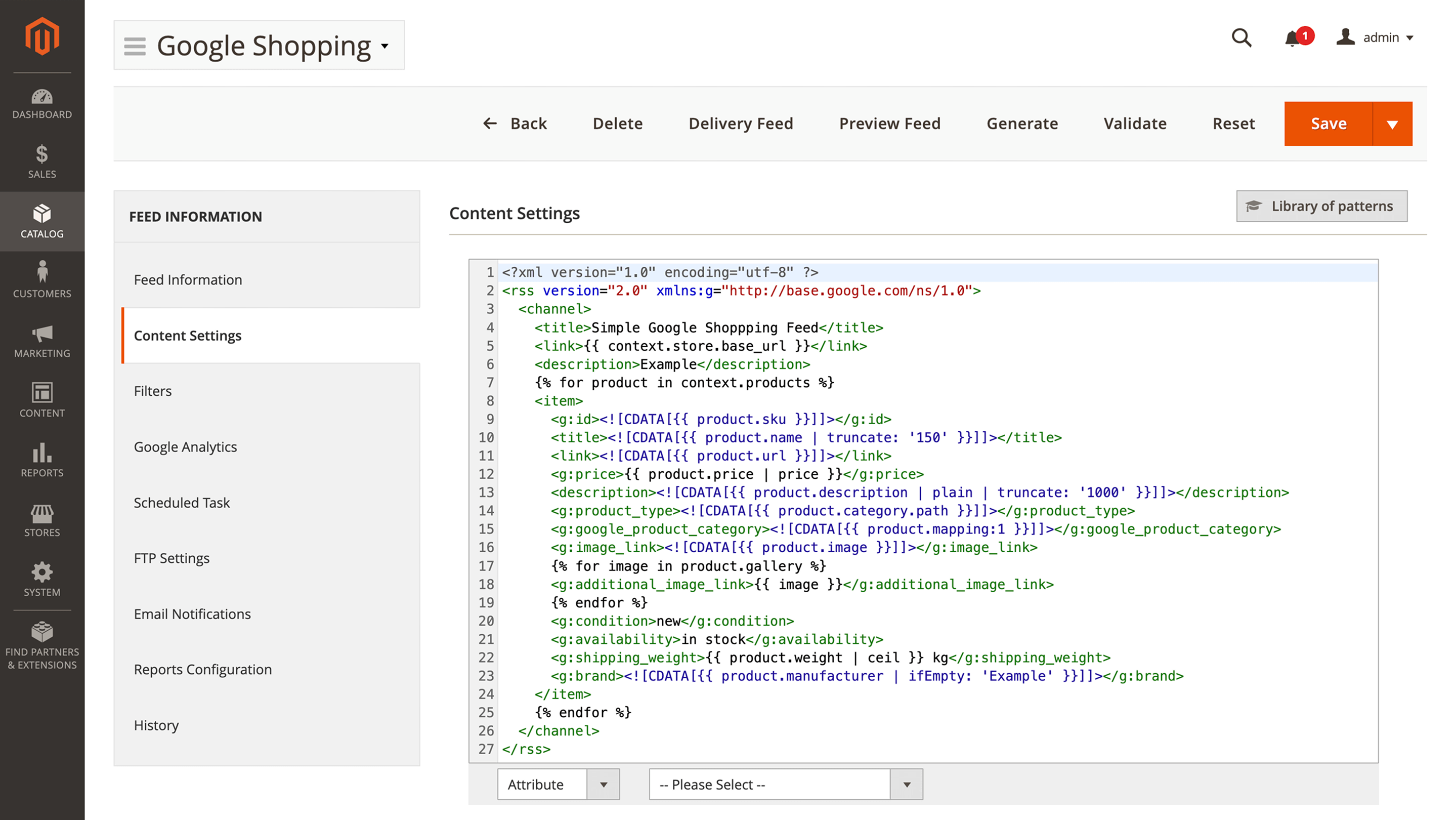
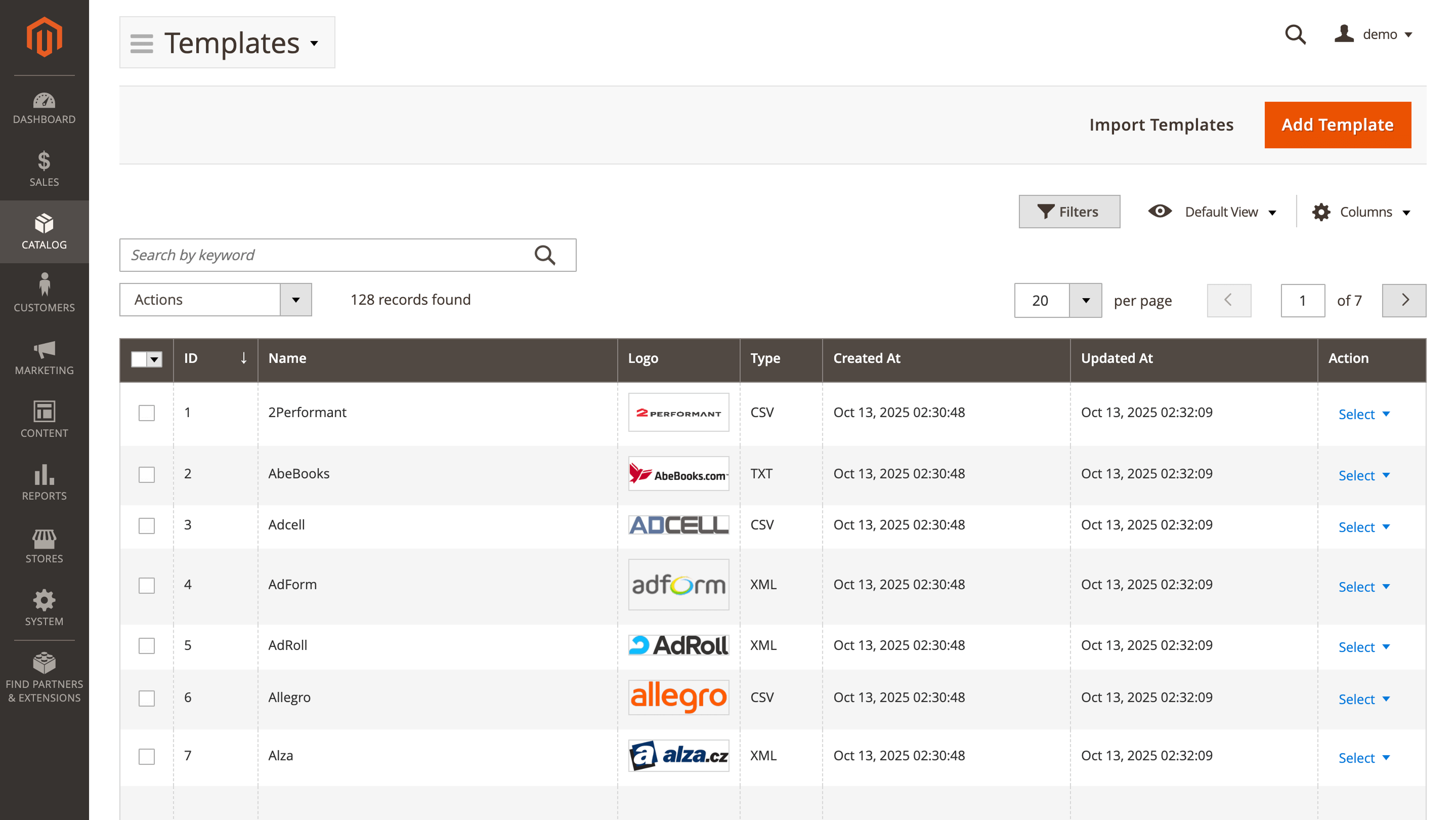
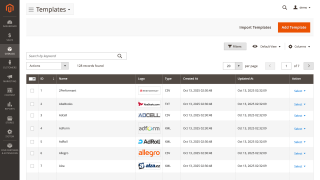
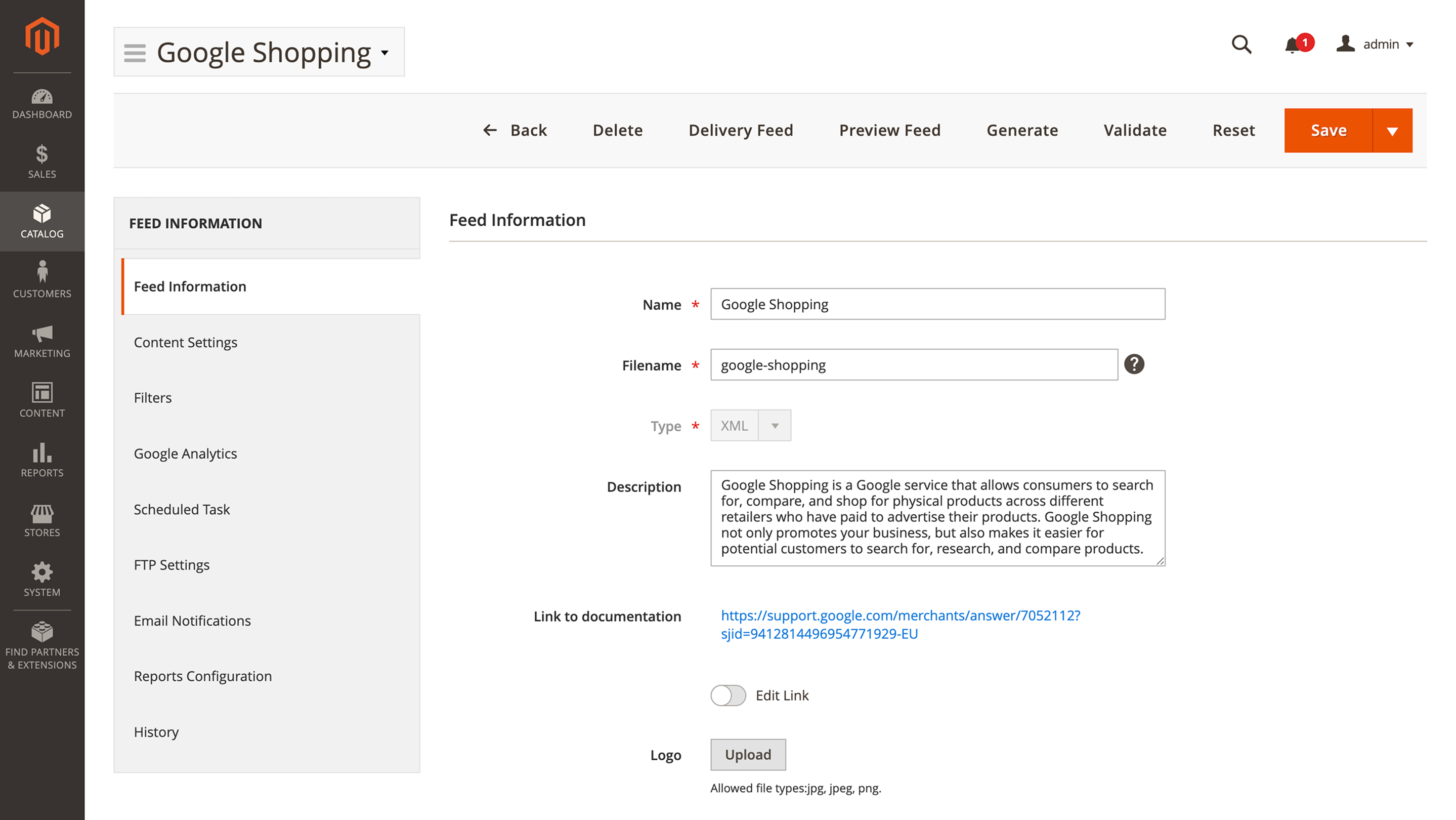
This feature includes ready-to-go Facebook Dynamic Ads and Facebook Store feed templates. Just set up the extension, choose the corresponding marketplace, shopping engine or advertisement network, and generate the feed to start marketing.

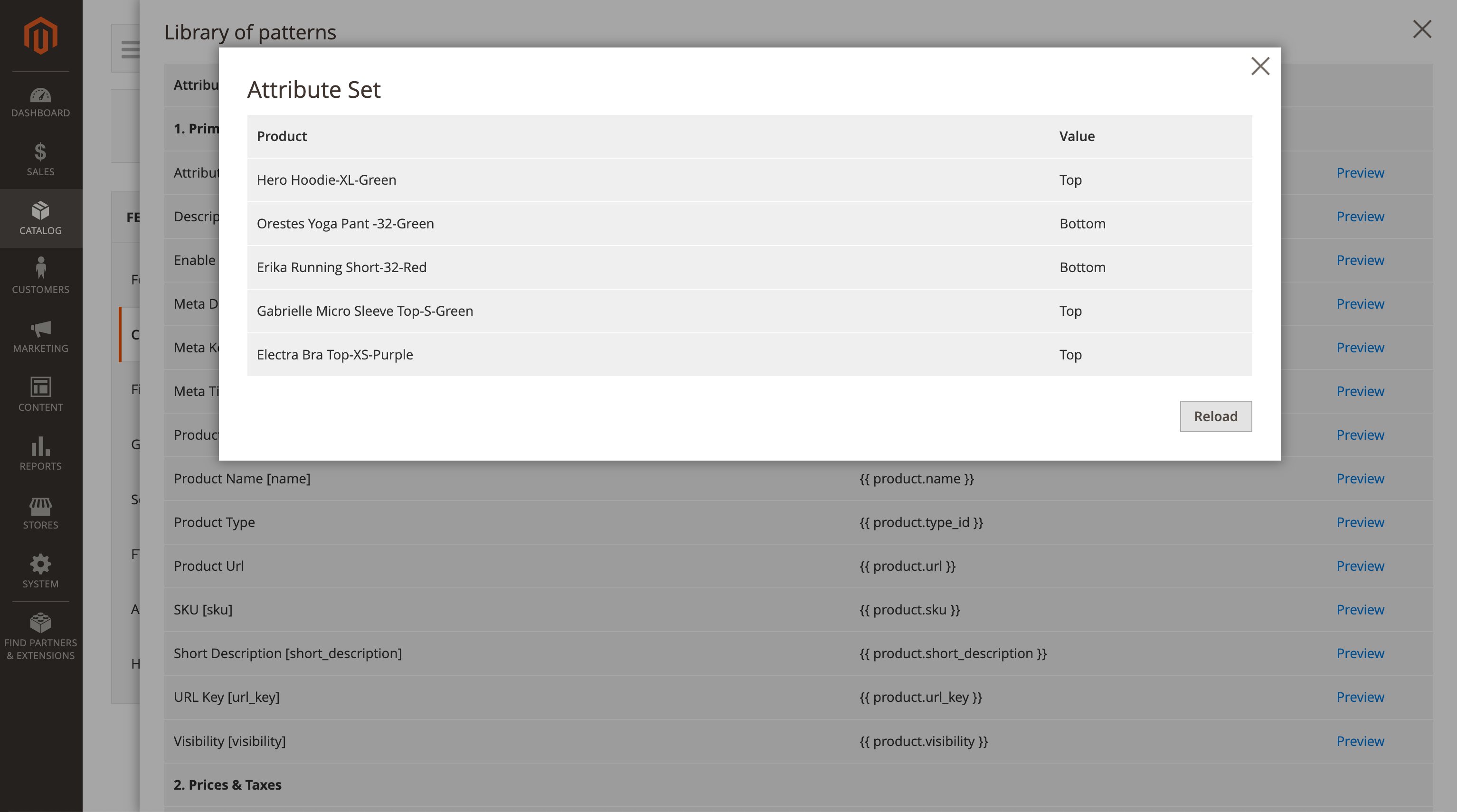
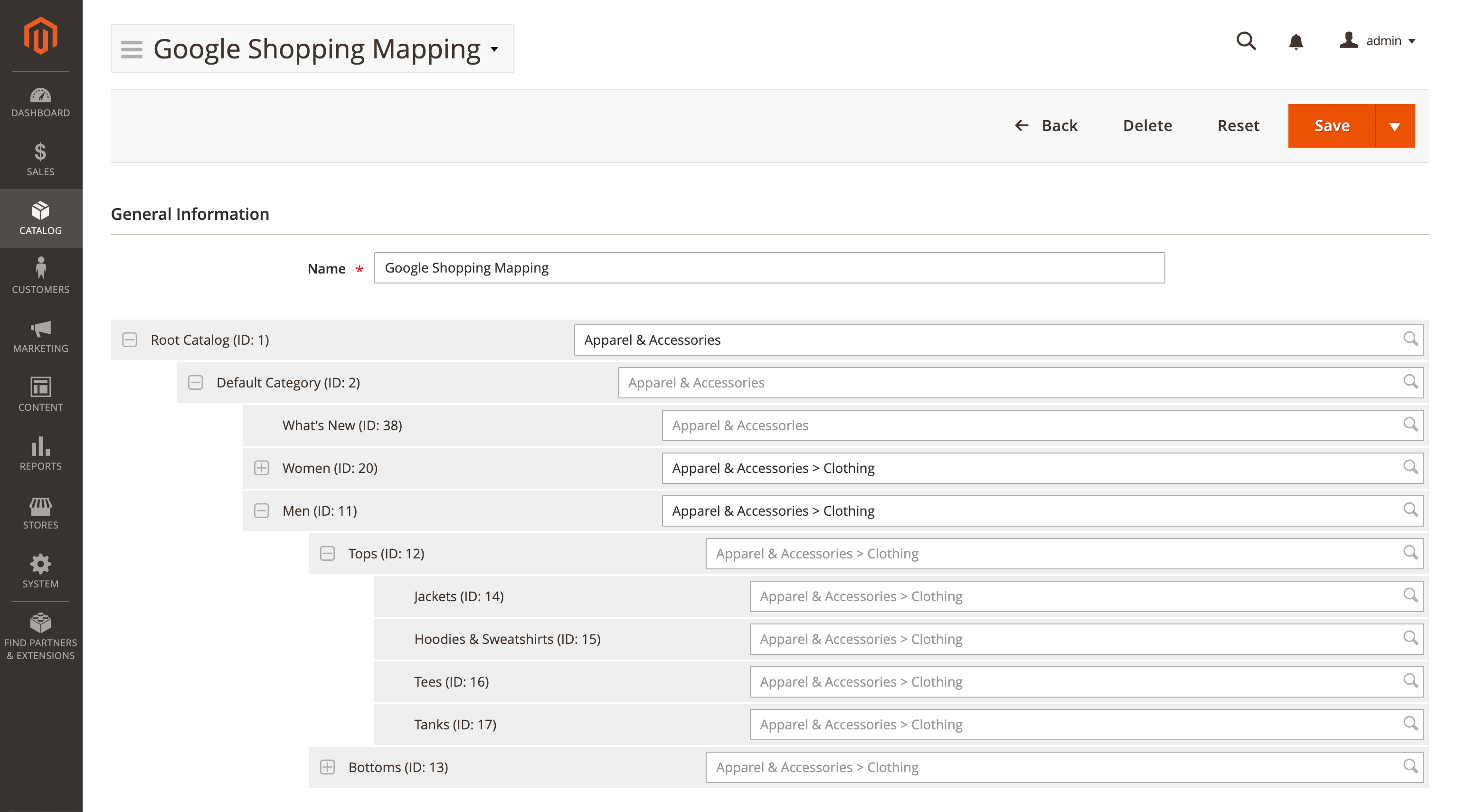
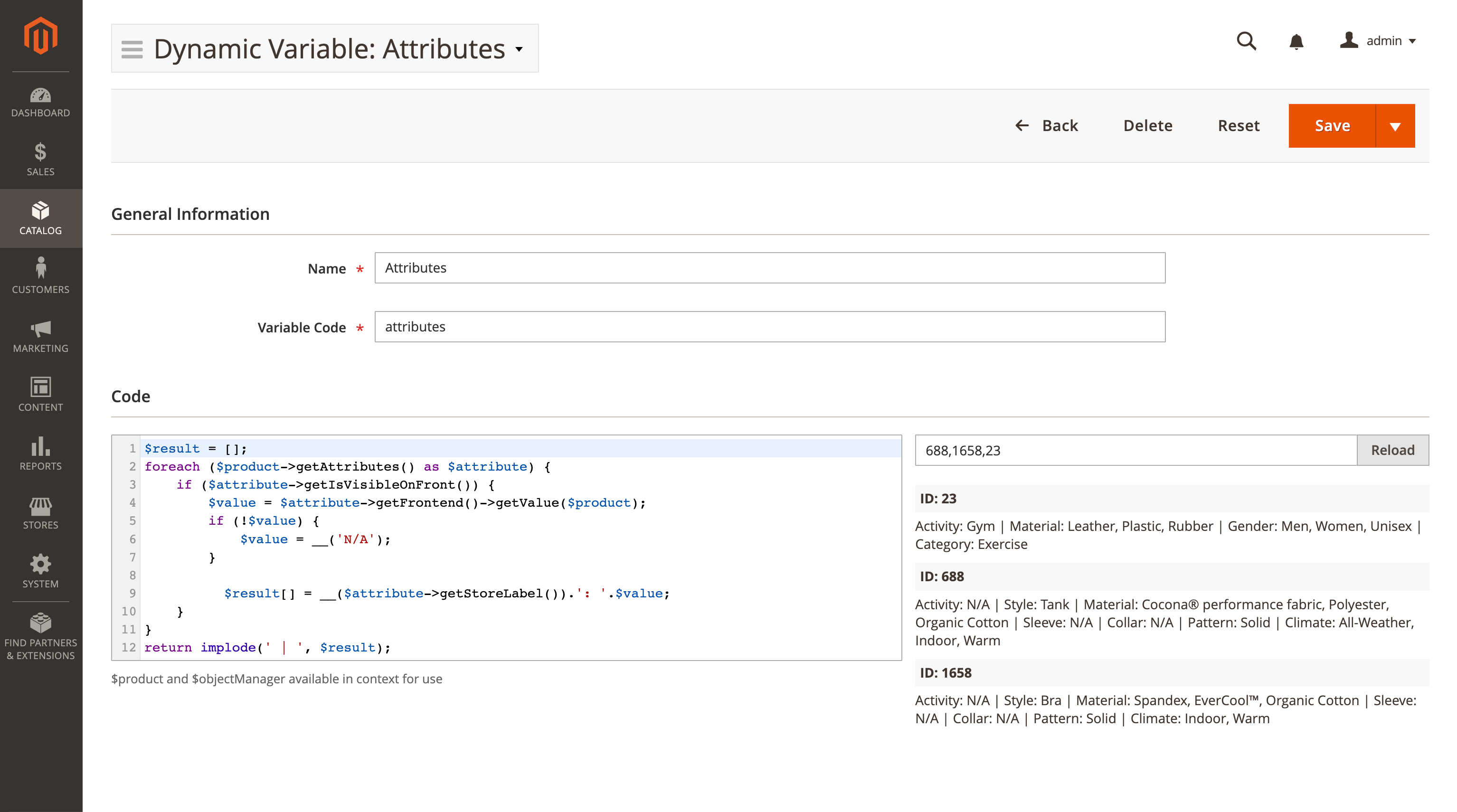
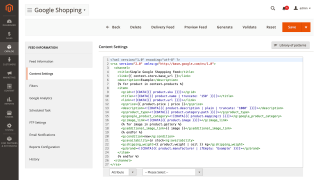
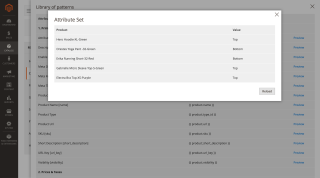
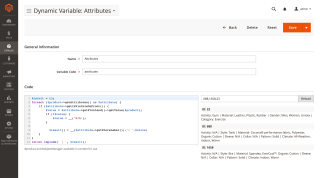
If you need more control over the feed, you can further customize it with our advanced set of patterns and variables. For example, instead of displaying the regular price, it may be required to display the Final Price with Tax or a Special Price. You can duplicate a template to reuse its configuration for similar channels.

Our Magento 2 Facebook shop extension offers full freedom when configuring the product feed. Create an individual template tailored to any sales channel, or generate a custom feed without a template when your channel requires a unique structure.

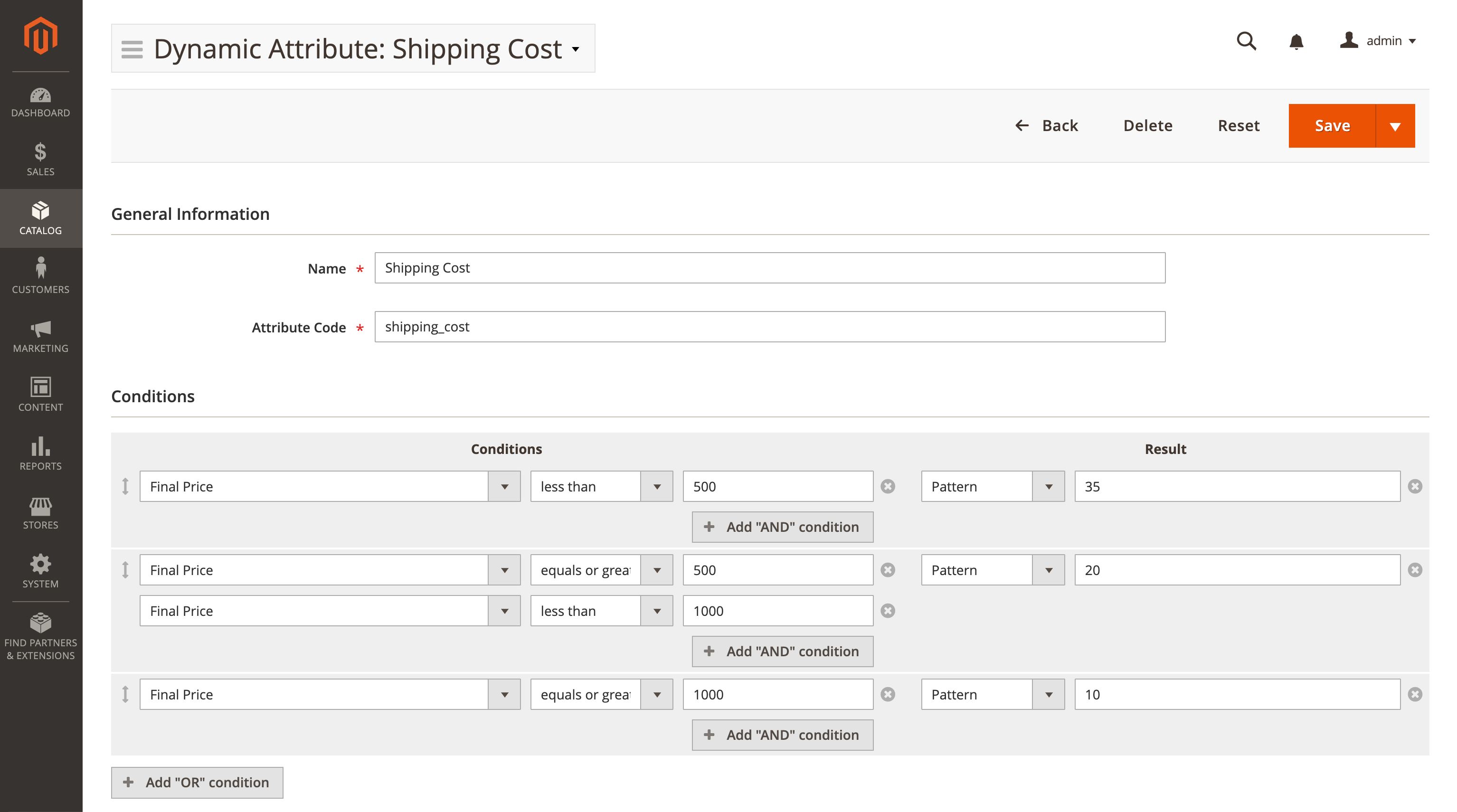
Filter Variables with Conditions

Consider a scenario where an online store offers a vast array of products. Each its product category has specific attributes, and tailoring the shopping experience for customers becomes imperative.

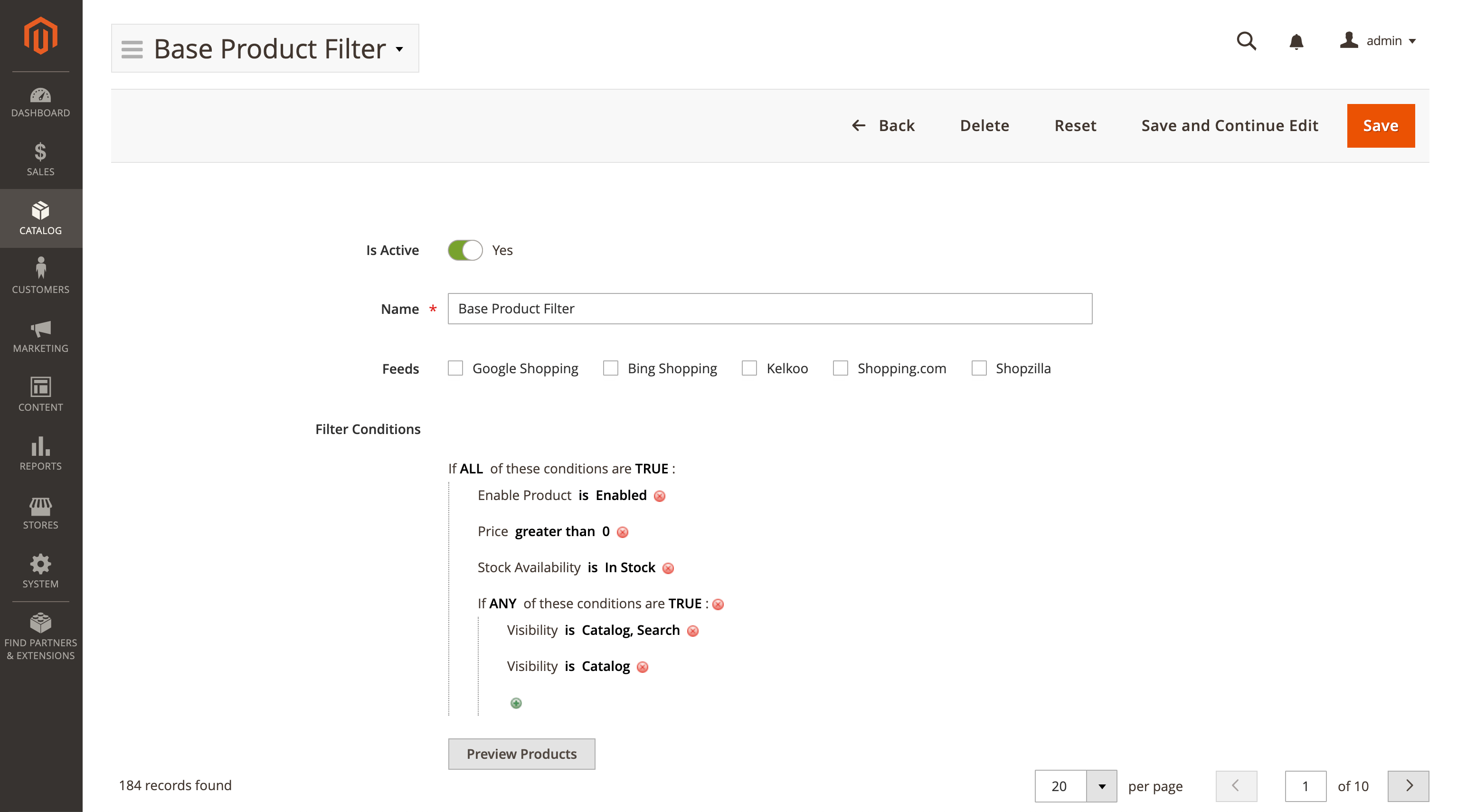
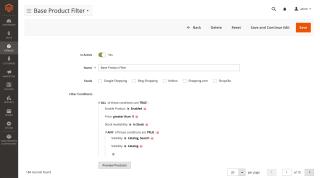
Our Magento 2 Facebook shop integration extension offers robust filtering options. Businesses can effortlessly filter out specific products based on a multitude of conditions.

Whether it's about showcasing a dedicated product set to a specific demographic during a particular season, or a response to market trends - this feature enables businesses to curate their offerings with surgical precision.

Validate Feeds Before Export

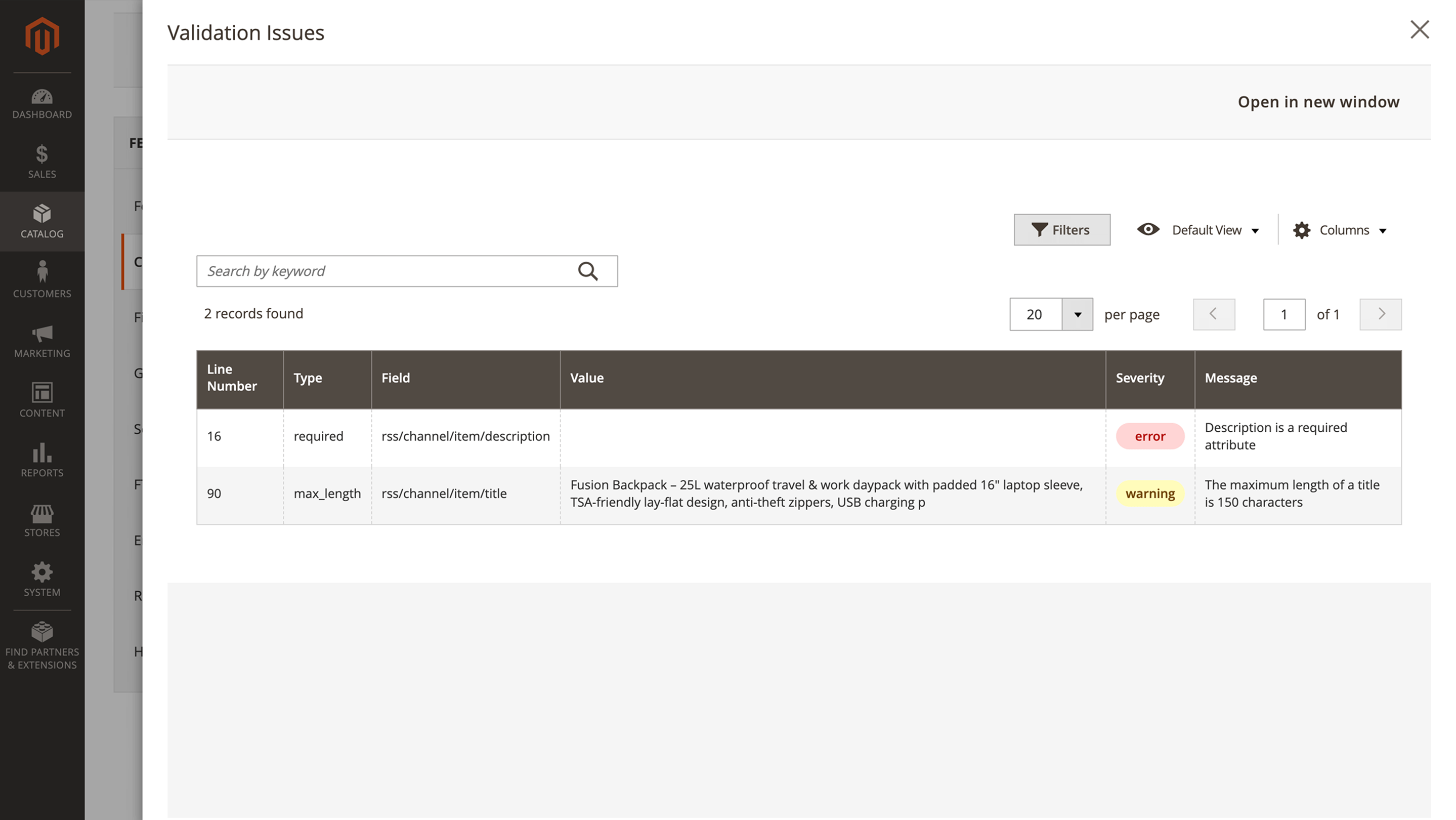
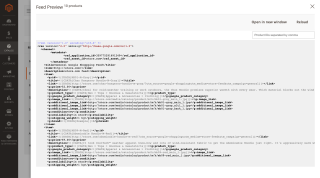
Make sure your file meets Facebook’s requirements before you upload it. The validator works with any feed and helps you catch issues early, so your catalog passes review faster.

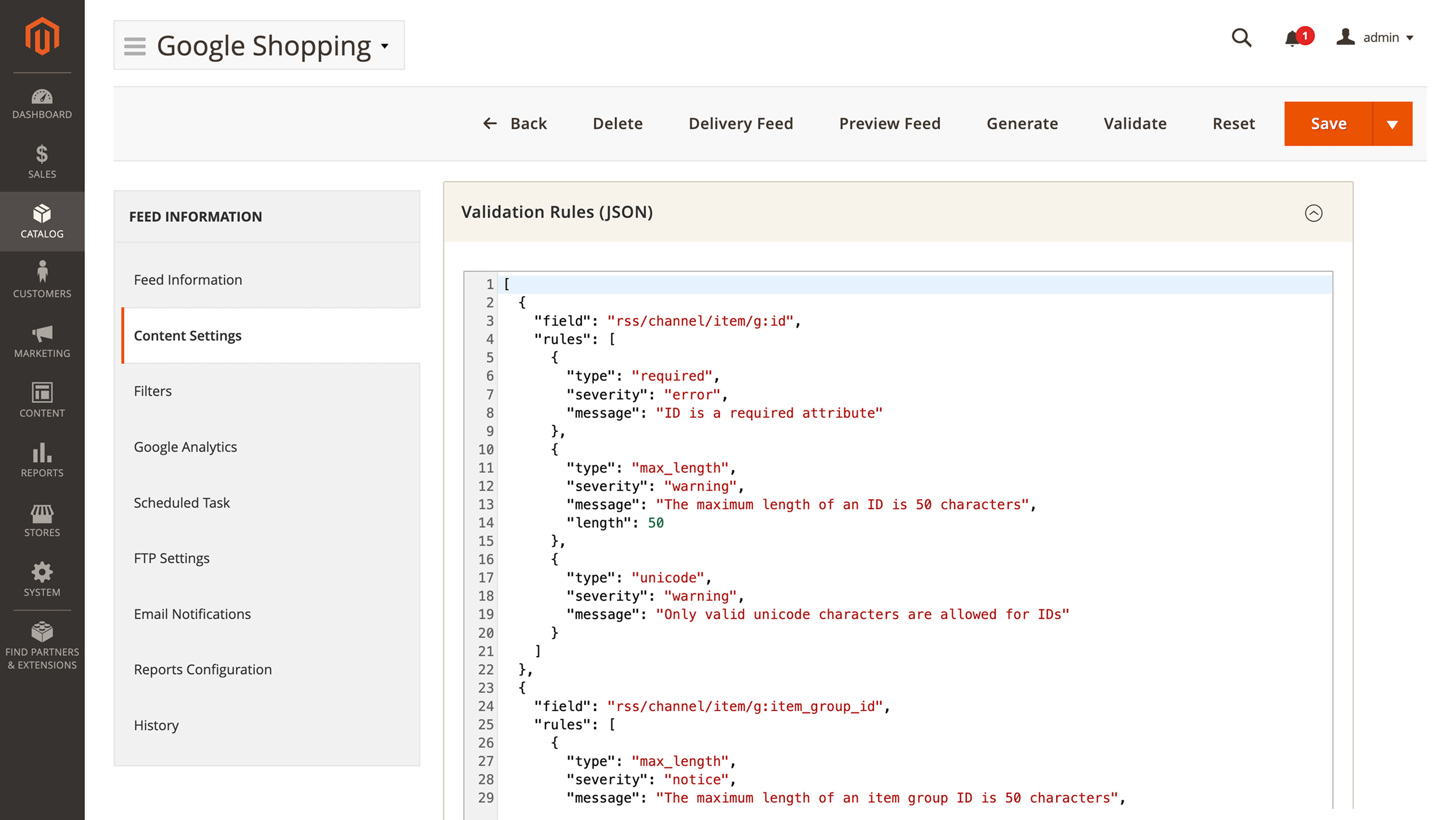
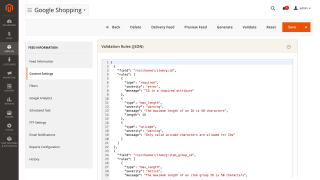
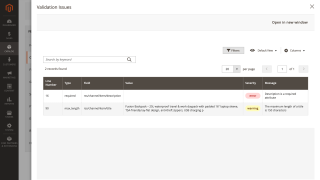
Set up checks in Content Settings > Validation Rule, generate the feed, and run validation. If a rule is present, the check can run automatically, and you can also start it manually at any time. The result is a clear report with line numbers and plain-language messages.

The validator looks for common problems such as title length, missing required fields, character encoding, price and currency formats, and dimensions, along with any custom constraints you include in the rule. Open the product or attribute, correct the data, regenerate the feed, and validate again to publish accurate information on the first try.

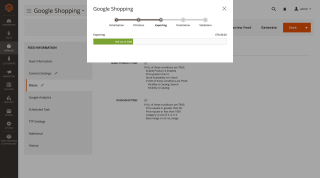
Program Feed Generation and Delivery

Do you update your products regularly? Manually updating product feeds can be a time-consuming task, prone to errors and inconsistencies.

Our Magento Facebook plugin simplifies the task by offering a feed generation schedule based on Cron system utility.

Furthermore, our module continues feed automation with an automated feed delivery support. Easily configure to deliver the product feed to Facebook via FTP or SFTP, ensuring the secure and efficient transmission of product catalog data.

Magento product feed Facebook reports

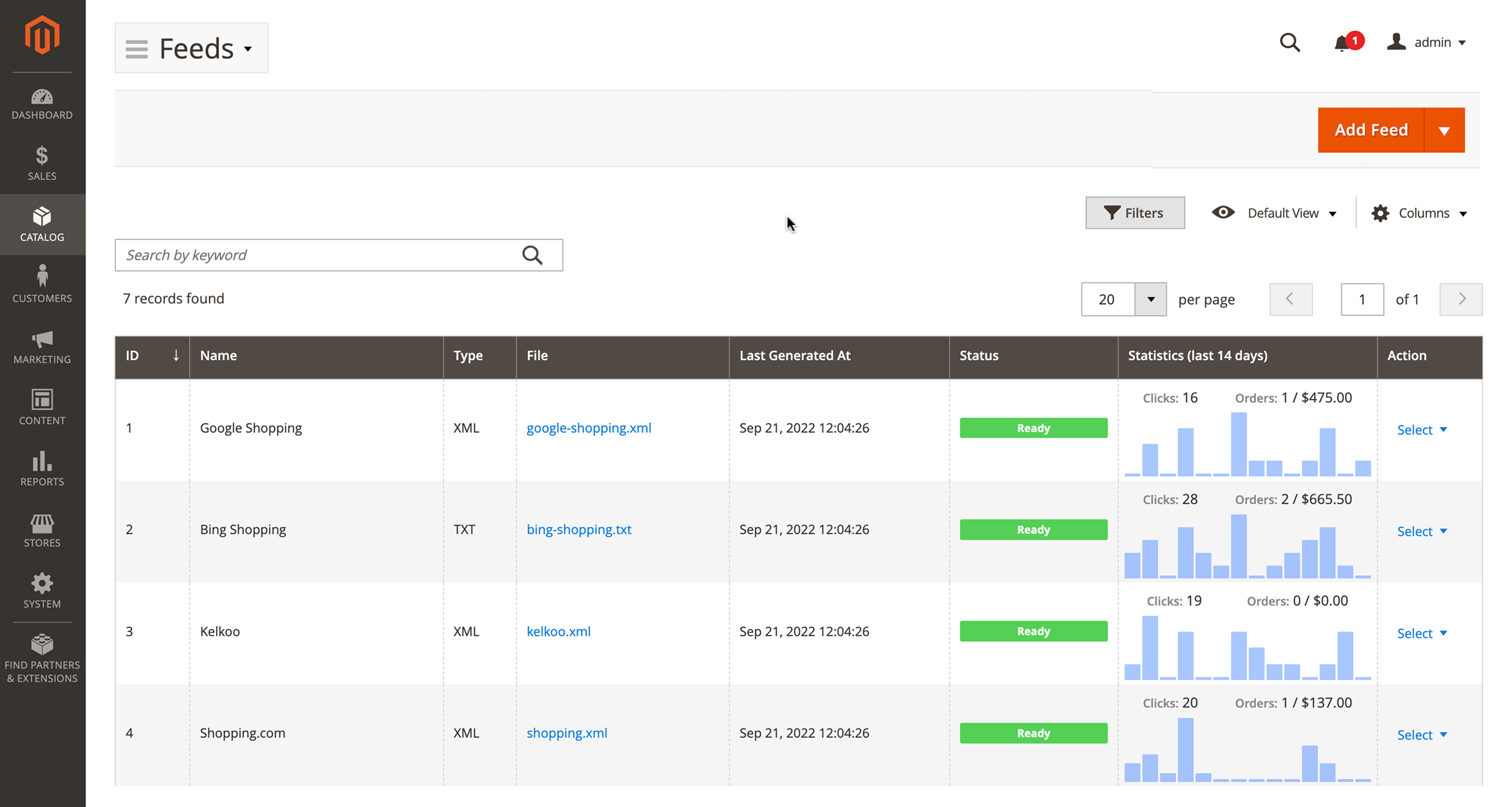
Get additional view on the Facebook feed Magento 2 success. By tracking the number of clicks and orders made after customers are redirected from the marketplace, businesses gain insights into the effectiveness of the product feed.

Our extension provides comprehensive reports that break down data by Feed, SKU, Day, Week, Month, and Year.

No hidden fees
Lifetime access to source code
Access to free support and updates for 1 year
Updates and support prolongation - $108

Pay today $179 for the first year.

Then $108 for updates and support services per year.

Cancel anytime.

30 days money back guarantee
See it in action!
Pick a quick tutorial to learn about various aspects of this extension
Customer Reviews 0
Earn points for your review about this extension modules. $1 = 10 points
Write Your Own Review

check-circle You submitted your review for moderation.

Manual & Support
Need more help?

Save time by starting your support request online and we'll connect you to an expert.

Frequently asked questions
chevron-down chevron-right

Why do I need a Magento Facebook shop integration?

Facebook allows businesses to dynamically showcase their products or services to a highly targeted audience, enhancing visibility and driving sales.

The Magento Facebook product feed essentially acts as a bridge between an online store's inventory and Facebook's advertising platform. By implementing Magento 2 Facebook store integration using this feed, businesses can seamlessly display their products on Facebook, reaching potential customers with tailored advertisements.

chevron-down chevron-right

Does the Magento 2 Facebook feed require manual update?

What makes our Magento 2 Facebook product feed extension exceptionally powerful is its ability to automatically update the feed. This means that any changes made to the inventory, such as new products or updated prices, are reflected in the ads, ensuring that customers always see the latest offerings.

chevron-down chevron-right

Does the Magento Facebook extension provides a product feed efficacy report?

Our Magento Facebook store integration tool offers tracking capabilities for the Magento Facebook feed via special arguments, which are appended to the product URLs.

The feed efficacy report includes such columns as Number of Clicks, indicating how many times customers redirected from the marketplace to your site.

Number of Orders quantifies the conversions that occurred after customers were redirected. Knowing this figure not only gauges the effectiveness of your marketing but also helps in inventory planning.

Revenue signifies the total earnings from the orders placed after marketplace redirection. Understanding your revenue trends can aid in strategic decision-making.

Revenue per Click is a metric that calculates the average revenue amassed for each individual click. This metric is a testament to the quality of your incoming traffic. A high revenue per click indicates that the visitors are not just browsing but making substantial purchases. This insight is invaluable as it enables you to focus your marketing efforts on channels that bring in high-value customers.

chevron-down chevron-right

Can this Magento 2 Facebook business extension generate a feed for a different service?

You absolutely can! In addition to Magento Facebook integration, our module offers **more than 50** templates for popular shopping services, including Amazon, Google Shopping, and eBay.

Changelog
Version 1.15.2Aug 12, 2026
JSONL — a new feed format for data pipelines — pick JSONL as the feed type and every product is exported as one JSON object per line, instead of a CSV row or an XML node. You build it in the same column editor you already use for CSV: each column's header becomes the key, and its value comes from an attribute or a pattern exactly as before. Values are escaped as valid JSON, so a quote or a line break in a description can no longer break the line. A column set to All Attributes emits every attribute the product has, keyed by the attribute's store label. This is the format most warehouses and ingestion tools (BigQuery, Snowflake, marketplace bulk APIs) expect, and unlike a single large JSON file it can be read line by line, so a partner never has to load the whole catalog into memory to process it.
Compress the generated file (gzip) — a Compress output (gzip) switch on the feed's General tab, available for CSV, TXT and JSONL feeds. The finished file is packed and published as, for example, products.csv.gz, which for a typical catalog is several times smaller — faster to upload, cheaper to transfer, and accepted directly by most channels and data pipelines. Compression is streamed, so turning it on does not increase the memory a large export needs. Quality-control validation still checks the real published file: the archive is unpacked before the rules run, including on stores that keep media on remote storage such as AWS S3. An export that produced no products yields a valid empty archive rather than an unreadable zero-byte file. Note: enabling this changes the feed's filename and therefore its URL — update anything that fetches the previous address.
⚠️ The feeds table gains an is_compressed column, added automatically by setup:upgrade.
Version 1.15.1Aug 11, 2026
Real numbers, booleans and nulls in the JSON output of an XML feed — until now every value in the generated .json arrived as a string, a field with one nested element became a single object where two made a list, and an empty value simply disappeared. A partner asking for a price as a number or a stock flag as true/false could not be served by any template. You now say what a value is where you write it, the same way an XML schema does: mark the element xsi:type="xs:decimal", xs:integer or xs:boolean and it is converted, mark it xsi:nil="true" and it comes out as null, mark it xsi:type="array" and it is always a list even when the product has only one of them. Nothing is guessed from the value itself, so an SKU of 0012333 keeps its leading zeros and a text attribute reading "true" stays text. A value that does not match the type you declared is left as a string rather than turned into 0 or false, so a typo in a template cannot silently corrupt a feed. Feeds that declare nothing produce exactly the same JSON as before.
JSON tab in the feed preview — with Generate JSON enabled, the preview now shows the JSON alongside the XML, so the output can be checked while the template is being written instead of after a full export. If the JSON cannot be produced, the preview shows why, on the same screen where the template is fixed.
A template whose output is a series of top-level elements rather than one enclosing element is now converted to JSON as well — previously the .json for such a feed could not be produced at all.
Templates that use prefixed tags such as <g:id> without declaring the prefix on the root — which is what shopping channels expect — no longer produce parser warnings during export.
When the generated XML was broken (a truncated file, unbalanced tags, an empty result), the export finished quietly and left the previous, now stale .json published next to the new .xml. The export now stops with a message naming the tag and the line in your template output that caused it.
A value declared as a decimal ships in its shortest form — a price formatted as 9999.00 becomes 9999 — while a genuine fraction such as 34.50 keeps it, and a number too large for the platform's integer range stays text instead of being replaced by a wrong one.
⚠️ Upgrading from an older version could stop with a fatal error when a stored feed validation schema was not parseable on its own; such records are now skipped and the upgrade completes.
Version 1.15.0Jul 31, 2026
AI-assisted feed optimization — Your catalog was written for your product pages; shopping channels want something else. That gap is why Merchant Center disapproves items, why variants collapse into one listing, and why products miss the searches they should win. Point an AI profile at a field and the extension fills what is missing:
Two new console commands, for stores that automate their feed pipeline:
show the group count on a preview
delete a stored value from the results grid
generate a batch on demand from the AI results grid
working preview, coverage in the grid, and no one-option questions
shipped AI profiles follow Google's title guidance and see the whole product
results grid, approve gate, real preview, spend surface, Validator hand-off (pm[#844]())
category-mapping executor with cross-run phrase cache (pm[#841]())
batched text-rewrite and attribute-enrichment executors (pm[#840]())
AI optimization run model — orchestrator, drip cron, CLI catch-up (pm[#839]())
AI export seam — generation reads stored optimized values (pm[#842]())
merge PROP-0218 branch (pm[#838]() engine) into S7
merge S7 AI profile library admin (pm[#843]())
AI profile library admin (pm[#843]() / PROP-0218 S7)
merge AI engine foundation slice (pm[#838]()) into PROP-0218 branch
AI engine foundation services for feed optimization (pm[#838]())
AI feed optimization data model (S1)
AWS S3 / remote media storage support — Feeds now generate, validate, and display correctly on stores that keep media on a remote backend such as AWS S3. Previously the feed logo was reported as missing, feed generation could fail outright, the public feed URL pointed at a private bucket path that browsers couldn't open, and quality-control validation of the generated file failed. Now logos are detected on the remote, the feed is built locally and only the finished file is stored remotely, the feed URL is a proper browsable media URL, and validation reads the file through the storage backend so it works even on private buckets.
The Advanced Product Feeds admin menu no longer lists every feed you have created. On a store with a few dozen feeds the menu grew long enough to push the section links off the screen; the Feeds grid reaches any one of them in a click, with the search and filters the menu cannot offer.
Button labels across the extension's admin screens now read in Title Case, and every button that creates something is phrased the same way — Add New Feed, Add New Template, Add New Filter, Add New Profile, Add New Attribute, Add New Category Mapping, Add New Variable. Previously these six differed from one another, and labels such as Clear values or Test connection were cased differently again. Field and column labels are unchanged.
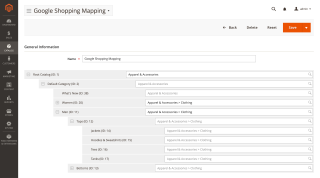
Nine categories in the shipped Google product taxonomy had corrupted characters (for example Piñatas instead of Piñatas, Sauté Pans instead of Sauté Pans). They appeared mis-spelled in the Category Mapping autocomplete and could not be selected reliably; the taxonomy file now uses the correct encoding.
The Feed Templates grid now honours the admin role restriction that guards the page it lives on. The grid's own data and export routes were not covered by that check, so an admin role without access to the feed section could still read or export the list by calling them directly.
The Delete button was missing from the Filters form, so a filter could only be deleted from the grid. Its Save button also offered no Save & Close, unlike every other form in the extension — the form now carries the same split Save, both while creating a filter and while editing one.
give the AI profile and filter forms the Save split button they declared
satisfy phpstan, and assert what the two AI acceptance tests can actually observe
say that assigning a profile to a feed rewrites the feed's own attributes
say which ai: tokens a feed can use, and stop hiding half of them
drive Save through the form adapter, which is what actually binds
a plain Save click works again, and a state is just its badge
preview lists every attribute asked about, answered or not
preview's Original column covers every attribute the profile fills
declare skipped in the run-totals return shape
set the prompt placeholder through config, not a settings element
recognise Enter by key as well as keyCode
give a typed attribute name the option fields the list renders
one label per attribute field, and pick a text rewrite's target too
say when a profile is generating for a feed that never reads it
eight defects the QA pass found in AI optimization
bring the unit suite back to green
stop offering category mapping the pacing it ignores
preview costs what the launch it previews would cost
preview an enrichment profile before saving it
an ETA that counts the work a launch does for free
make the coverage bar's two numbers add up
the Tokens column no longer multiplies enrichment spend by its outputs
the Original column shows the attribute the row is about
stop recording "the product does not say" as a failure
an enrichment column no longer emits a different attribute
do not treat the filters placeholder as a filter
stop the validation report's filters leaking between feeds
send a missing profile id back to the library, not to Edit
let the results-grid row menu out of the grid wrapper
sort the numbered attribute groups naturally
refuse a batch size the executor would only clamp
make the AI preview endpoint POST-only
run the assignment checks on mass enable
offer Fix with AI on an XML feed's fields
a wrong field count took feed generation down with a 500
record a fill-mode skip, or the profile never converges
stop the results-grid filters leaking between profiles
save the inline override the results grid actually posts
point the declared State filter at the filters container
give the State filter its options
show a value held for approval in the results grid
keep a results-grid mass action on the grid, and let select-all mean it
gate the AI and template grids at the dataSource, not just the page
cast the serializer result so the json filter keeps its string return
connection() must not native-type its return, or the resource tests TypeError
the AI drip was dead on a stock MySQL, and a retarget generated nothing
the split-button option ids collided with the UI form's own save selectors
make the rewrite reply-shape a constant so the scanner stops asking for __()
satisfy the phpstan and translation-scan gates
point ParamsExportCest at the labels this branch renamed
the AI templates must escape through $block — $escaper does not exist on 2.3
the smaller findings — context leak, GET-triggered bulk delete, escaping, store labels
re-optimize has to blank the stored hash, or it queues nothing
bound a launch by its wall clock, and stop bisecting failures that are not the reply's
one insertOnDuplicate per column set, so a mixed portion cannot lose values
one Save control on the profile form, and one place that resolves scope
Save and Delete on the AI profile form, and show a launch in progress
make the AI screens usable — three groups, real defaults, honest grid
sentence-case admin labels across every screen, not just the AI ones
admin labels use sentence case, per the field-label convention
make the profile chooser actually render, and stop pre-selecting Blank
split AI profile creation into choose-then-form, like a new feed
place AI Optimization in both menus, and give its screens their stylesheets
AI assignment substitution must cover method-backed attributes (pm[#842]())
one-line notices on Is active and Code, none on Apply to feeds
explain Is active, Code and Apply to feeds on the profile form
AI-assisted feed optimization. A library of named AI profiles that rewrite or enrich selected feed fields — product titles, descriptions, Google category mapping, and structured attributes such as colour, size and material — using the AI provider you already configured for Mirasvit Core. Optimization runs in the background and its results are stored, so feed generation reads ready-made values and never waits on an AI call: your exports stay exactly as fast as before. Assign a profile to your feeds and every reference to the target attribute picks up the optimized value with no change to the feed itself, or reference ai:<code> on a single column when you want one field optimized and another left alone. Profiles preview on a handful of real products before you enable them, report the tokens they have used and the tokens still needed, and can hold generated values for your approval before any of them reaches a live feed. Where a profile is switched off, or has no value for a product yet, the feed emits the original value exactly as it does today.
A Fix with AI action on the feed validation report, which turns a flagged missing or invalid field into a prefilled optimization profile in one step.
A console command, mirasvit:feed:ai:optimize, for covering a large catalog on demand instead of waiting for the background schedule — useful before a campaign launch.
Button labels across the extension's admin screens now read in Title Case, and every button that creates something is phrased the same way — Add New Feed, Add New Template, Add New Filter, Add New Profile, Add New Attribute, Add New Category Mapping, Add New Variable. Previously these six differed from one another, and labels such as Clear values or Test connection were cased differently again. Field and column labels are unchanged.
Saving an AI profile that no feed uses yet no longer shows a warning about spending tokens without changing feed output. Generating ahead of wiring a feed up is an ordinary step, and the profile screen already states that it covers every store view until a feed narrows it, and shows the tokens spent.
Nine categories in the shipped Google product taxonomy had corrupted characters (for example Piñatas instead of Piñatas, Sauté Pans instead of Sauté Pans). They appeared mis-spelled in the Category Mapping autocomplete and could not be selected reliably; the taxonomy file now uses the correct encoding.
The Delete button was missing from the Filters form, so a filter could only be deleted from the grid. The Save button on the Filters and AI profile forms also offered no Save & Close, unlike every other form in the extension — both forms now carry the same split Save, and it is available while creating a record as well as while editing one.
Version 1.14.9Jul 24, 2026
The Test Connection button no longer uploads anything to your FTP/SFTP destination. It used to place a deliverer.txt file there — actually a copy of one of the module's own PHP files — which exposed source code and, on stores whose remote folder is watched by a feed consumer (such as OpenAI Ads Manager), was picked up and ingested as a bogus feed. The test now only verifies that the server is reachable, the credentials work, and the destination path exists, leaving the folder untouched. Failed tests also report the reason more clearly, distinguishing a wrong SFTP login from an invalid SFTP path.
CSV and tab-delimited feeds no longer lose the last row's empty trailing columns. If the final product in the feed had no value for the last few columns, those columns were trimmed away, so the closing row had fewer columns than the header — and marketplaces that read values by column position misread or rejected that product. Every row now has the full set of columns.
Feed generation no longer fails for products with an empty list field. When a template used the first or last filter on something a product had no values for (for example a product with no gallery images), the export aborted with a fatal error; such fields now simply come out empty and the feed generates to the end.
Test Connection for FTP/SFTP no longer leaves any file on your destination folder. The button used to upload the module's own source code as a deliverer.txt file to the remote directory — on stores whose remote folder is watched by a feed consumer, that stray file could be ingested as a bogus feed, and it exposed PHP source. Test Connection now only checks that it can reach, sign in to, and open the configured folder, without writing anything to it.
Fixed the Indonesian "Last %1 days" date-range label, which showed a literal %1 instead of the number of days because of a stray space in the translation.
AWS S3 / remote media storage support — Feeds now generate, validate, and display correctly on stores that keep media on a remote backend such as AWS S3. Previously the feed logo was reported as missing, feed generation could fail outright, the public feed URL pointed at a private bucket path that browsers couldn't open, and quality-control validation of the generated file failed. Now logos are detected on the remote, the feed is built locally and only the finished file is stored remotely, the feed URL is a proper browsable media URL, and validation reads the file through the storage backend so it works even on private buckets.
Version 1.14.8Jul 23, 2026
Testing an FTP/SFTP feed connection no longer leaves a leftover file behind. The Test Connection button used to upload a deliverer.txt file to the destination folder and never remove it; it now writes a temporary file only to confirm write access and deletes it once the test passes, so the target directory stays clean.
Reasons to choose Mirasvit
Client focusing and satisfaction

These are our primary. A major portion of our new clients come from referrals from our existing clients. Our professional team of developers, marketers and support staff have invested the best knowledge and experience in the field into our work, so you know you can come back to us again and again.

Remarkable support

One year free and high quality support. We go to great lengths to provide maximum satisfaction with every module you have purchased in our store. By helping you with installation, configuration, answering your every question, we do all our best to eliminate any possible problems.

Risk-free Investment

30-days money back guarantee. If you are not satisfied with our Magento to Facebook shop performance for any reason, we provide a full refund.

Constant improvements and upgrades

We constantly add new features to all our modules, and are always interested in hearing your opinion and implementing your suggested features in our future developments.

Comprehensive Documentation

We provide an expanded user guide for every aspect of our Facebook store Magento, so you can find answers for all your burning questions.

Unencrypted source code of our products

You can customize Facebook shop Magento 2 according to your needs and requirements.

Usability and Performance

The Module is easy to install and upgrade, just follow our step-by-step user guide.

Ready for Magento Cloud

No core modifications. The Facebook Magento has been tested in a Magento Cloud environment and is fully compatible with it.

Loading...