Magento 2 Instagram Feed

View Demo

Instagram is one of the most popular social networks around. It’s becoming more and more ecommerce-friendly with its seamless shopping experience. Expanding your presence on the network is an excellent business opportunity. However, seamless shopping means you have to get your products there first.

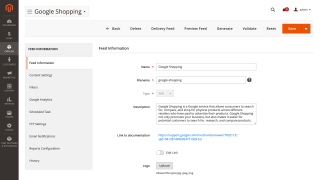
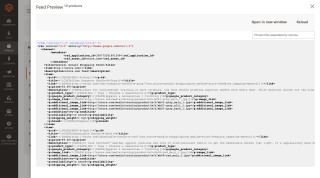
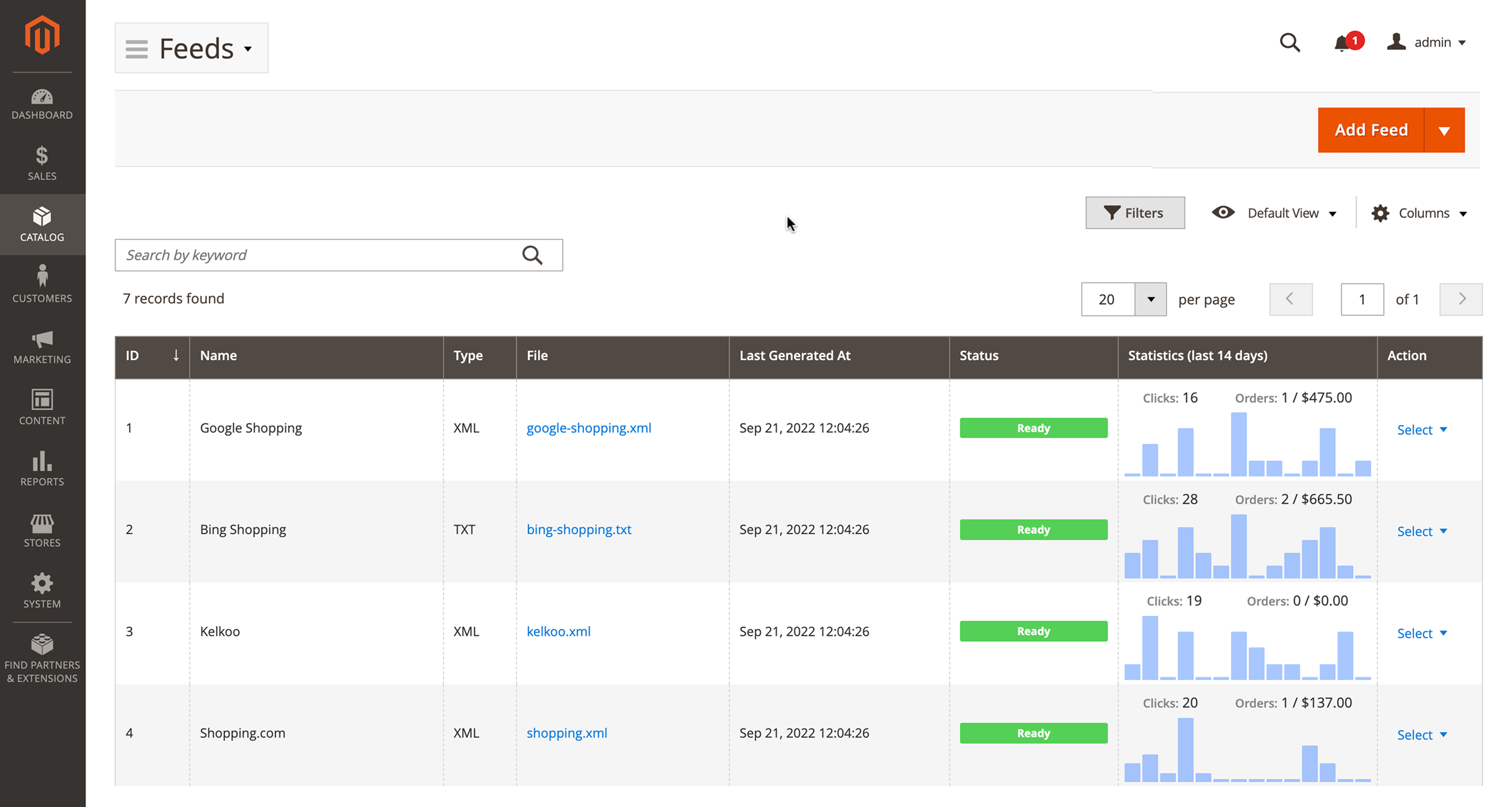
Magento 2 Instagram Feed lets you create a product feed for Instagram, schedule feed generation and delivery, analyze its results with an analytics suite, and more.

  • Generate an Instagram product feed
  • Create as many feeds as possible
  • Use ready templates and clone for similar catalogs
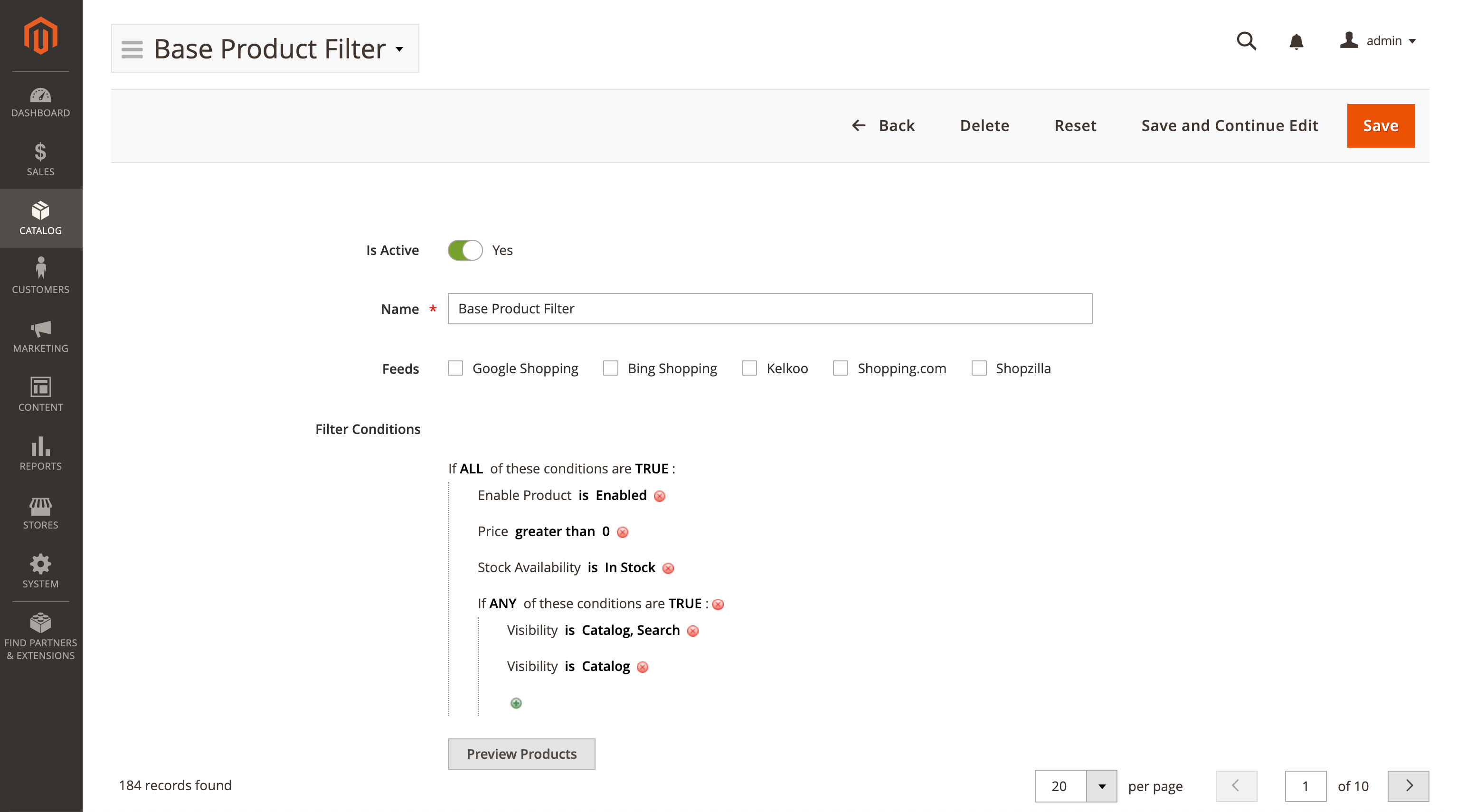
  • Use conditions to filter products
  • Validate feeds before upload
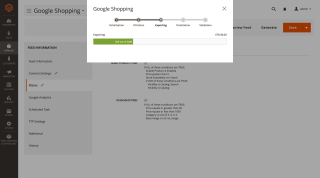
  • Automate the generation and delivery

ℹ️ Important: This sub-module is included in the Advanced Product Feeds extension.

Buying this item gives you access to all feeds including Facebook, Instagram, Google Shopping, and others in one powerful package.
Magento Cloud
Compatible with:
Community:
2.3.* - 2.4.9
Enterprise:
2.3.* - 2.4.9

Business Value

  • Opportunity: Instagram says it has more than 1 billion users. This social network is gaining the lead in ecommerce, too. Its shoppable posts let users buy products without even leaving the app. 70% of shoppers in the US use Instagram for product discovery, according to Facebook. In other words, Instagram is perfect for sales and advertising.
  • Problem: Seamless shopping experience means you have to export your products to Instagram before you can sell there. You also have to be able to update them regularly.
  • Solution: Magento 2 Instagram Feed lets you quickly and easily generate a product feed for Instagram, tweak its content and automate its generation and delivery.

How It Works

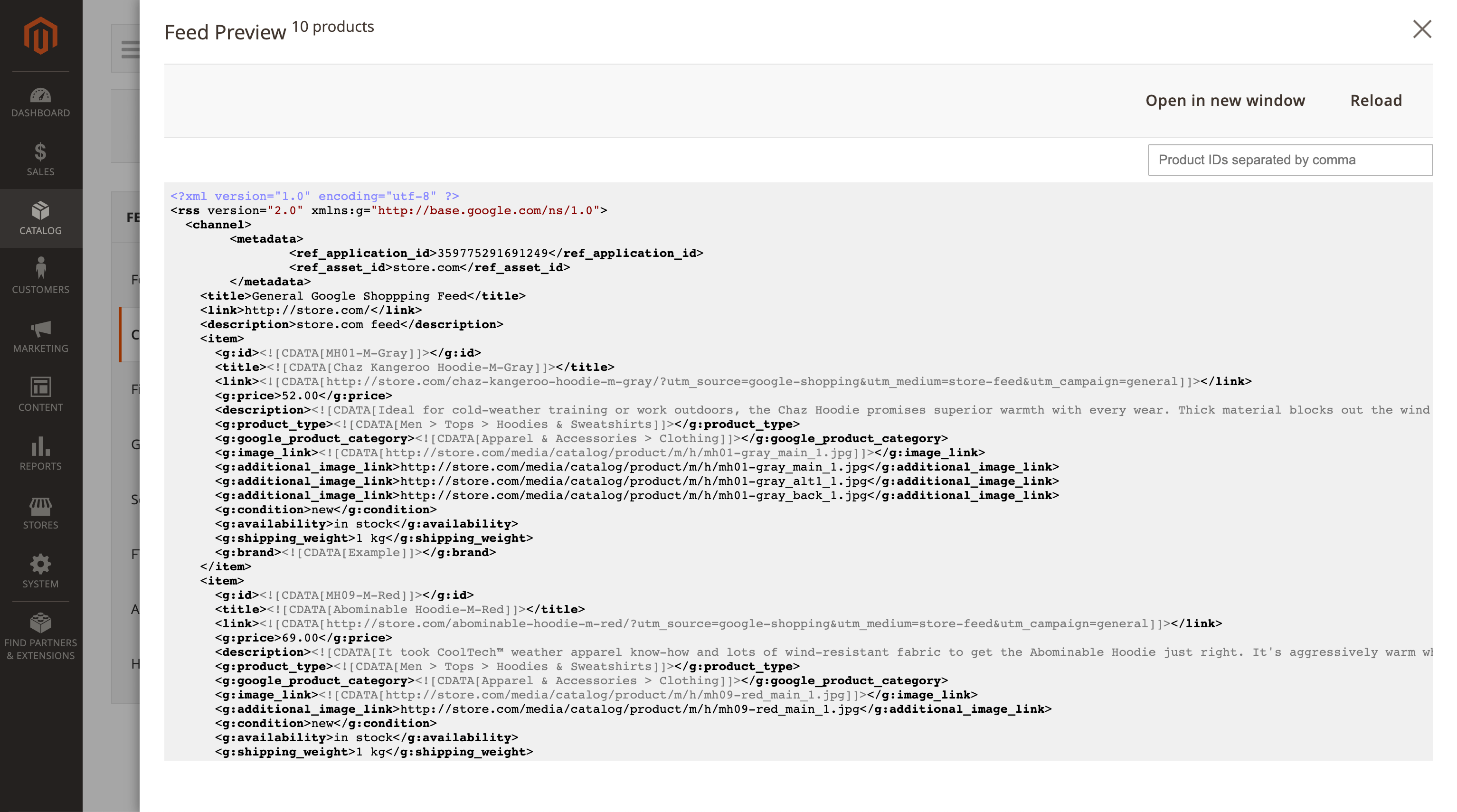
Instagram takes its products from Facebook Shops. This feature lets you create a feed with a ready-to-go template for Facebook which you can then use in your Instagram account.

Main Advantages

Create as Many Feeds as Possible

There are no limits to the number of feeds or products inside them. You can generate as many of them as you need, which can be as large as required for your business.

Get Straight to Business

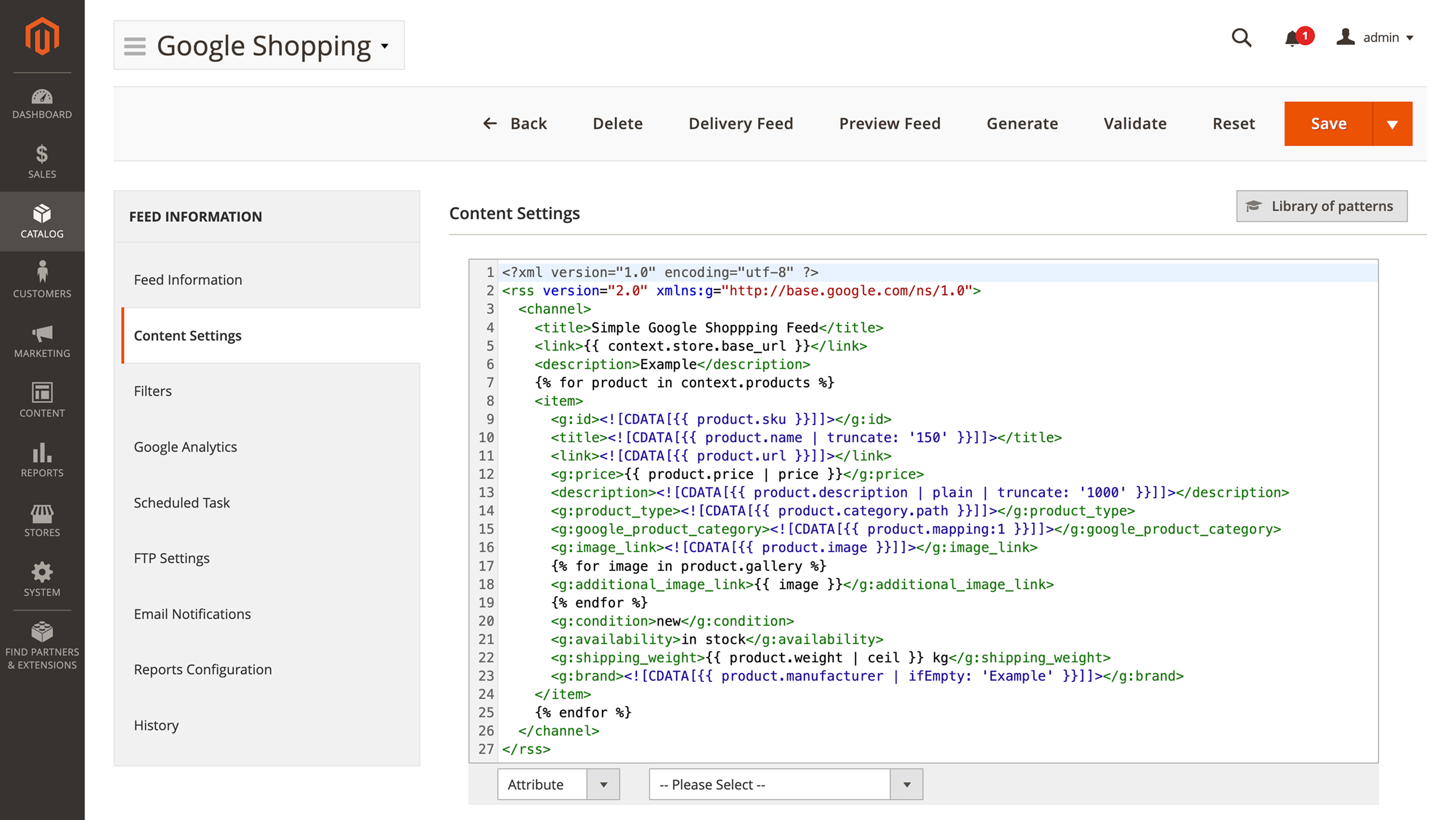
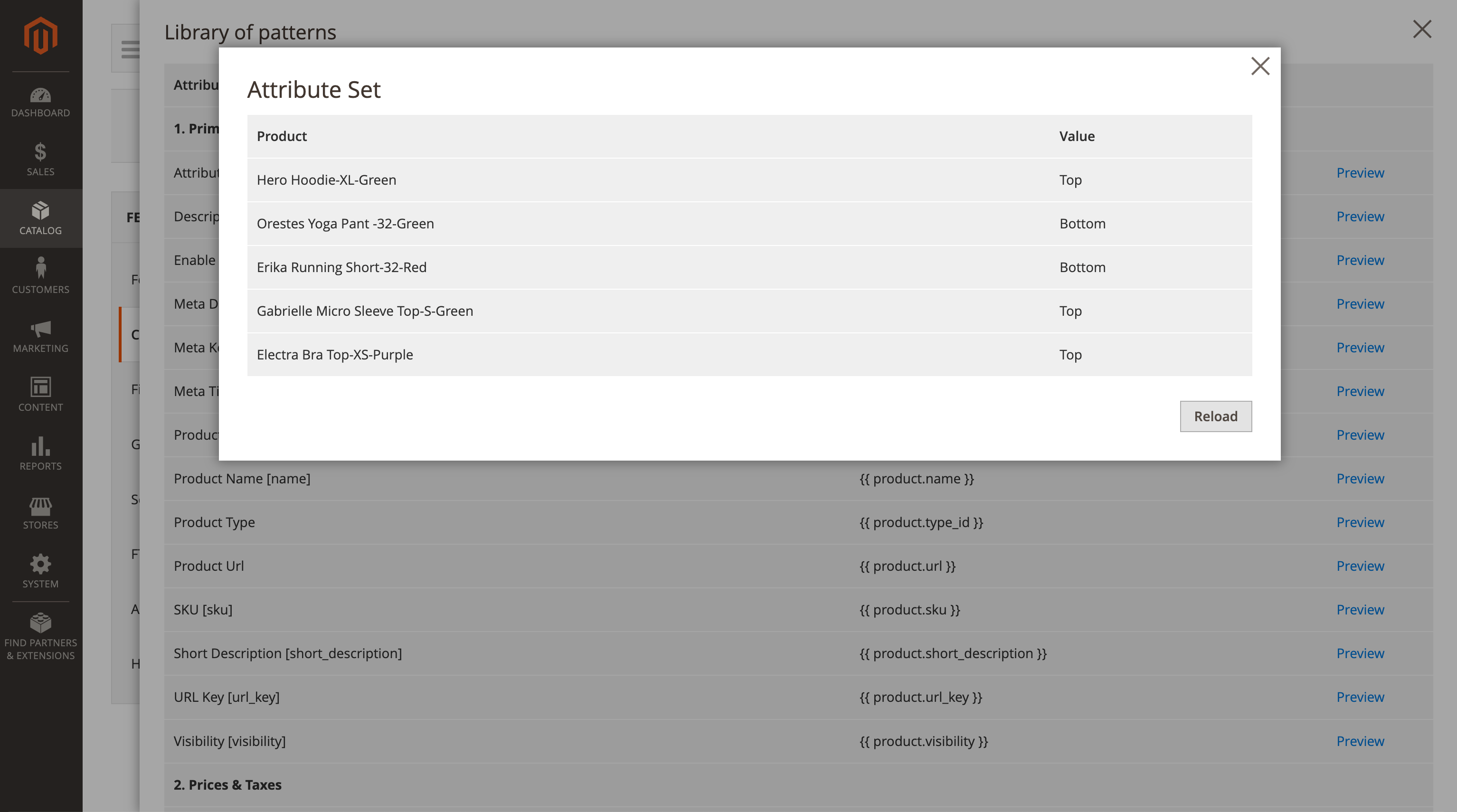
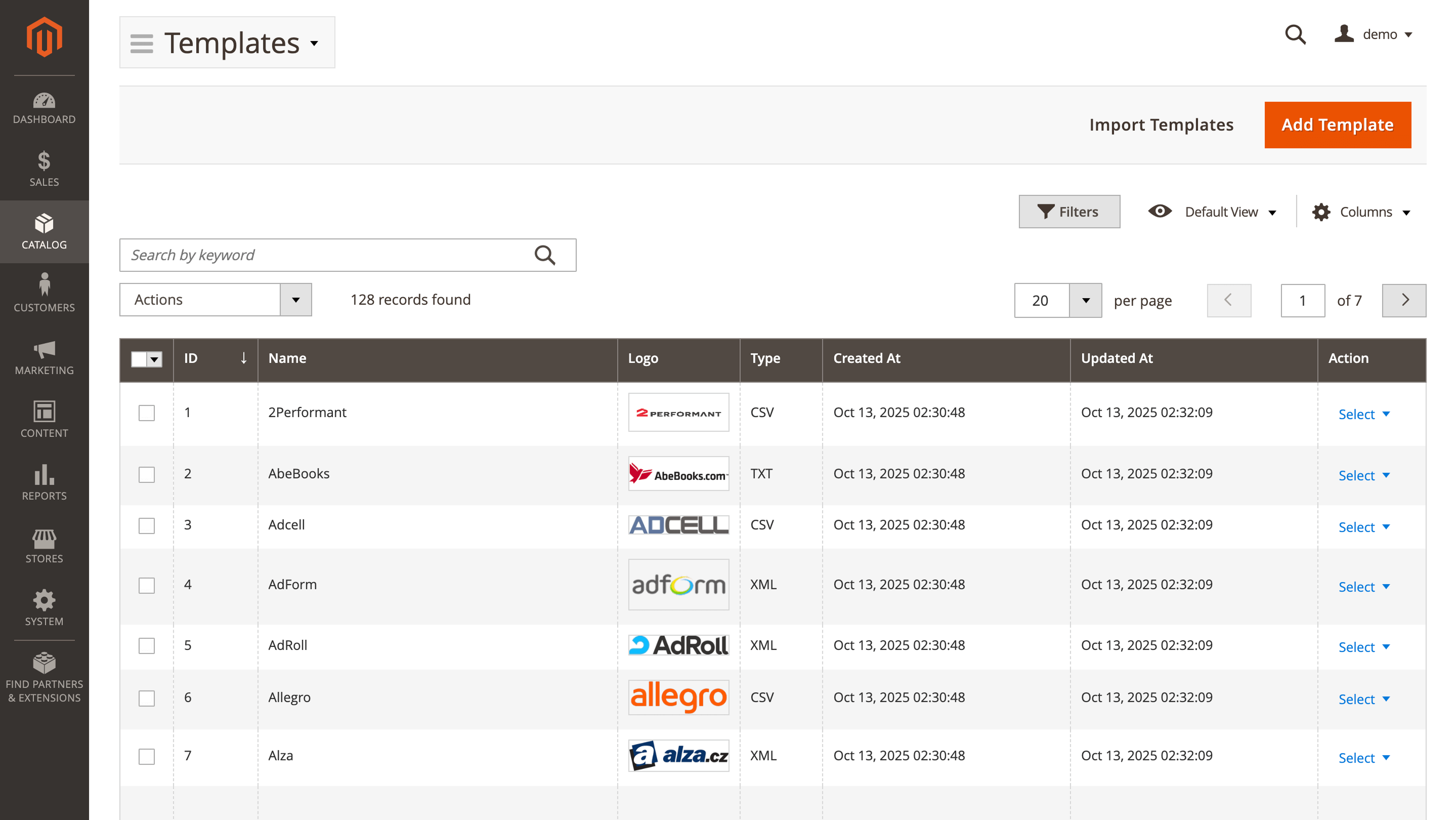
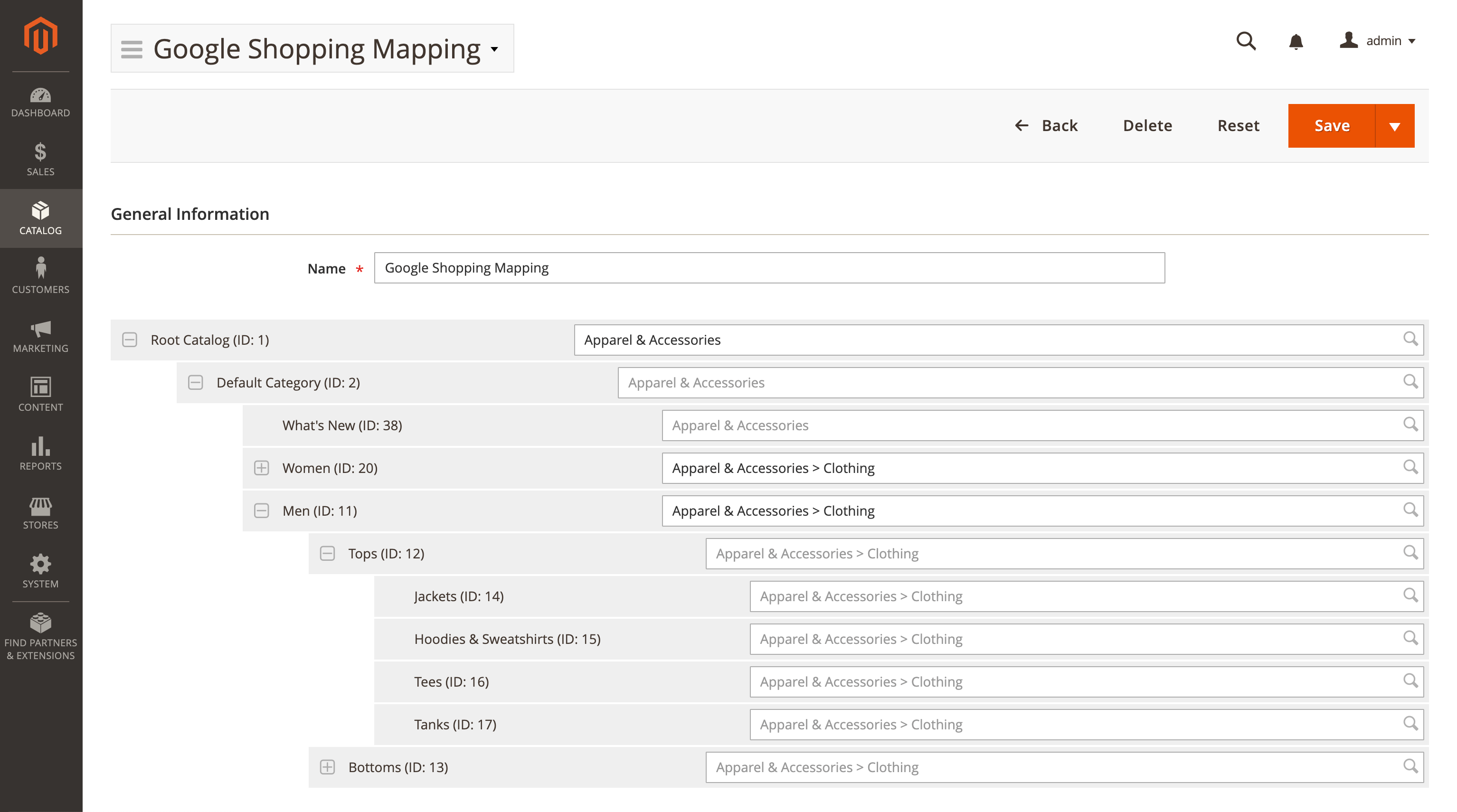
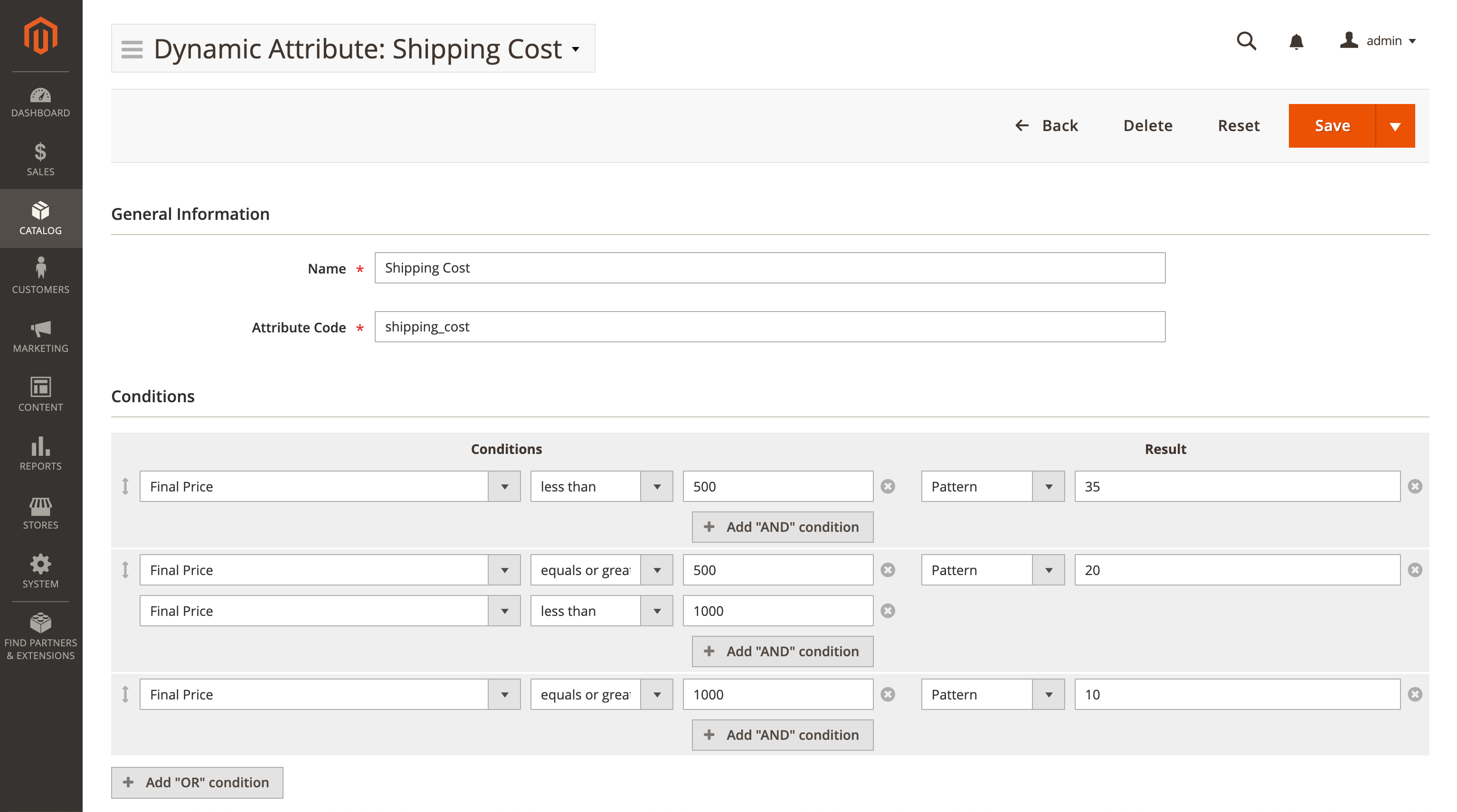
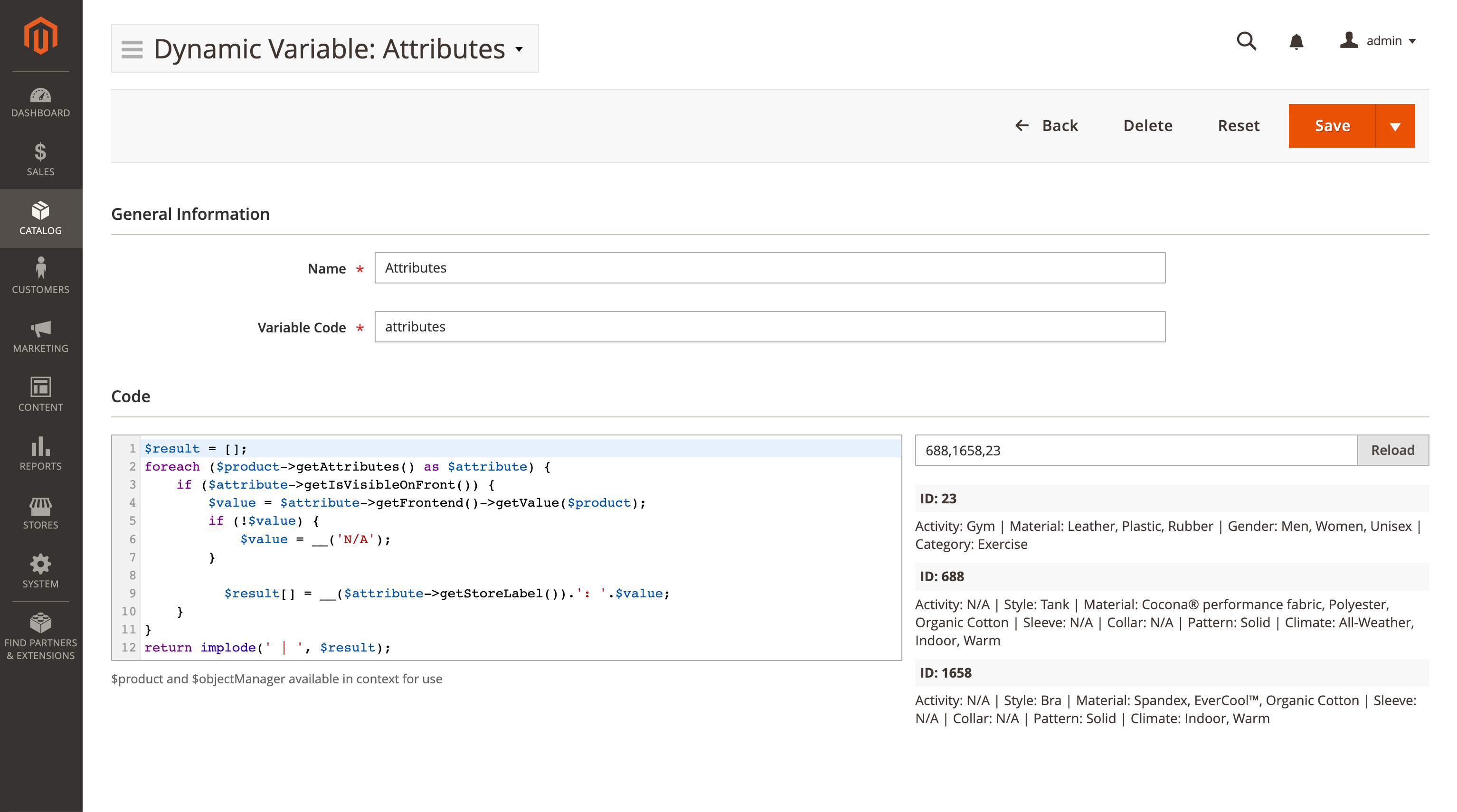
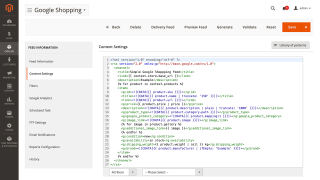
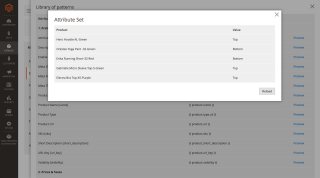
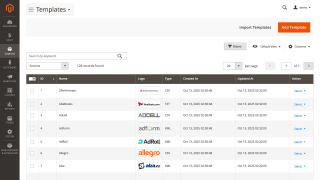
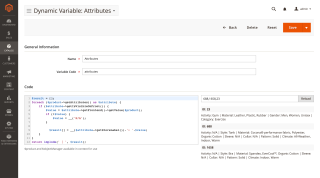
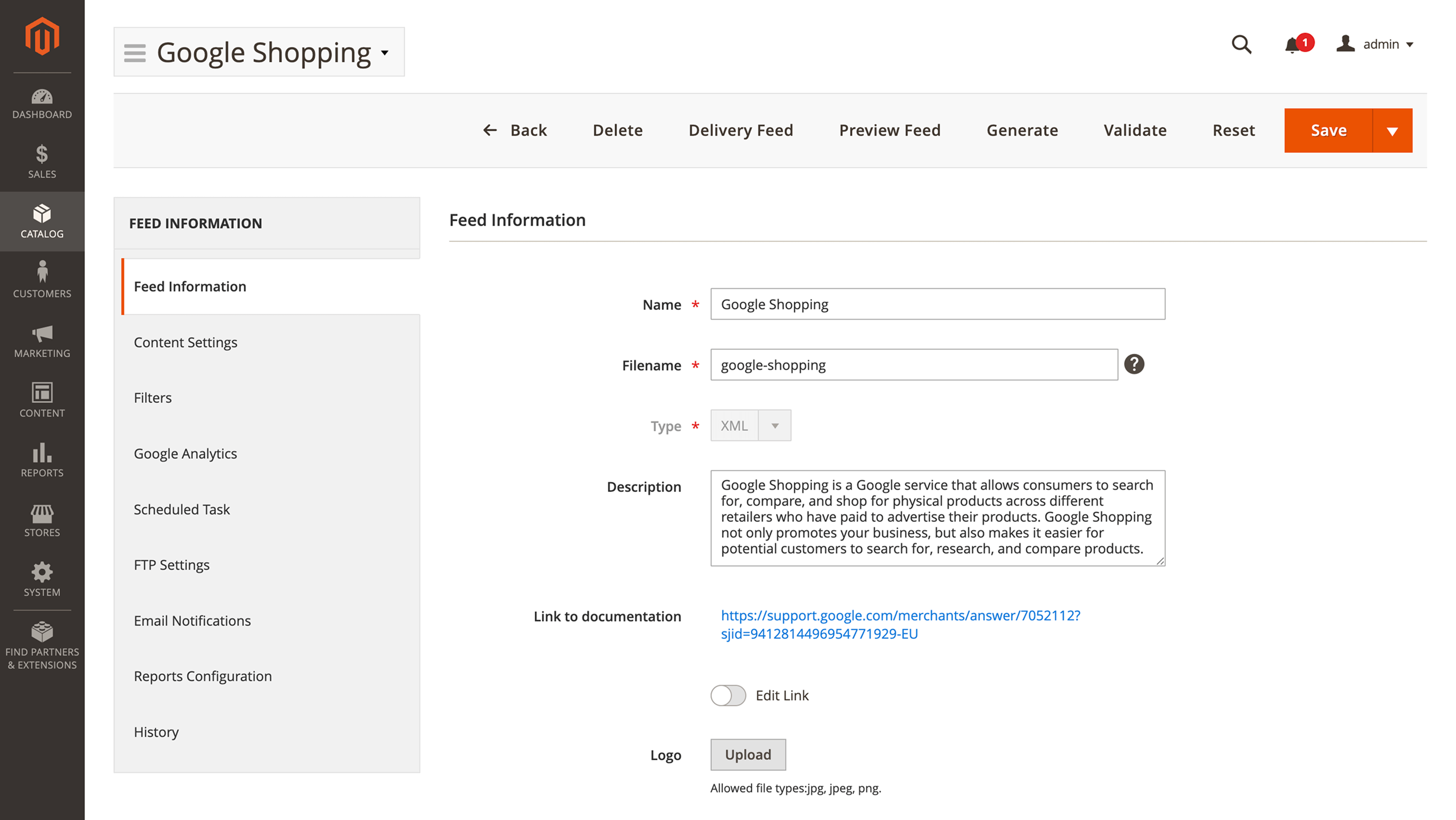
This feature offers a preconfigured Facebook template so you don’t have to waste time setting it up. However, we also offer advanced pattern and variable customization options if your business requires them. You can clone a preset for similar catalogs while keeping the source unchanged, and quickly locate templates using the A–Z index and name search. If your channel requires a unique structure, you can build a feed from a blank setup instead of using a template.

Use Conditions to Filter Products

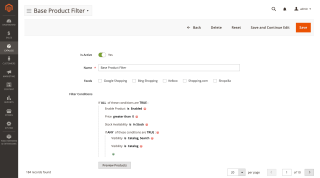
You may not need to export the entire catalog. You can single out only the exact products you need with Magento conditions. They support both product attributes and product performance data.

Validate Feeds Before Export

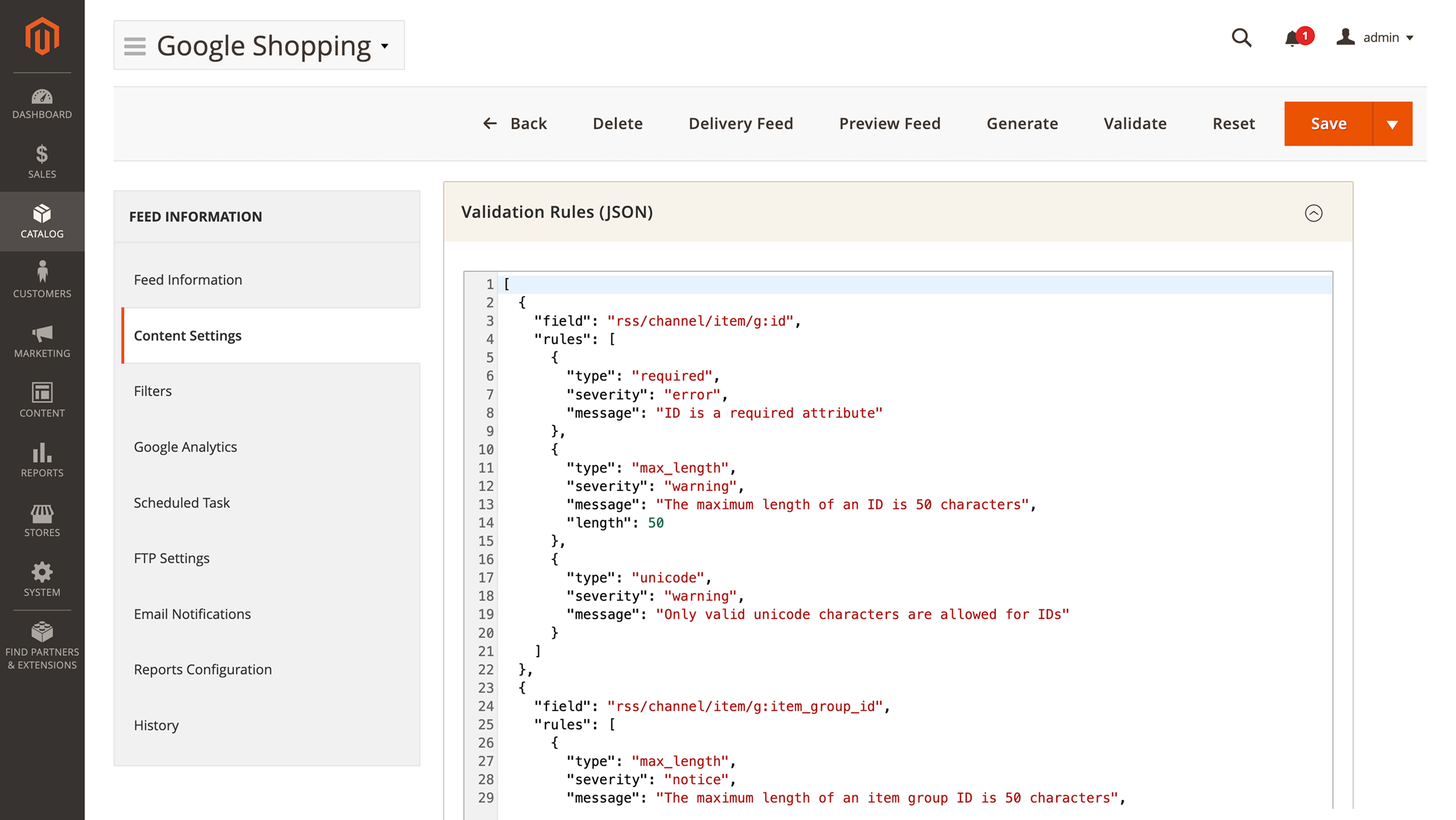
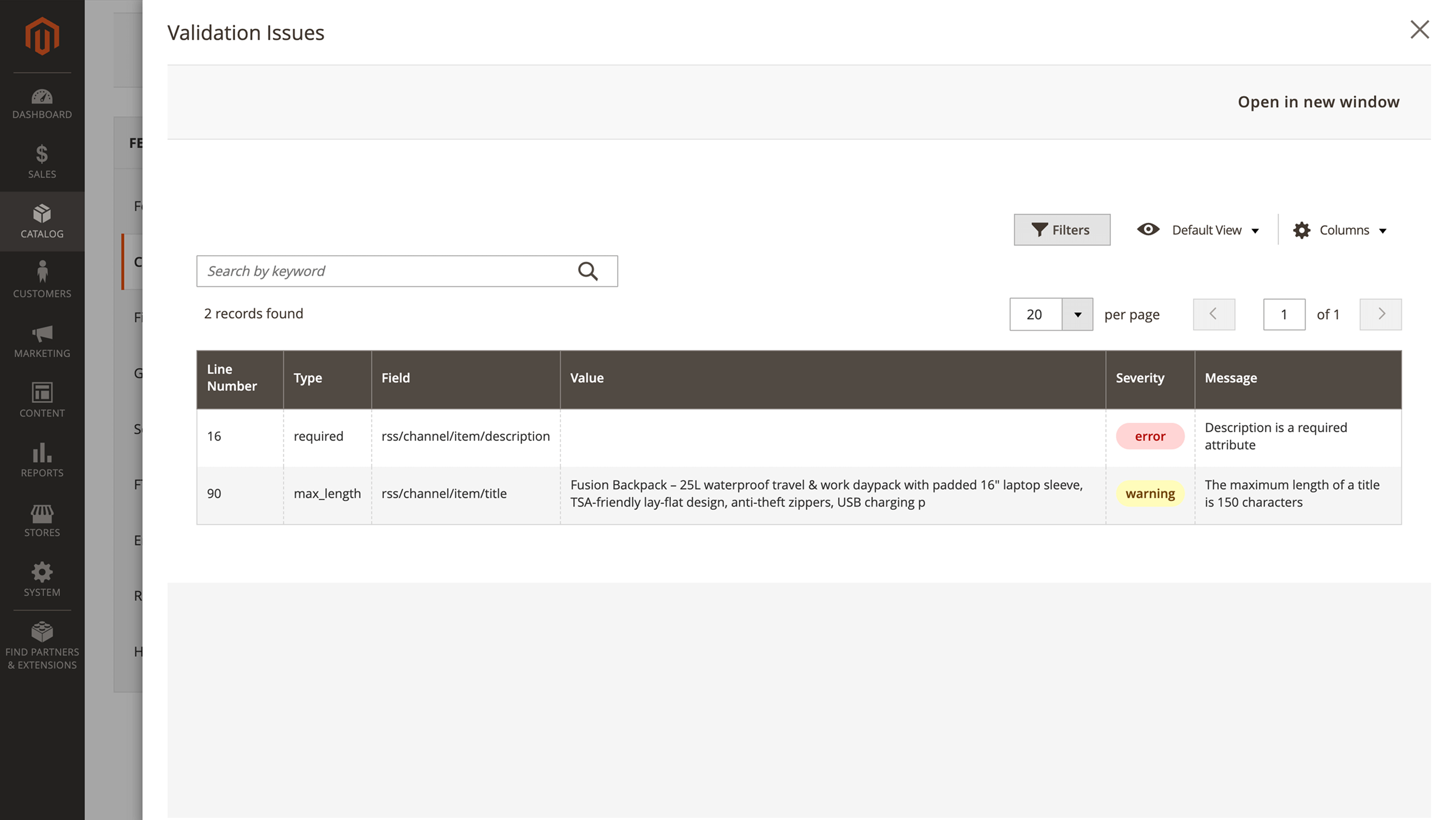
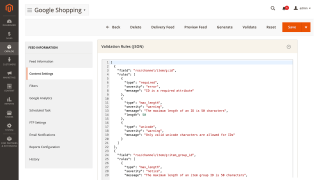
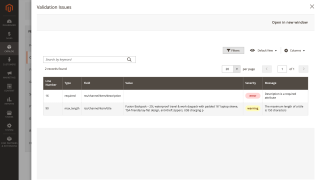
Make sure your file meets platform rules before upload. Set checks in Content Settings > Validation Rule, generate the feed, and run validation. You will get a clear report with line numbers and plain-language messages. Fix values, regenerate, and publish with confidence.

Automate Generation and Delivery

If you update your catalog often, you can set the feed generation to a specific date. You can also automate feed delivery to Facebook via FTP or SFTP.

No hidden fees
Lifetime access to source code
Access to free support and updates for 1 year
Updates and support prolongation - $108

Pay today $179 for the first year.

Then $108 for updates and support services per year.

Cancel anytime.

30 days money back guarantee
See it in action!
Pick a quick tutorial to learn about various aspects of this extension
Customer Reviews 0
Earn points for your review about this extension modules. $1 = 10 points
Write Your Own Review

check-circle You submitted your review for moderation.

Manual & Support
Need more help?

Save time by starting your support request online and we'll connect you to an expert.

Frequently asked questions
chevron-down chevron-right

Can I generate the feed for a different service?

Yes, you can. Besides manual generation, this module includes templates for **50+** ecommerce services, including Amazon and Google Shopping.

Changelog
Version 1.15.7Sep 3, 2026
A filter on Final Price is no longer ignored. With Enable fast mode filtering on — which it is by default on every feed — a condition such as Final Price is greater than 50 was silently dropped: the rule matched the whole catalog, so the feed shipped every product instead of the selection you asked for, while the same rule with fast mode switched off filtered correctly. Final Price is now taken from Magento's price index for the feed's store and website, and bundle, configurable and grouped products are compared against the same price the slower mode uses, so both modes now produce the same feed. ([#764]())
Filters left with an empty value now do what they say in fast mode. Three operators built no usable condition when their value was blank, so instead of filtering they let every product through: is not with the value left empty — the "is not empty" filter — kept products that have a value and products that have none, the exact opposite of what it asks for; is not one of with nothing selected did the same; and does not contain with an empty value, which excludes every product, excluded none. All three now give the same result as they do with Enable fast mode filtering turned off. ([#772]())
Version 1.15.6Sep 2, 2026
See at a glance which feeds are switched on — the Feeds grid has a new Enabled column with a Yes/No filter beside it, so the list can be narrowed to just the feeds that are active or just the ones that are turned off. (pm[#1147]())
⚠️ Feed generation can no longer be started from the storefront. The public address mst_feed/export/execute ran a complete export for anyone who knew it — no admin login and no permission check — and it could also be used to reset the progress of an export that was already running, or to have arbitrary code echoed back to a visitor's browser. That address, and the two controllers behind it (Mirasvit\Feed\Controller\Export and Mirasvit\Feed\Controller\Export\Execute), are gone; it now answers with a 404. Generation runs only through the admin — the Generate button, the feed's own schedule, or bin/magento mirasvit:feed:export on the command line — and every one of those enforces the admin session and the Feeds permission. If anything on your side fetched the old storefront address to trigger a feed (a monitoring check, an external scheduler, a cron entry calling wget/curl), switch it to the command line. (pm[#1119]())
⚠️ The long-dead type column is removed from the mst_feed_rule table by setup:upgrade. Nothing in the extension has written to it since 2022; on stores installed after that it never existed, so the upgrade is a no-op there.
⚠️ Three unused classes are removed: Export\Liquid\BlankFileSystem, Model\Config\Source\ArchiveSource, and Model\Feed\Copier, which had been marked deprecated — use Mirasvit\Feed\Api\FeedRepositoryInterface::duplicate(), which the web API already exposes directly.
⚠️ Two admin pages that nothing in the extension ever opened are removed: the feed history grid (Controller\Adminhtml\Feed\HistoryGrid), which had been failing with a server error on every request since the block behind it was deleted in 2023, and the "new custom feed" action (Controller\Adminhtml\Feed\NewCustom), which no button or menu item ever pointed at. Nothing you use in the admin changes; both addresses now simply answer with a 404 instead of a broken page.
The extension runs on PHP 7.1 and 7.2 again. A number of places had picked up functions and syntax that only exist in newer PHP — FTP and SFTP delivery, product URL resolution, feed and template logo uploads, XML feed validation, the AI column filler, template export, the file-cleanup task and the HTML-content admin fields — each of which failed outright with a fatal error on an older store. They work on every supported PHP version now.
Feed generation finishes again on stores that keep media on remote storage (Amazon S3 and compatible). The export writes a small progress file after roughly every product, and that file was being uploaded to the bucket each time — several seconds per product, so a generation started from the admin or by cron on a large catalog never realistically completed, while the same feed run from the command line finished in minutes. The progress file is now kept on the local disk (var/mst_feed/tmp) alongside the export's own scratch file, so admin and cron generation runs at full speed. (pm[#1153]())
A feed built from the bundled ChatGPT template is now accepted by OpenAI. Nine of its columns did not match what OpenAI's Commerce ingestion expects, so products came through without the flags that make them searchable and buyable, and OpenAI reported the feed as incomplete.
Feed screens no longer answer with "Something went wrong" after an update. A progress file left behind by an older version — or one that had been truncated or garbled — could not be read back, and every admin action that touched it (opening a feed, generating, resetting) failed with that message and no way out other than deleting the file by hand. An unreadable or outdated progress file is now treated as "no progress recorded" and generation simply starts from the beginning. (pm[#1149]())
The scheduled clean-up of old feed files no longer deletes files it should keep. On a store with no feeds configured it removed every feed file in pub/media/feed/ — which, where several environments share one remote storage bucket (S3 / MinIO), meant a staging or beta store with no feeds wiping production's feed files. With no feeds there is now nothing to clean up and nothing is removed; where feeds do exist, orphaned files are still tidied away as before.
Filters using is not one of or does not contain no longer drop products whose attribute has never been set. A rule such as Color does not contain "red" silently left out every product with an empty Color, even though the rule says nothing about requiring a value; those products are now exported, as the rule intends. This completes the same correction made for does not equal in 1.15.5. ([#743]())
A filter that lists several values no longer ignores the value 0. Where the option you picked is stored as 0Out of Stock in Quantity and Stock Status, the NOT LOGGED IN customer group, the default store scope, or any attribute option that happens to carry id 0 — that entry was thrown away while the list was being read, so the rule matched nothing and the feed came out empty or short. All selected values are now kept.
Creating or saving a product filter no longer fails on stores upgraded from an older version. The attempt ended with the database error Column 'type' cannot be null, and the filter was not saved; stores installed more recently were never affected. Run setup:upgrade after updating and filters save normally again. (pm[#1068]())
The Google Merchant Center setup guide link, shown in the error message when an upload fails because your Google Cloud project is not registered with your Merchant Center account, pointed at a manual page that no longer exists and returned a "page not found". It now opens the current page.
Version 1.15.5Aug 27, 2026
A filter that fails on one product's value no longer stops the whole export. Whatever the reason — a value of an unexpected type, a division that cannot be done — that single value is now exported unfiltered, the product still ships, and the rest of the feed is unaffected. Each dropped filter is written to var/log/mirasvit/feed.log with the filter's name and the reason, so a filter that is failing on every row can be found instead of quietly producing a wrong feed.
A feed configured with an export step that is not a real step now fails immediately with a message naming it, instead of running part-way through generation and stopping with an unrelated error.
A does not equal filter no longer drops products whose attribute has never been set. A rule such as Meta Title is not "EXCLUDE-ME" kept only products that had some other value in that field and silently left out every product where the field was empty, even though the rule says nothing about requiring a value. Such products are now exported, alongside the ones with a different value. (pm[#1159]())
Feeds on a store with several store views no longer export each other's products. The intermediate list of products matching a Filter is cached while a feed generates, and that cache ignored which store view it had been built for: generating the same filter for a second store view wiped and replaced the first one's list, so a feed could pick up products that belong to another store view, and two feeds generating at the same time could corrupt each other's results. Each store view now keeps its own cached list, and clearing one leaves the others intact. (pm[#934]())
A template calculation that cannot be carried out on some products no longer kills the entire feed. With {{ price | divided_by: pack_qty }} in a column, a single product whose pack_qty is empty or not a number aborted generation outright and produced no file at all. Dividing by an empty or zero value now leaves the value as it was, and a modulo by such a value returns 0, so the export finishes.
The secure, unsecure and media-URL filters no longer export the literal word Array when applied to a multi-value attribute — and no longer behave differently depending on whether the store runs in developer or production mode. Every value in the attribute now gets the URL rewrite and they are exported as a comma-separated list.
Version 1.15.4Aug 26, 2026
The filter preview opens straight away, whatever the size of your catalogPreview Products on a Filter used to load every matching product into memory and walk the whole catalog before it drew a single row, so on a 20,000-product store the first page took 12–19 seconds, and on catalogs of 90,000 and up it built a query several megabytes long and could run out of memory outright. The preview now works through the catalog in chunks and stops the moment the page you asked for is full: the same three rules measured 19.4s, 12.8s and 15.8s now come back in 0.3s, 0.03s and 0.03s. Memory no longer grows with the size of the catalog, only with the size of the page you are looking at.
Paging through a preview stays fast to the last page — turning to a deep page used to mean walking past every product before it, so on a rule matching 18,138 products page 1 took 0.4s and page 900 took 15.9s — and because the grid remembers the page you were on, one stray click deep into the pager left you waiting on every later visit too. Each page now remembers where the next one starts, so page 900 costs the same as page 2. A first jump far into the pager is still slow once, and every page up to it is instant afterwards.
The exact number of matching products, counted in the background — the count shown next to the grid is now an upper bound to begin with, so the rows appear immediately, and the precise figure is fetched behind the scenes and swapped in when it is ready. While it is being counted the number reads around 20000 (counting…) with a spinner beside it, so a figure that is about to change never looks like a settled one. The exact count is then reused for the rest of your visit — paging around the same rule shows it with no further waiting — and is recalculated only when you change a column filter, the keyword search or the page size, reload the page, or press Preview Products again, which is an explicit ask for a fresh answer. Both new labels are translated into all shipped locales.
The admin no longer freezes while a preview count is running. PHP holds an exclusive lock on your session for the duration of a request, so a count that takes minutes — a rule built from computed conditions such as Image 2–5, Is Salable or Final Price still does — used to queue every other admin request behind it, including turning the very page you were counting. Measured on the QA host, turning to page 2 during a count went from 201 seconds to 1.2 seconds. The count itself is no faster; it simply happens in the background instead of stopping you from working.
The filter preview no longer dies on a rule that uses an Image 2–5 or an MSI (Multi-Source Inventory) stock condition. Such a rule produced a server error and left the preview grid stuck on "loading" forever, with no message to explain it. Rules built from these conditions now preview normally.
A filter using an Any aggregator together with a condition that cannot be expressed in SQL — quantity, salable status, final price, an image — no longer previews an empty or too-short list. The preview quietly narrowed the candidate set on the SQL condition alone and hid products the real export includes; it now checks every product the same way the export does. (pm#263)
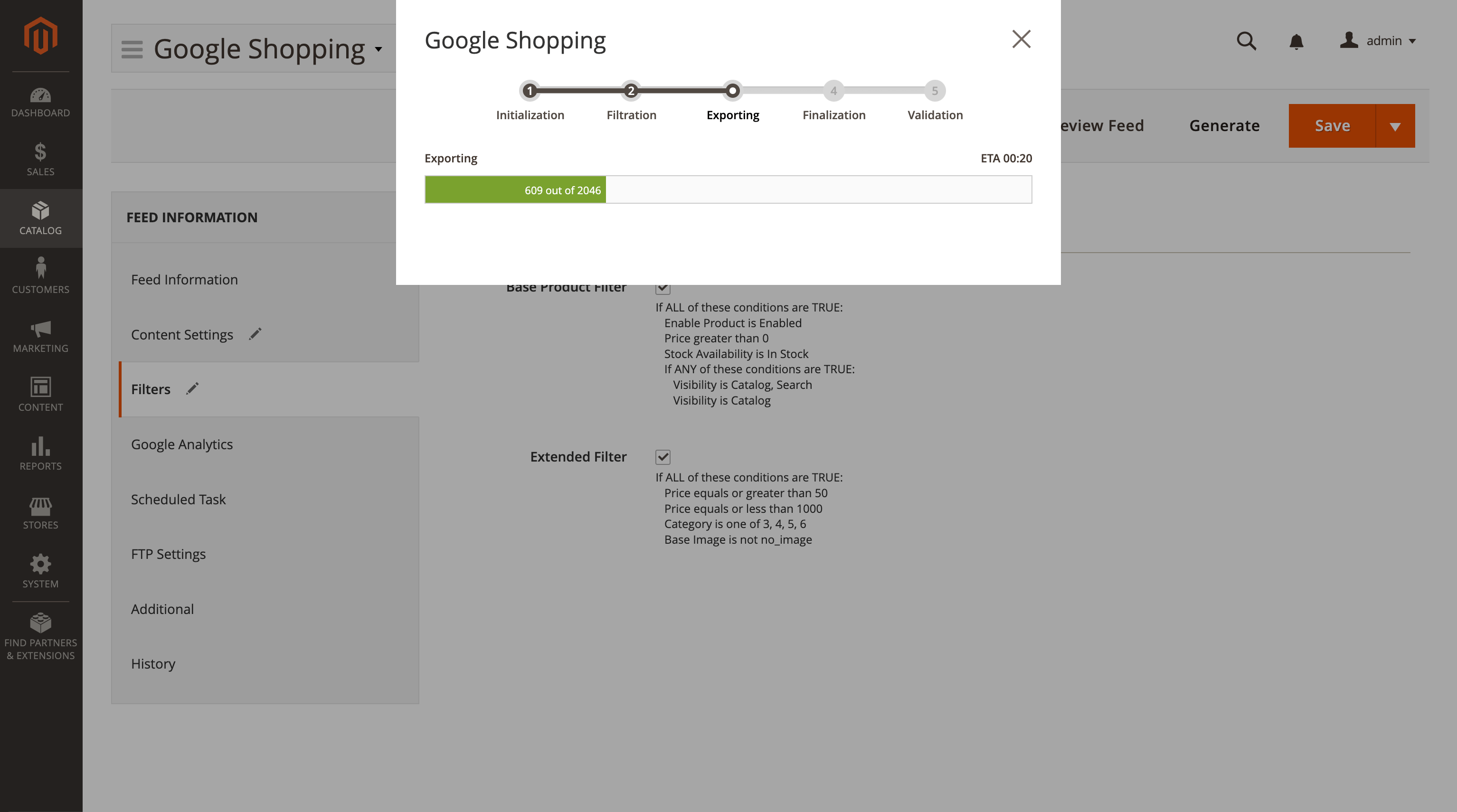
The preview no longer promises products your feed will not actually contain. For a handful of conditions — is_in_stock, is_in_stock_inventory, image, small_image, thumbnail — the shortcut the preview took asked a slightly different question than the export does, so a stale stock index was enough to make the two disagree (2046 previewed against 2045 exported). Those conditions are now always checked the way the export checks them, and the exported file itself is unchanged.
A filter that uses a custom attribute whose code begins with stock (for example stock_level) alongside a stock condition no longer fails with an "Unknown column" database error.
Jumping to the last page of a preview no longer reported a nonsense total — "18 records found" for a rule matching 18,138 — and no longer bounced the pager back to page one.
Returning to a preview page you had already looked at no longer put the rough upper bound back on screen next to a pager that still showed the exact number of pages.
A field value containing the feed's own column delimiter no longer shifts every following column on that row. In a format that uses no quoting — a TSV feed, most commonly — a tab inside a product's HTML description was read as an extra column separator; such characters are now replaced with a space. Quoted formats are unaffected. (pm[#416]())
An XML feed whose template contains an empty element — written as <g:brand/> or <g:brand></g:brand> — no longer fails to generate. Pressing Generate on such a feed stopped with the generic "a technical problem occurred" message and produced no file at all, on every feed that carried one. The empty element now reaches quality-control validation as an empty value, so a required-field rule reports it as missing, exactly as intended, and the export completes.
The feed edit page no longer writes PHP deprecation notices to the error log. On PHP 8 the Google Merchant Center notice shown on that page was rendered without an internal name, which other extensions that watch block rendering — Adobe Commerce price permissions among them — could not handle; every visit to the page added noise to the log. All feed admin blocks of this kind are now named, so the notices are gone.
Version 1.15.3Aug 25, 2026
Product feed exports no longer fail with a database timeout when products are being edited at the same time.
Large product feeds now generate far faster and no longer stall part-way through.
Feeds that filter products by a store-view-specific attribute value now generate correctly and quickly.
A feed export that fails to generate now ends with an error instead of appearing to finish successfully.
Reasons to choose Mirasvit
Client focusing and satisfaction

These are our primary. A major portion of our new clients come from referrals from our existing clients. Our professional team of developers, marketers and support staff have invested the best knowledge and experience in the field into our work, so you know you can come back to us again and again.

Remarkable support

One year free and high quality support. We go to great lengths to provide maximum satisfaction with every module you have purchased in our store. By helping you with installation, configuration, answering your every question, we do all our best to eliminate any possible problems.

Risk-free Investment

30-days money back guarantee. If you are not satisfied with our extension performance for any reason, we provide a full refund.

Constant improvements and upgrades

We constantly add new features to all our modules, and are always interested in hearing your opinion and implementing your suggested features in our future developments.

Comprehensive Documentation

We provide an expanded user guide for every aspect of our extension, so you can find answers for all your burning questions.

Unencrypted source code of our products

You can customize extension according to your needs and requirements.

Usability and Performance

The Module is easy to install and upgrade, just follow our step-by-step user guide.

Ready for Magento Cloud

No core modifications. The extension has been tested in a Magento Cloud environment and is fully compatible with it.

Loading...