
Magento 2 Cookie Consent
You need cookies to run an online store and advertise it. Privacy laws often require you to ask your visitors for explicit consent to use non-essential cookies.
Magento Cookie Consent shows a banner where visitors accept all cookies or choose cookie groups, and passes their choice to Google through Consent Mode v2.
- Ask your visitors for cookie consent
- Lock the screen before consent
- Create cookie groups
- Send Google Consent Mode v2 signals
- Show the banner only in selected countries and US states
- Ask again when your cookie list changes
Business Value
- Opportunity: Cookies are an essential part of any website. Your online store uses them to keep products in the cart, keep customers signed in, and track your customers' behavior.
- Problem: You must get a visitor's explicit consent to use non-essential cookies and keep a record of it to comply with privacy regulations such as the GDPR. Google also expects consent signals from stores that advertise in the EEA.
- Solution: Magento Cookie Consent asks visitors for consent, lets them choose which cookie groups to allow, and passes their choice to Google through Consent Mode v2.
How It Works
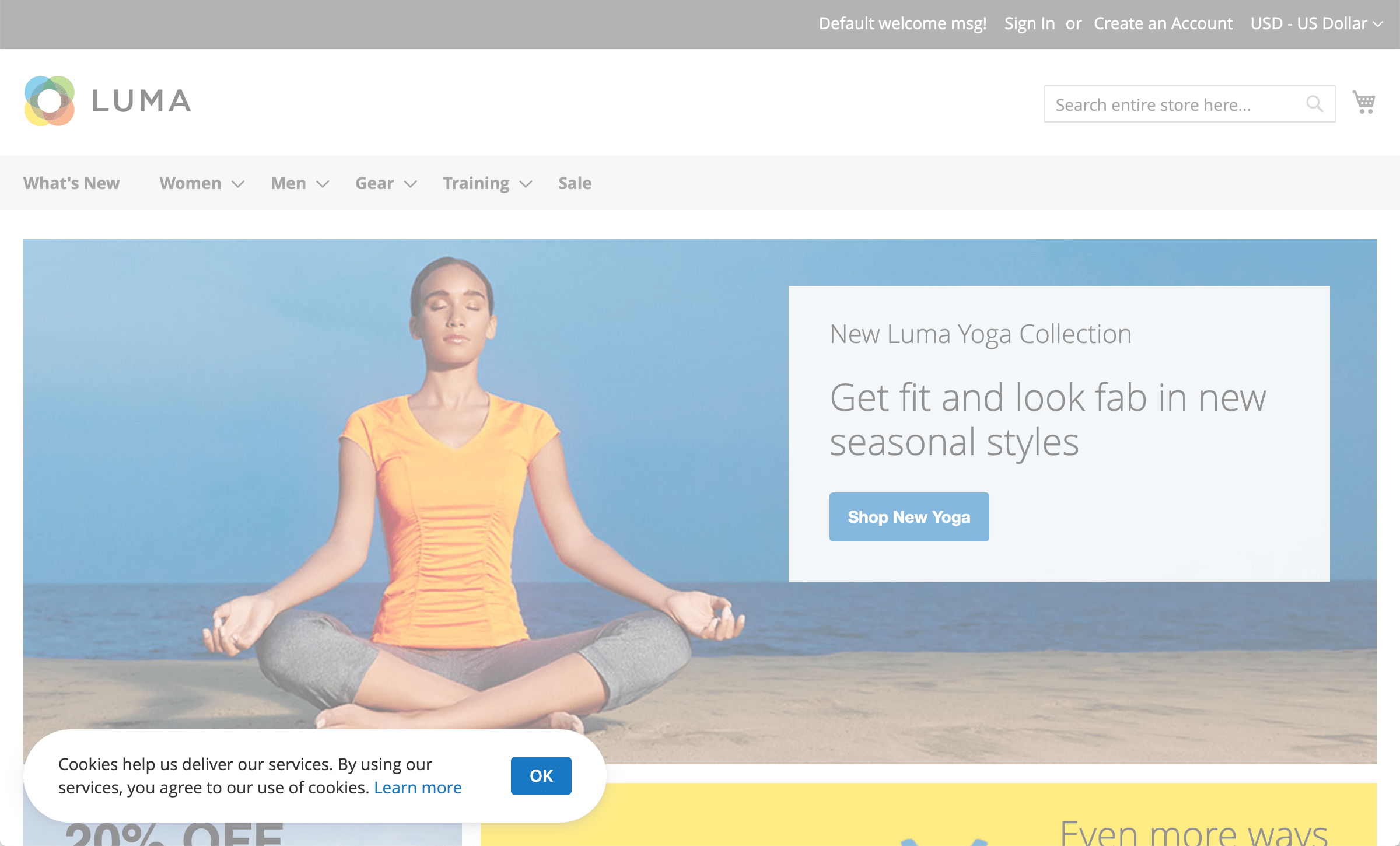
On the first visit, a cookie banner appears at the bottom of the page with Agree All, Decline and Settings buttons. Settings opens a window where visitors switch cookie groups on or off and see the cookies in each group. Until they choose, only essential cookies are allowed: other cookies are rejected both on the server and in the browser. Signed-in customers' choices are recorded in the admin, and a guest's choice is kept in the guest's browser.
Main Advantages
Lock the Screen Before Consent
You may need your visitors' explicit consent before you let them do anything meaningful on your site. Lock Screen keeps them out of the store until they accept or choose their cookies.
Create Cookie Groups
Split your cookies into groups, such as essential, statistics, marketing and functionality. Essential groups stay required, while visitors decide on the rest. For example, they can block marketing cookies but allow Google Analytics.
Google Consent Mode v2
Cookie groups map to Google's consent signals, including ad_user_data and ad_personalization. The default state goes out before Google Tag Manager loads, and the update follows the visitor's choice, so Google tags adjust what they collect.
Show the Banner Where You Need It
Display the banner only in the countries and US states you select, for example in the EU, the UK and California. The location comes from a GeoIP database shipped with the extension, with no outside service.
Let Visitors Change Their Mind
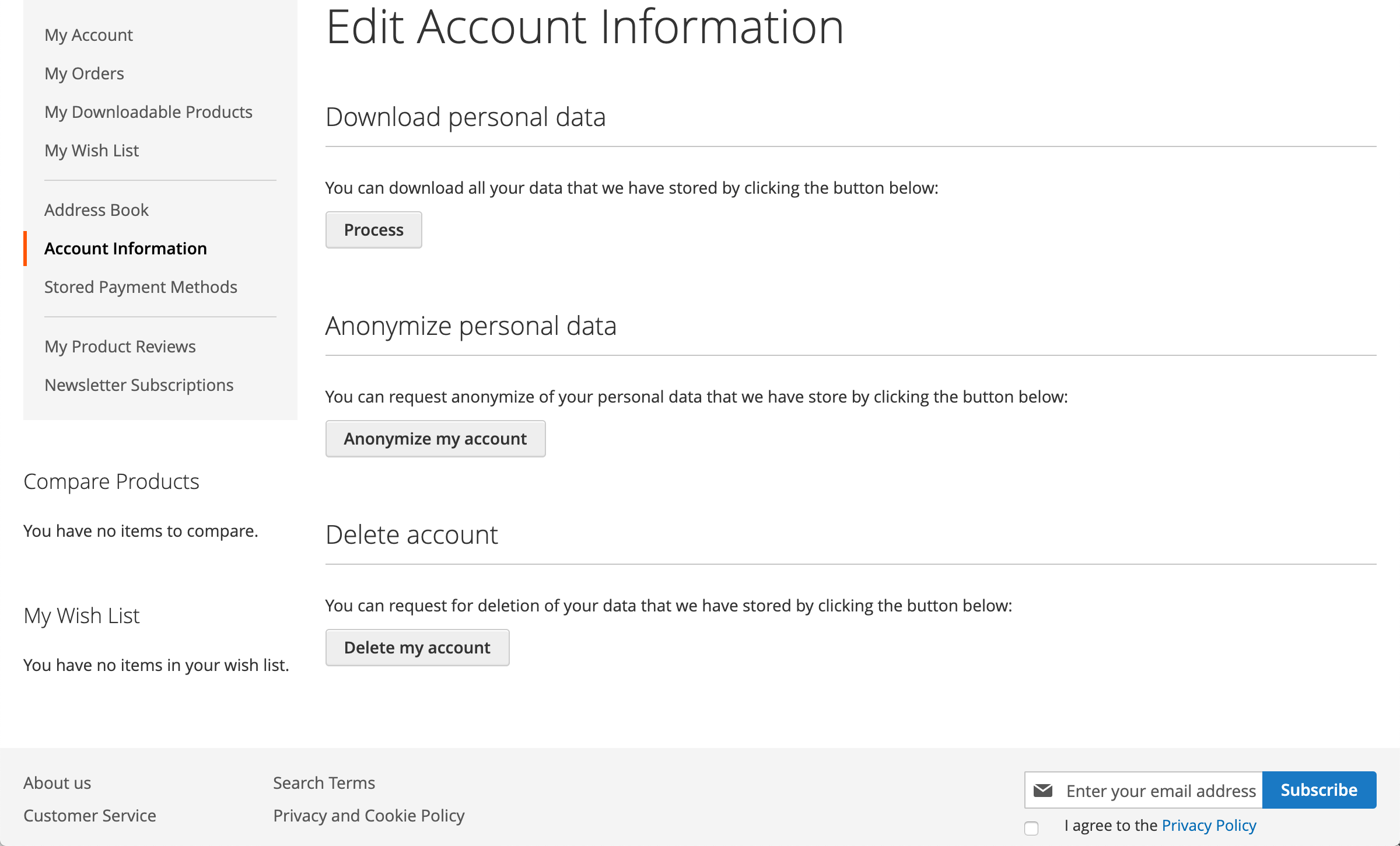
Visitors can reopen their cookie settings from a footer button, a widget you place on any page, or their account, and change or withdraw consent. You can also have the banner ask everyone again when you add a cookie group or a cookie.
Keep the Cookie List Up to Date
New extensions and tracking tools bring new cookies. Turn on the log of blocked cookies to see what appeared and add it to the right group. It records real traffic and doesn't scan your site.
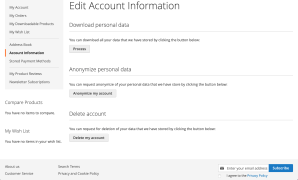
Cookie consent is one part of our Magento 2 GDPR extension, which also gives customers a privacy dashboard to download, anonymize or delete their data, and anonymizes old orders on a schedule.
Comparing cookie consent options first? See our comparison of Magento 2 GDPR and cookie consent extensions, including hosted platforms and free Hyvä modules.
How do I add a cookie notice to Magento 2?
Magento has a built-in Cookie Restriction Mode, which shows one notice with an Allow Cookies button. For a choice by cookie group, install the extension, turn on the cookie consent banner, edit its text and the link to your cookie policy, and check the cookie groups. The default groups already contain Magento core cookies and common analytics and marketing cookies. See the user manual.
How is it different from Magento's built-in Cookie Restriction Mode?
The built-in mode has one Allow Cookies button and no choice. The extension adds required and optional cookie groups, a Decline button, Lock Screen, the banner only in the countries and US states you choose, Google Consent Mode v2, and the option to ask again when you add cookies.
Does it block cookies before the visitor agrees?
Yes, for cookies your store sets: until the visitor chooses, only essential cookies are allowed, and others are rejected on the server and in the browser. The extension doesn't stop third-party scripts from loading, and it doesn't control cookies set inside third-party iframes. Google tags follow the Consent Mode v2 signals instead.
Does it support Google Consent Mode v2?
Yes, it's built in. Turn it on, choose the default state (denied or granted), and the extension sends Google the default before Google Tag Manager loads and an update once the visitor chooses. See how to configure Google Consent Mode.
Where will the cookie banner appear?
On the first page a visitor opens, in the countries and US states you select, or everywhere if you don't limit it. The choice is kept for a year. You can also make it appear again when you add a cookie group or a cookie.
Is Magento Cookie Consent enough to comply with GDPR, CCPA, and other privacy regulations?
We can't answer that, as it depends on the particular laws that affect your business. If you aren't sure what measures you have to implement, get advice from a qualified lawyer.
Can I ask you how I should set this feature up on my store?
We can help with how the extension works, but not with what your store must do legally. Mirasvit provides features that can help you comply with privacy regulations, but they are no substitute for a qualified legal advisor.
These are our primary. A major portion of our new clients come from referrals from our existing clients. Our professional team of developers, marketers and support staff have invested the best knowledge and experience in the field into our work, so you know you can come back to us again and again.
One year free and high quality support. We go to great lengths to provide maximum satisfaction with every module you have purchased in our store. By helping you with installation, configuration, answering your every question, we do all our best to eliminate any possible problems.
30-days money back guarantee. If you are not satisfied with our extension performance for any reason, we provide a full refund.
We constantly add new features to all our modules, and are always interested in hearing your opinion and implementing your suggested features in our future developments.
We provide an expanded user guide for every aspect of our extension, so you can find answers for all your burning questions.
You can customize extension according to your needs and requirements.
The Module is easy to install and upgrade, just follow our step-by-step user guide. Additionally, the extension is ready to use with the Hyvä theme.
No core modifications. The extension has been tested in a Magento Cloud environment and is fully compatible with it.