
Admin Quick Search for Magento 2
Admin Quick Search for Magento 2 adds one search box to the Magento admin panel that finds orders, customers, products, invoices, shipments, settings and Help Desk tickets as you type.
The default admin search needs exact values and pauses after every character. Ours matches any fragment and returns results while you type, because requests go straight to Elasticsearch or OpenSearch.
Find an order by the customer's phone, postcode, street or company, by the SKU of an ordered item or by a comment. Amazon, eBay and Walmart orders imported by M2E Pro are in the same search. Used by 500+ Magento stores.
- Find orders by phone, postcode, SKU or comment.
- Related records open right in the search window.
- Marketplace orders from M2E Pro in the same search.
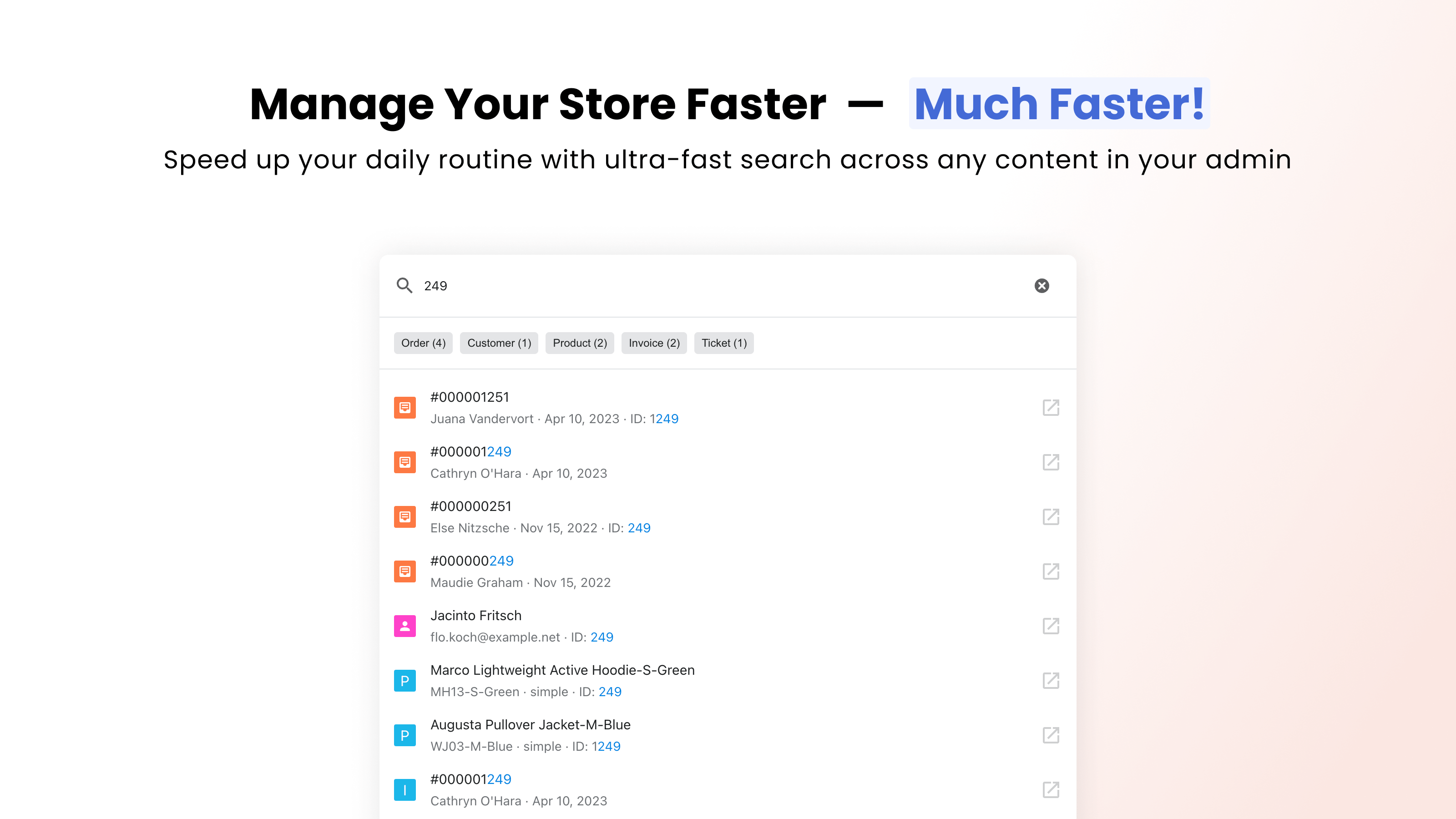
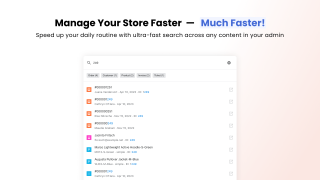
Ever wondered why the global search in the Magento admin is just a tiny button, while other platforms give it half the header? Because it's slow, requires exact matches, and returns irrelevant results. So nobody uses it.
We made admin search actually useful: 0.5s instead of 5s in our tests, relevant results instead of random ones, and related records one click away. Powered by Elasticsearch/OpenSearch and used by 500+ Magento stores.
What changes for your team?
Type any part of an order number, email, phone or name. No need to remember exact order numbers or SKUs.
Results appear from the first keystroke and narrow down with every character.
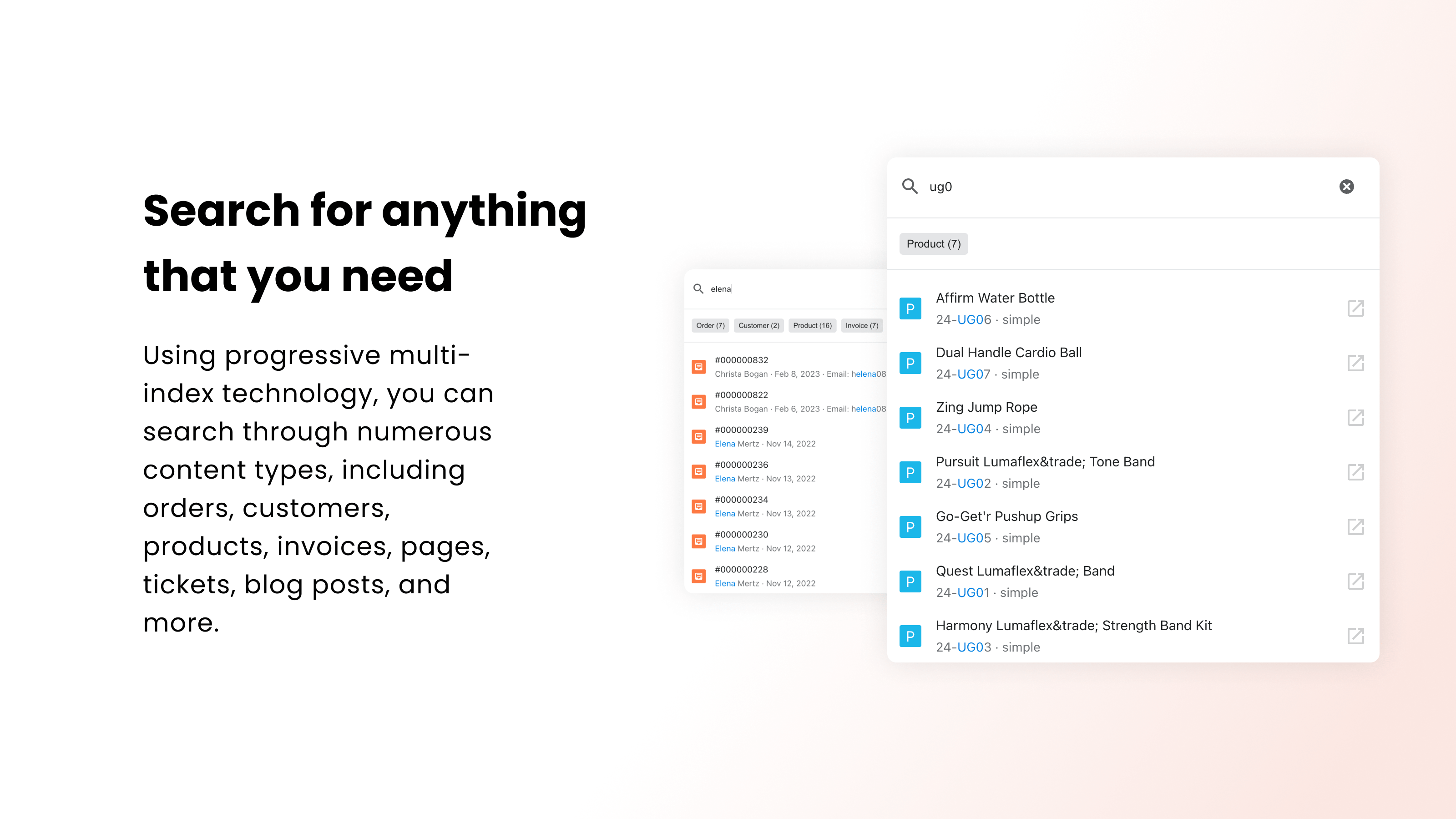
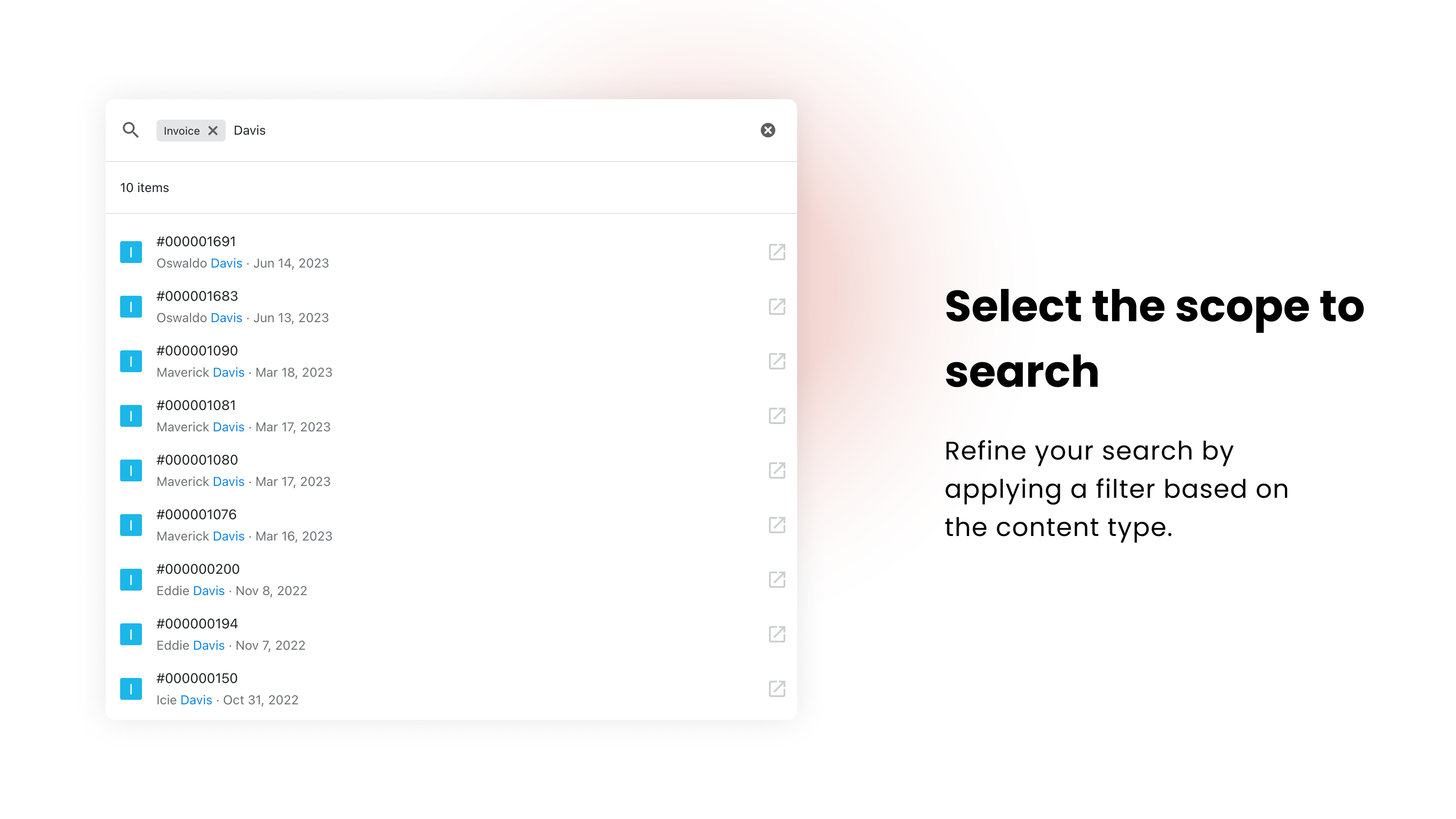
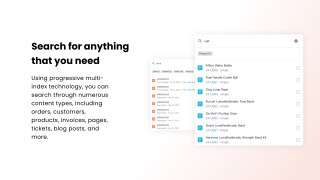
Orders, customers, products, invoices, shipments, settings and marketplace orders, all from a single search box.
Find it from any fragment
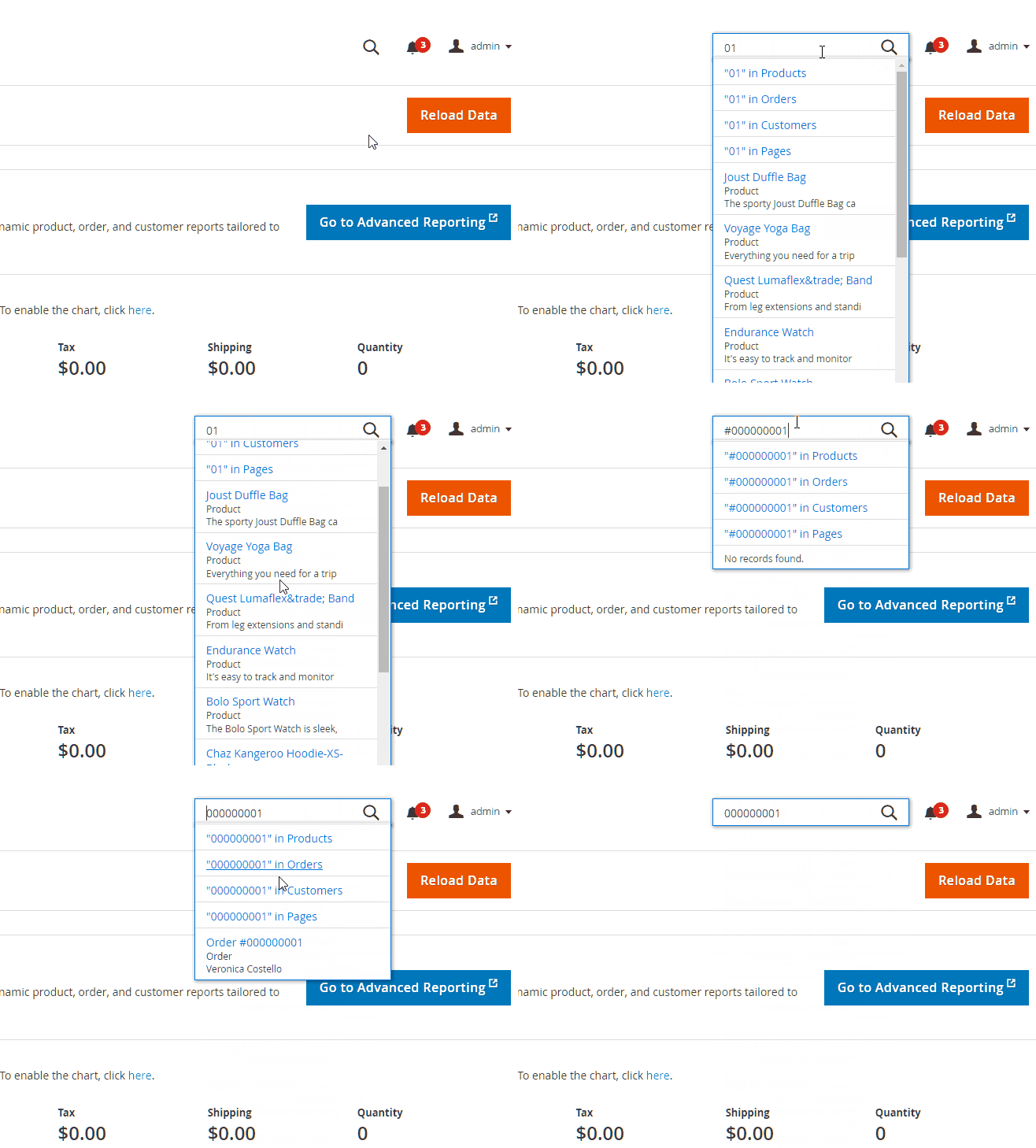
The biggest difference: you don't have to type the exact value. Enter part of an order number, a fragment of a customer name, or a few words like "nike shoes" in any order, and get the right result where the default Magento search returns nothing.
Default Magento admin search
Requires the exact order number, SKU, or customer name. A partial query returns zero results.
Admin search by Mirasvit
Matches any fragment of the value, so you can start typing whatever part you remember.
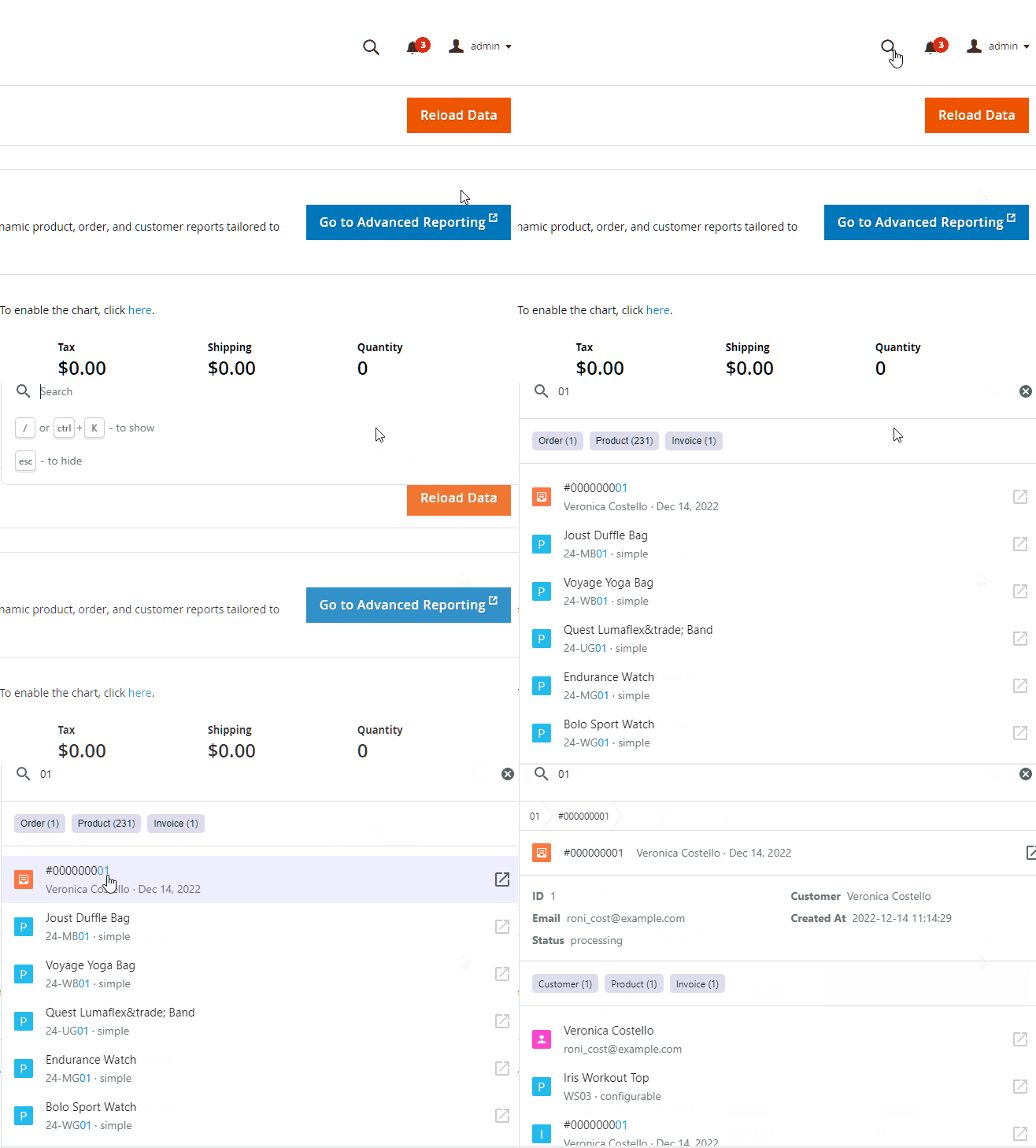
Results from the first keystroke
The default Magento admin search pauses after each character because it relies on MySQL. Our search requests go straight to Elasticsearch or OpenSearch without loading the whole Magento application, so results appear while you type and refine with every character.
Default Magento admin search
The MySQL-based search adds a noticeable delay after every character. These pauses add up throughout the day and slow your team down.
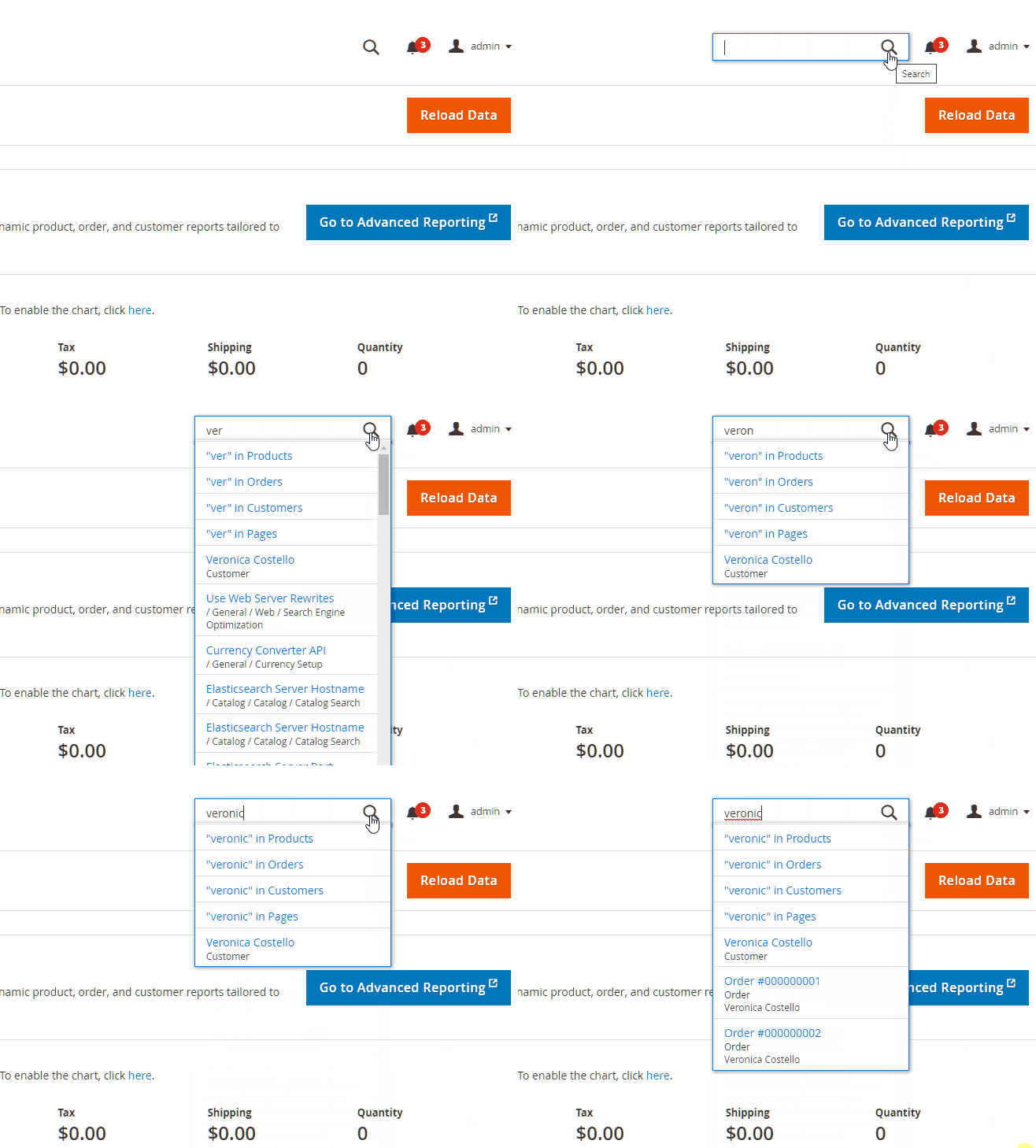
Admin search by Mirasvit
Your team gets answers before they finish typing the query.
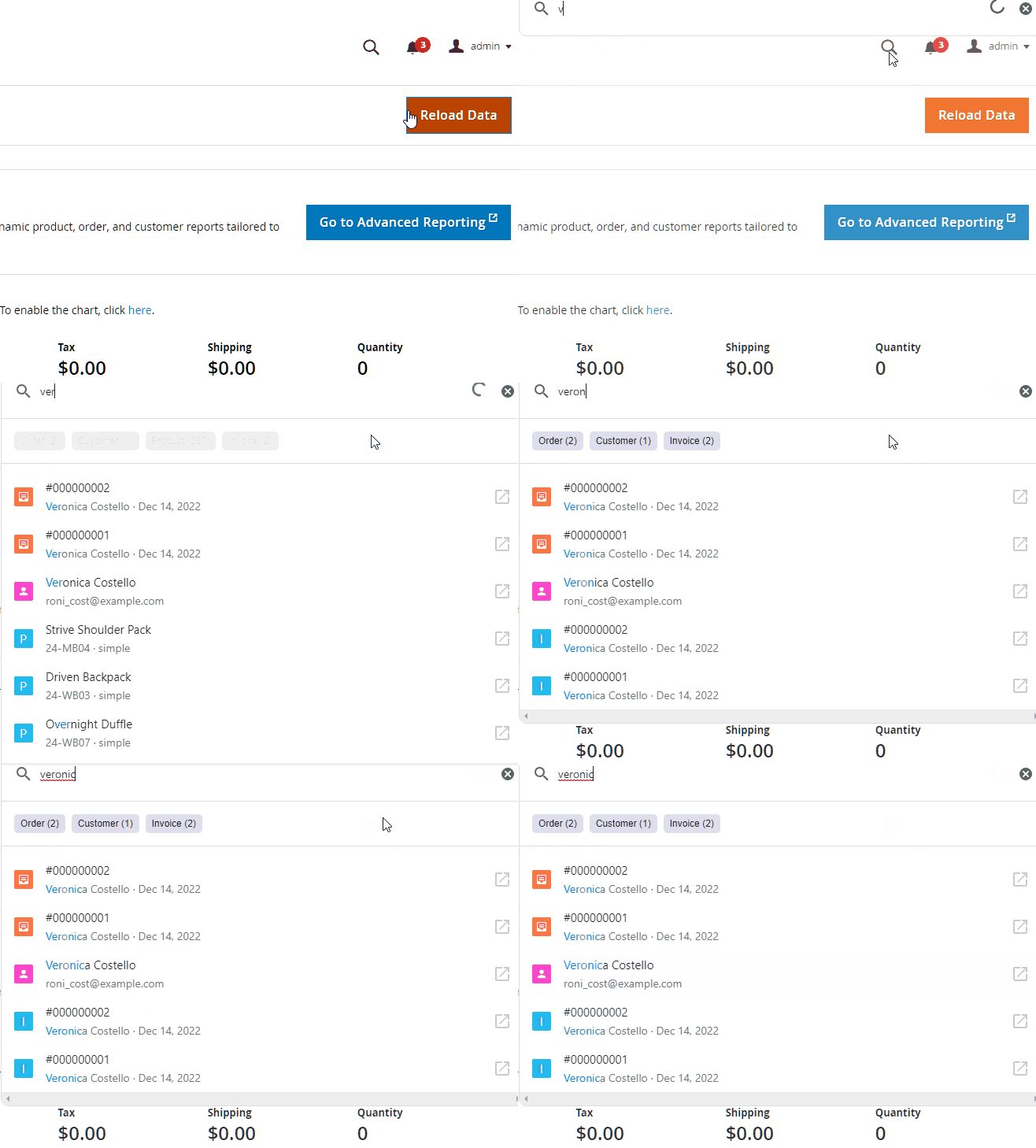
Search by any product attribute
No more opening Catalog → Products, waiting for the grid to load, and setting up column filters. Just type an EAN, a custom SKU, or a brand name into the search bar and get the result right away.
- EAN / barcode numbers: find products by scanning or typing a barcode
- Custom SKU formats: internal codes, supplier SKUs, manufacturer part numbers
- Brand / manufacturer name: search "Adidas" and see all matching products
- Any custom text attribute: choose which attributes to include in the search index from the admin panel
What you can search, and by which fields
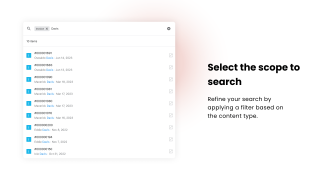
No more navigating to separate grids. One search covers these record types:
- Orders: order number, customer name and email, phone, billing and shipping street, city, postcode and company, SKU or name of an ordered item, order comments
- Customers: name, email, phone, address and company; add VAT ID or other address fields in the settings
- Products: SKU, name and any text attribute you add
- Invoices and shipments: number, customer name and email; for shipments, billing and shipping address too
- Configuration settings: type "sitemap" to jump straight to the XML sitemap settings
- Admin menu: any page of the admin panel by its name
- Help Desk tickets from the Mirasvit Help Desk
- Amazon, eBay and Walmart orders imported by M2E Pro
Customer company name search is especially useful for B2B stores where staff look up accounts by company rather than by a person's name.
Marketplace orders in the same search box
If you sell on Amazon, eBay or Walmart through M2E Pro, their orders show up next to your store orders. Paste a marketplace order ID or a buyer's email and open the order without switching between M2E Pro grids.
See related info without leaving search
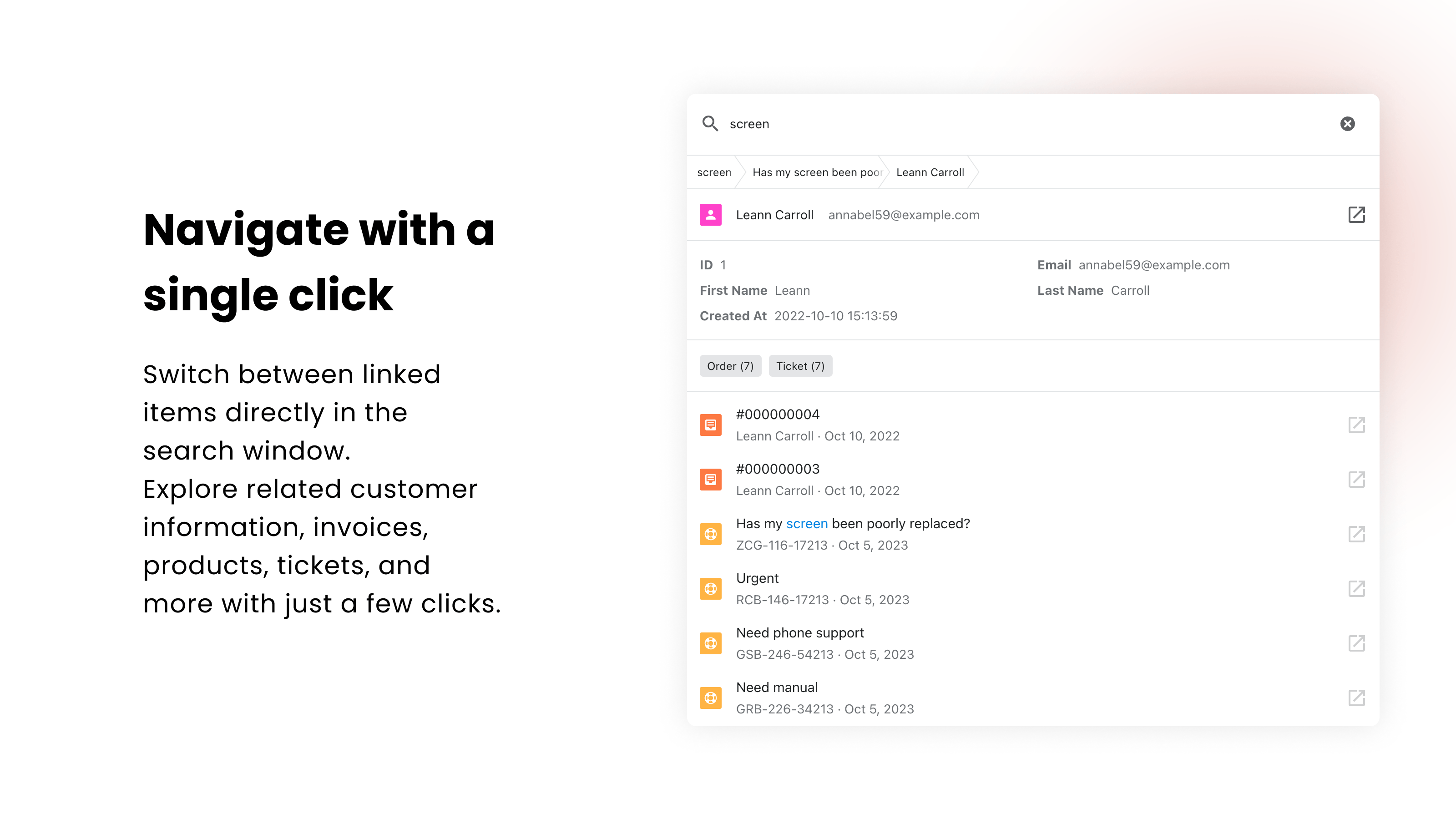
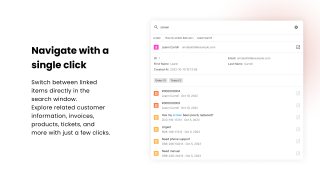
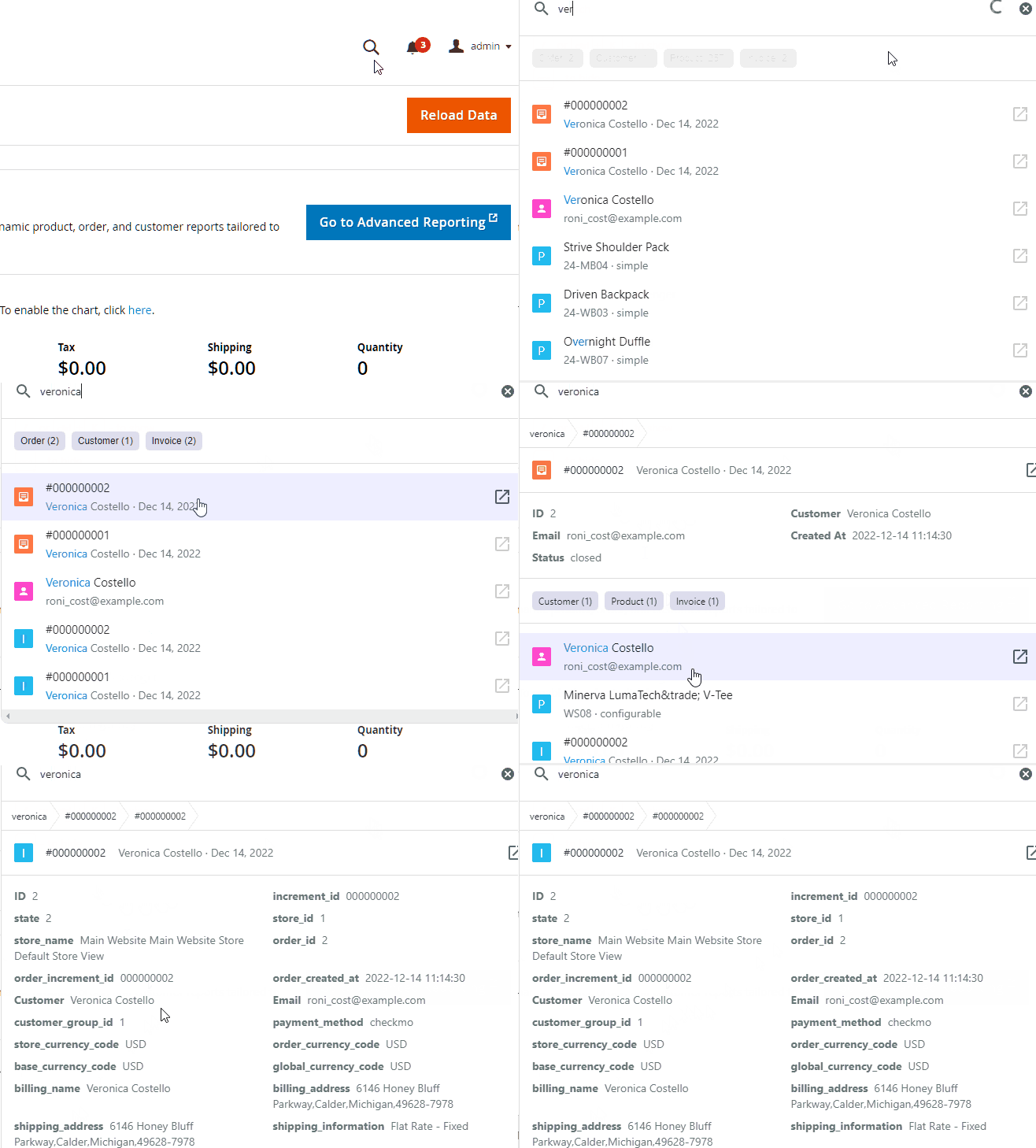
Click a search result to see related records right in the search window. Find a customer and see their orders and Help Desk tickets. Find an order and see the customer, invoices, shipments and products. No need to navigate between admin pages.
Each admin sees only the records their role allows: results and links follow the same permissions as the regular admin grids.
Keyboard-first workflow
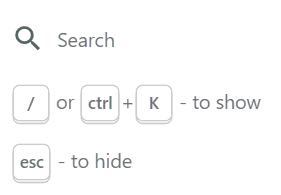
Open search with /, Cmd+K / Ctrl+K or Alt+S, find what you need, move through the results, and close with Esc without touching the mouse.
The search window opens as an overlay on top of any admin page, so you continue your work exactly where you left off. Select any text on the page, such as an order number in an email or a note, press the shortcut, and the search runs for that text right away.
Tune it to your team
The module indexes your data on install and keeps the index current by cron. Under System > Admin Quick Search > Providers you can turn record types on or off, change their order in the results, and choose which fields are searched and shown. See the providers settings in the manual.
For pages you open every day, such as orders filtered to Pending, Admin Bookmarks pins them to a bar at the top of the admin with their filters saved.
Looking for a faster search for your shoppers on the storefront instead? See Elastic Search Ultimate.
Magento 2 store owners should definitely purchase this extension and see the convenience it provides!
Thank you so much! Love Mirasvit :)
working in the chat – searching for customer orders – is now fast
with tickets - I quickly find required information
searching for products - super fast.
I recommend it to everyone.
Save time by starting your support request online and we'll connect you to an expert.
Which customer fields can I search by?
By default, the search covers the customer's name, email, phone and the default billing address: street, city, postcode and company. You can add more address fields, such as VAT ID, in the provider settings.
Open a customer in the results to see their orders and Help Desk tickets without leaving the search window.
Can I search by comments in orders?
Yes, we automatically index comments associated with orders, which allows you to find orders based on the text in the comments and navigate to them.
Can I find an order by the customer's phone number or by a product SKU?
Yes. Orders are searchable by the billing and shipping phone, street, city, postcode and company, by the name or SKU of any ordered item, as well as by the order number and the customer's name and email.
Does it find Amazon, eBay and Walmart orders imported by M2E Pro?
Yes. If M2E Pro is installed, its Amazon, eBay and Walmart orders appear in the same search. You can find them by the marketplace order ID, the buyer's name or email, or the shipping address.
Will an admin with limited permissions see orders they can't access?
No. Results and links follow each admin's role permissions, the same as the regular admin grids. A user who can't open invoices won't see invoices in the search either.
Can I choose which record types and fields appear in the results?
Yes. Under System > Admin Quick Search > Providers you can turn each record type on or off, change its position in the results, and choose which fields are searched, shown in the result row and shown in the detail view. See the manual.
Which search engines does it support?
Elasticsearch 7 and 8, OpenSearch (including 2.x) and Amasty Elasticsearch. It also works on multi-server and container setups where each node has its own var/ directory.
Is the admin search interface translated?
Yes, the interface is available in 15 languages, including German, French, Spanish, Italian, Dutch, Polish, Portuguese, Japanese and Chinese.
var/log/exception.log for troubleshooting. Messages about an invalid or expired search token are still shown as they are.CRITICAL "Undefined index" notice to exception.log. The module no longer asks Magento for an Elasticsearch/OpenSearch client on engines that don't have one, so the log stays clean.indexer_clean_all_changelogs cron job could fail when the admin search update log table was missing. A missing table is now skipped on every Magento version.var/ directory), admin quick search on some nodes failed with "configuration file does not exist. Please run reindex." — and running a reindex on one node did not fix the others. Each node now creates its own search configuration automatically the first time an admin page is opened./backend_search/ instead of /backend-search/, so links are always validated correctly.Blog

 Andriy Kovalenko

We are committed to being open and transparent with our customers. When you purchase our module, you automatically receive one year of free support service and free updates.
Why is this important?
- Seamless Installation and Configuration: We understand that setting up a new module can take time to configure according to your specific needs. That’s why we offer a full year of free support. Our experienced team is here to assist you with installation, configuration, and any questions you might have. We're eager to share our expertise to ensure you get the most out of your purchase.
- Stay Updated with Magento (Adobe Commerce) Releases: Magento releases new versions approximately every three months. These updates can sometimes introduce compatibility challenges. To keep your store running smoothly, we provide a year of free access to the latest versions of our modules, ensuring that you can upgrade Magento and our modules without encountering any obstacles.
- Subscription Included: Renewing your subscription ensures continued access to the latest updates and support from our team. This means you can be confident that any issues you encounter with the extension will be resolved quickly and efficiently. You can cancel your subscription at any time without any additional fees.
These are our primary. A major portion of our new clients come from referrals from our existing clients. Our professional team of developers, marketers and support staff have invested the best knowledge and experience in the field into our work, so you know you can come back to us again and again.
One year free and high quality support. We go to great lengths to provide maximum satisfaction with every module you have purchased in our store. By helping you with installation, configuration, answering your every question, we do all our best to eliminate any possible problems.
30-days money back guarantee. If you are not satisfied with our Magento 2 Admin Search extension performance for any reason, we provide a full refund.
We constantly add new features to all our modules, and are always interested in hearing your opinion and implementing your suggested features in our future developments.
We provide an expanded user guide for every aspect of our Magento 2 Admin Search extension, so you can find answers for all your burning questions.
You can customize Magento 2 Admin Search extension according to your needs and requirements.
The Module is easy to install and upgrade, just follow our step-by-step user guide. Additionally, the extension is ready to use with the Hyvä theme.
No core modifications. The Magento 2 Admin Search extension has been tested in a Magento Cloud environment and is fully compatible with it.