
Magento 2 Reward Points Extension and Loyalty Program
Boost customer loyalty with reward points, unlimited tiers and a built-in referral program - all in one module. Reward shoppers for purchases, referrals and social shares to drive repeat sales and turn one-time buyers into brand advocates.
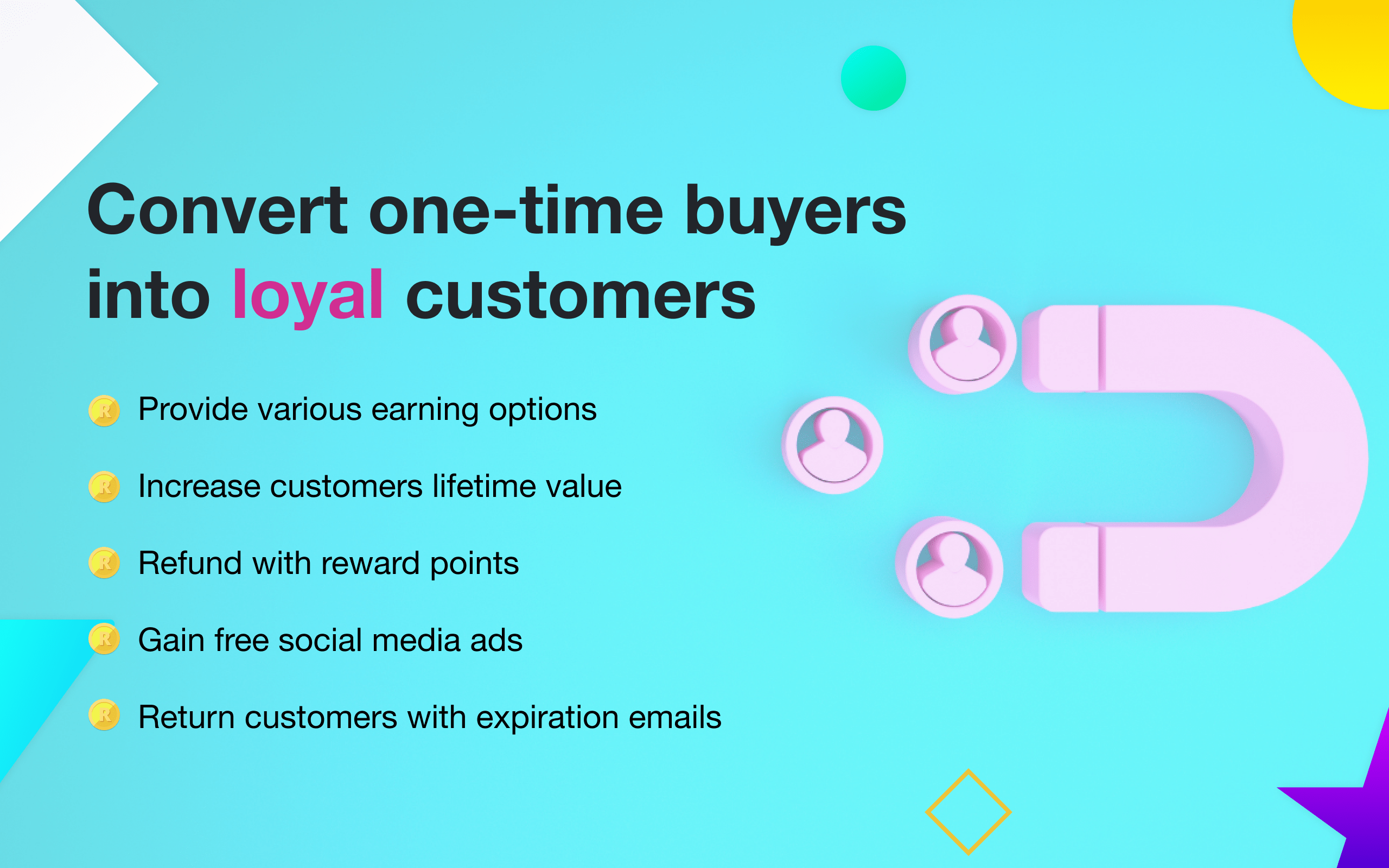
- Increase the retention rate
- Gain high-quality leads
- Reward customers for spending or sharing on social media
- Split the program into tiers
- Refund with reward points
- Use GraphQL, REST
- Available in 15 languages
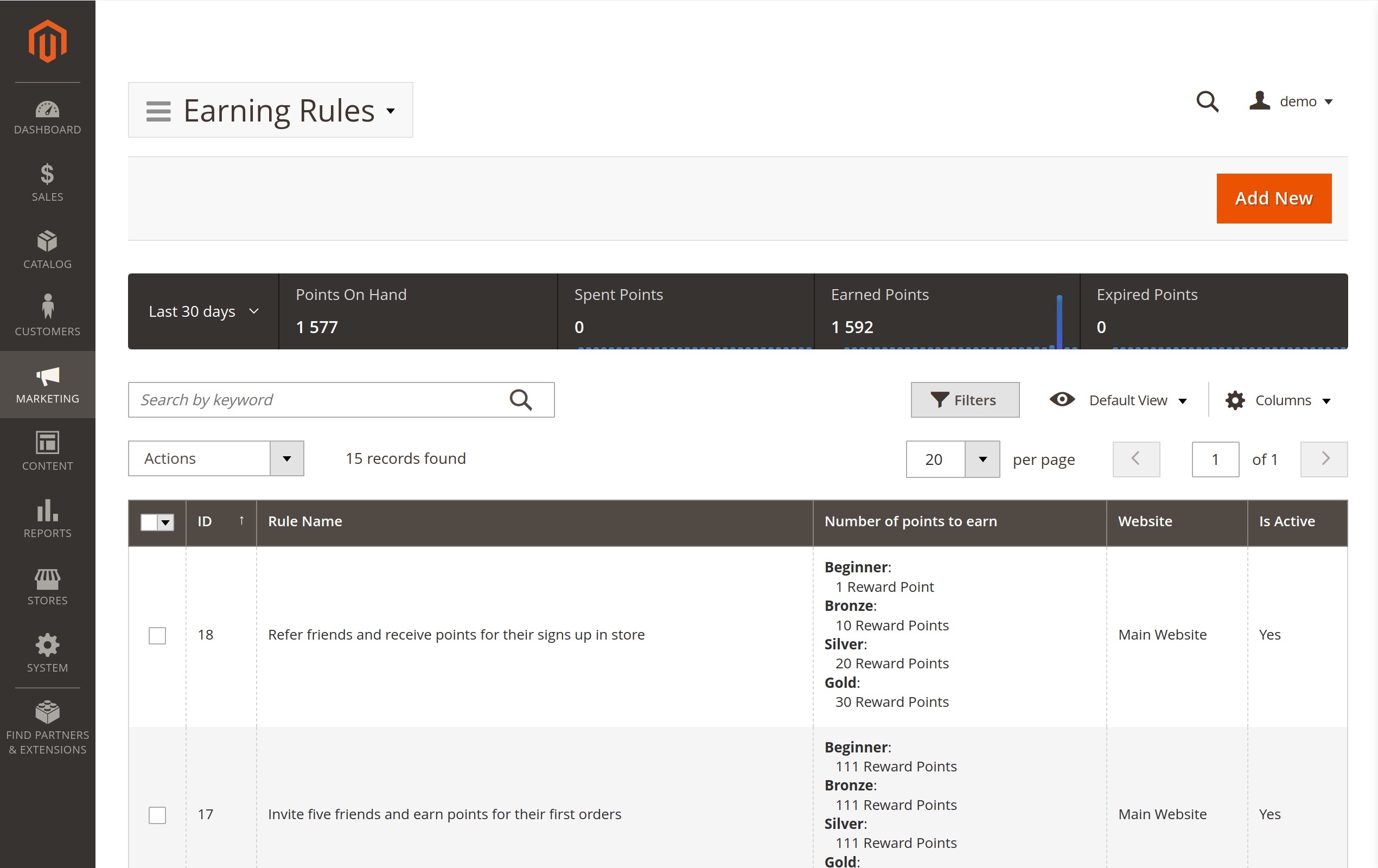

Why Choose Our Reward Points Extension for Magento 2?
Our extension runs a complete customer loyalty program from a single module: reward points, unlimited tiers and a fully-featured referral program at no extra cost, plus GraphQL, REST and SOAP for headless stores. Reward shoppers for purchases, referrals, reviews and more to turn one-time buyers into repeat customers.
- Customer Retention: The reward points extension allows customers to earn points for every purchase they make, incentivizing them to return and shop more to spend their expiring points.
- Customer Engagement: It rewards customers for non-purchase actions such as account registration, birthday gifts, long-time inactivity, newsletter subscription, and more, encouraging them to be more active in your store.
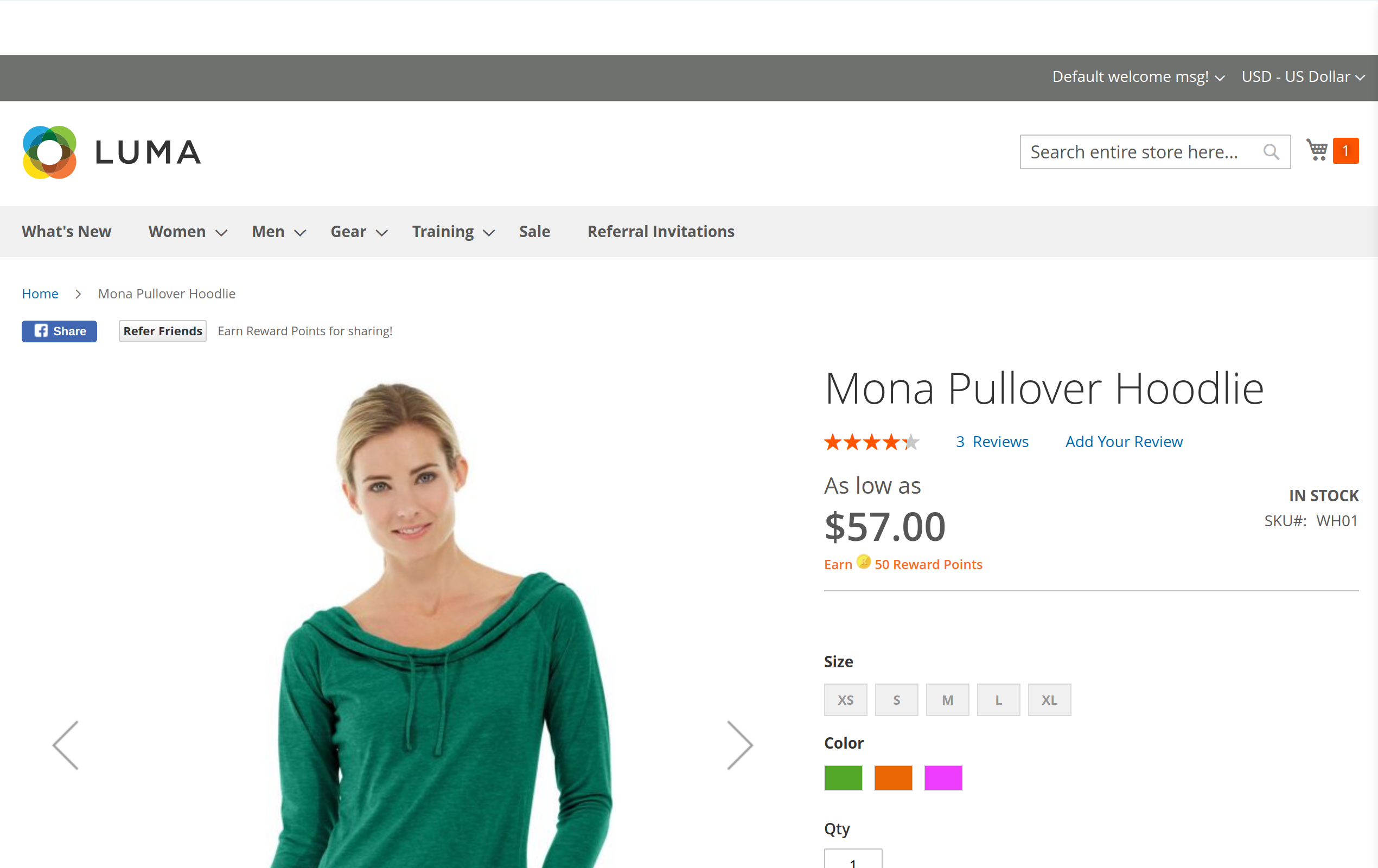
- Extended Reach: The reward points extension allows customers to earn points by referring friends and family and sharing your product pages on social media, expanding your store's reach and customer base.
- Order Value: It encourages customers to increase their order value with reward conditions and personalized promo messages and lets you reward customers for purchasing specific product groups.
Set Up the Reward Program the Way You Want It
The Magento reward points system lets you award customers points for a wide variety of events, and decide how and when to stimulate sales by encouraging customers to use their accumulated points.
For example, you can limit the time for using the reward points, prompting the buyer to spend their earned points to avoid losing the benefits associated with them.
Encourage the spending and sharing of reward points
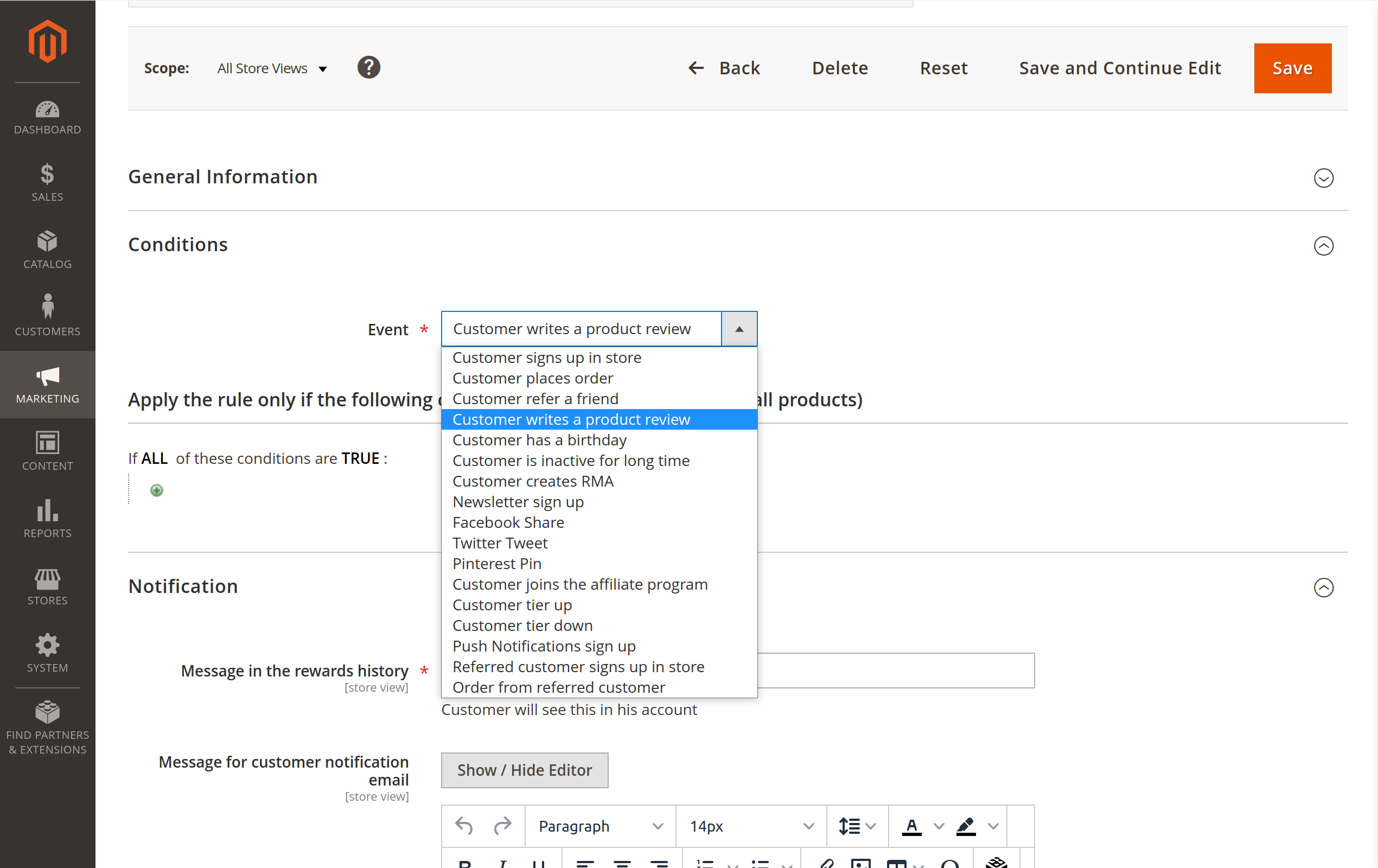
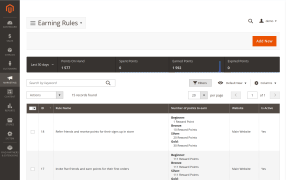
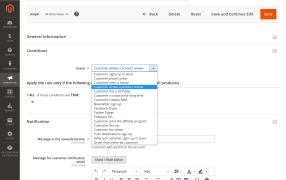
Reward your customers for a wide array of actions on your store, such as:
- Signing up
- Placing an order
- Referring a friend
- Writing a review
- Having a birthday
- X days of inactivity
- Creating an RMA
- Subscribing to the newsletter
- Facebook share
- Twitter tweet
- Pinterest pin
- Joining the affiliate program
- Rising to the higher tier
- Falling to the lower tier
- Signing up for push notifications
- Referred customer signing up
- Referred customer placing an order
Control how, when, and who can redeem the points
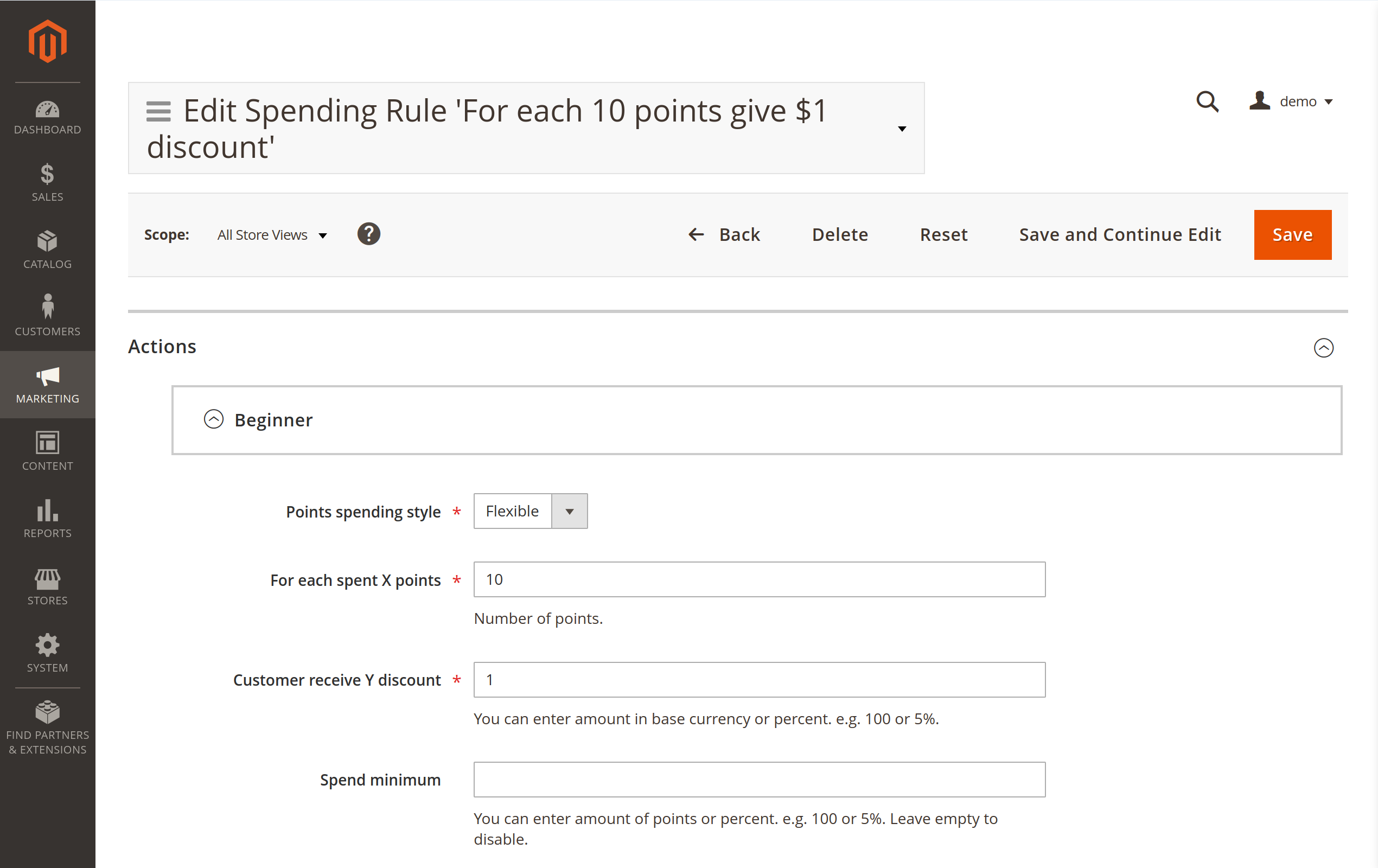
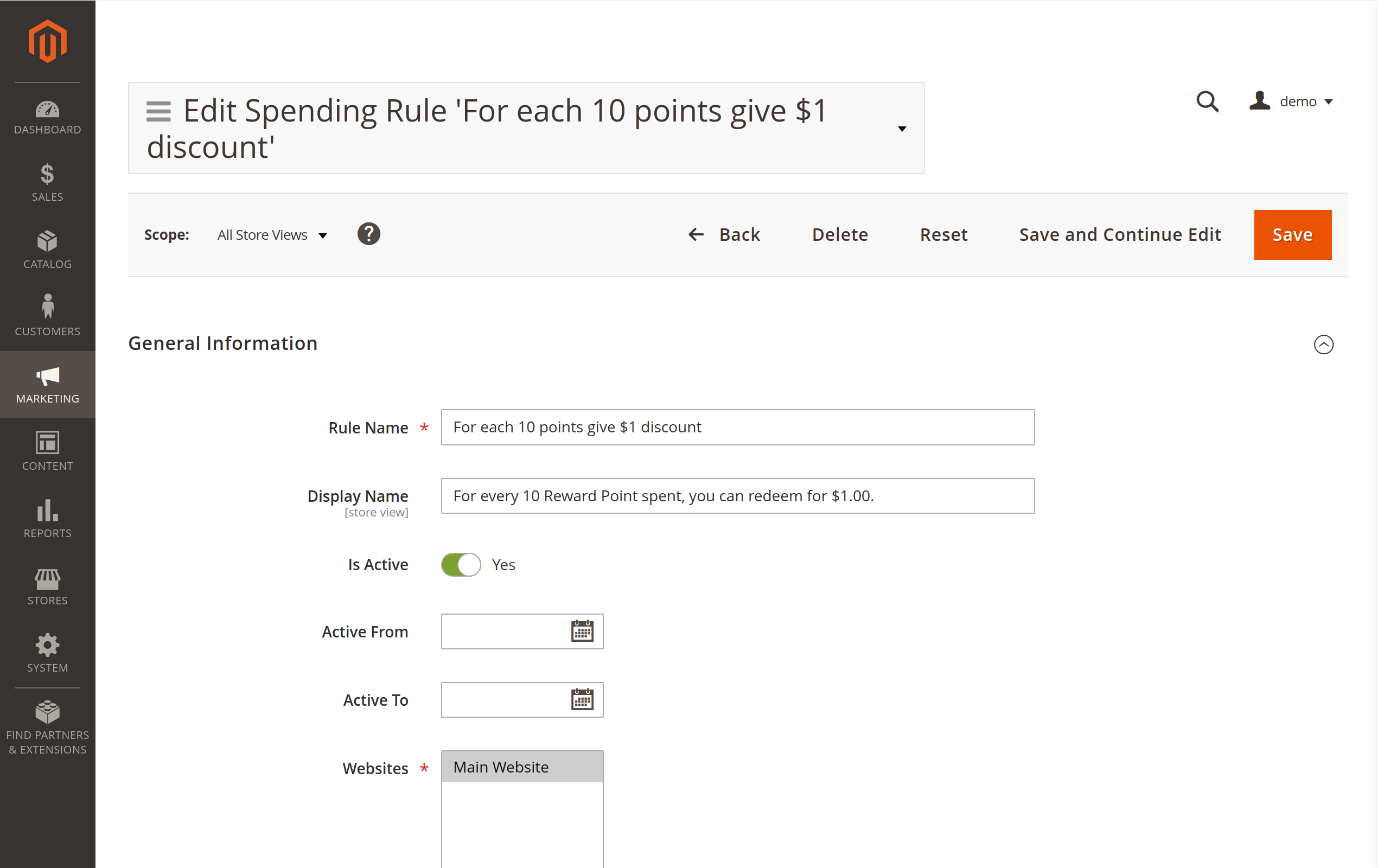
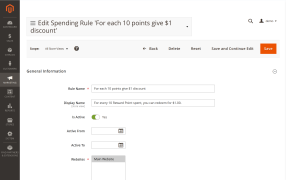
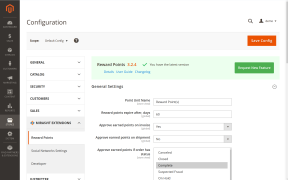
The Magento Rewards Points system also lets you thoroughly customize how customers spend their points. You can define:
- How long a particular rule will be active
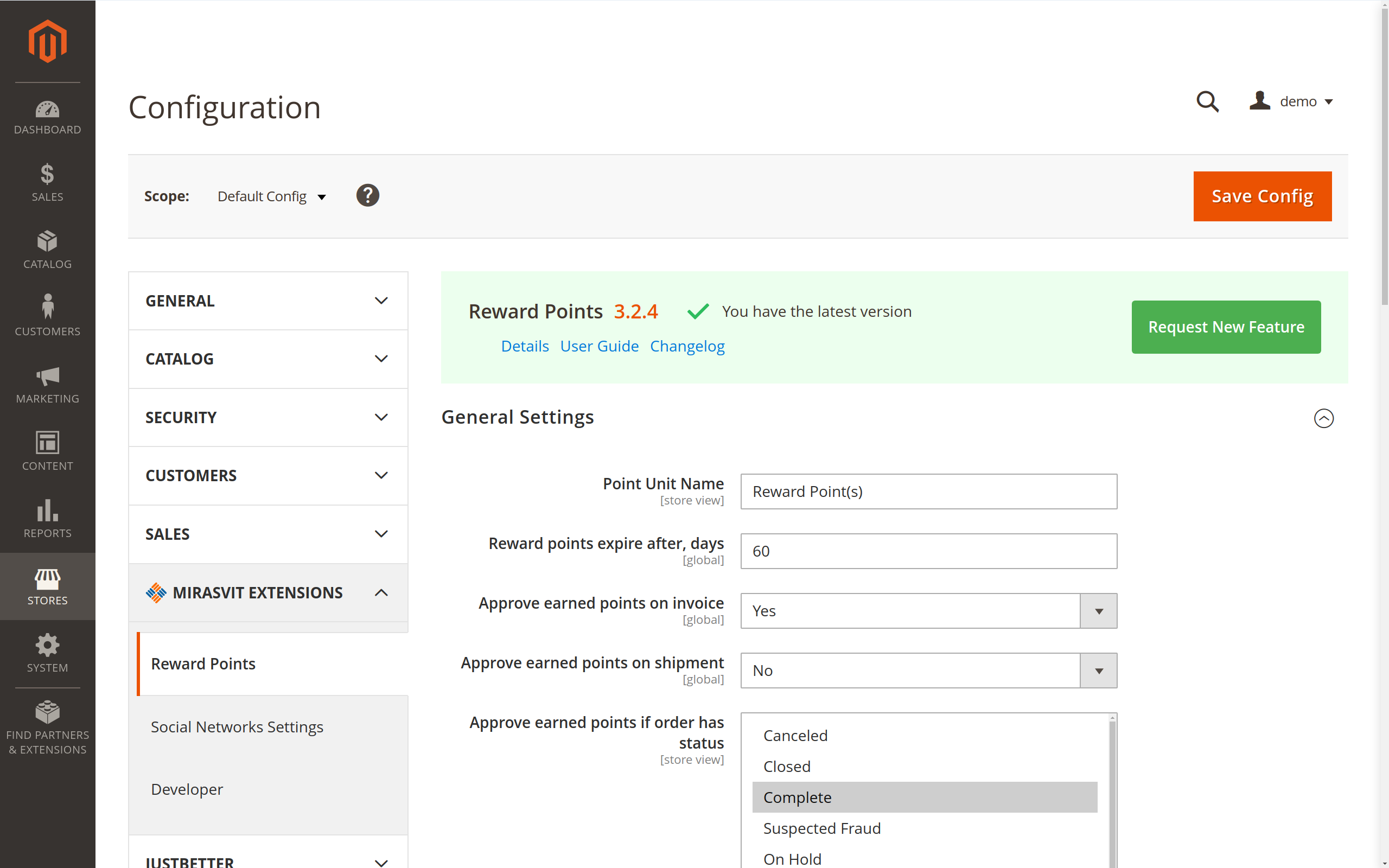
- The expiration timeline for points
- The maximum number of points a customer can spend per order
- The cart attributes to which the rules apply
- The types of customers to which the rules apply
- The types of goods customers can purchase using points
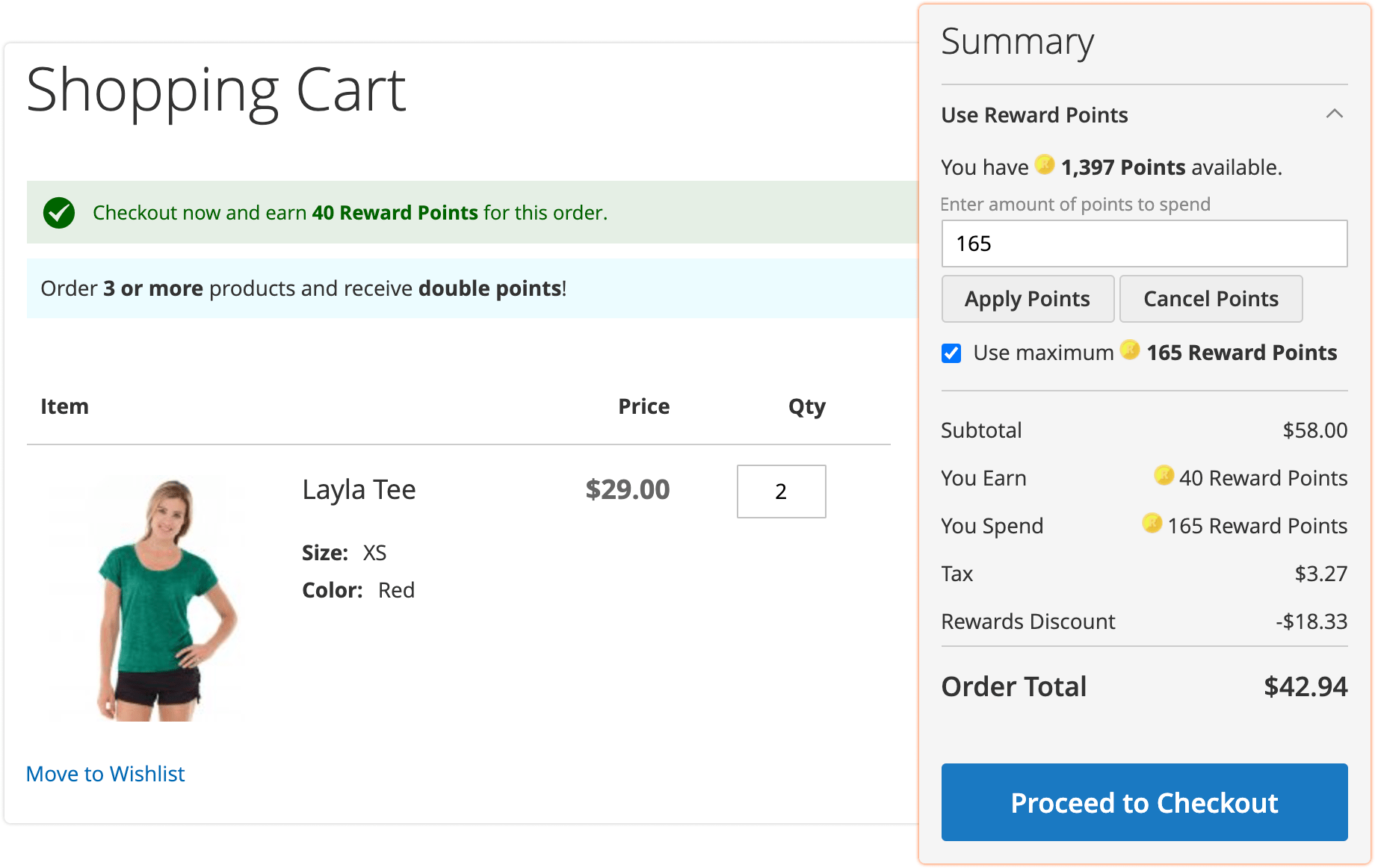
Assist visitors in understanding your rewards program
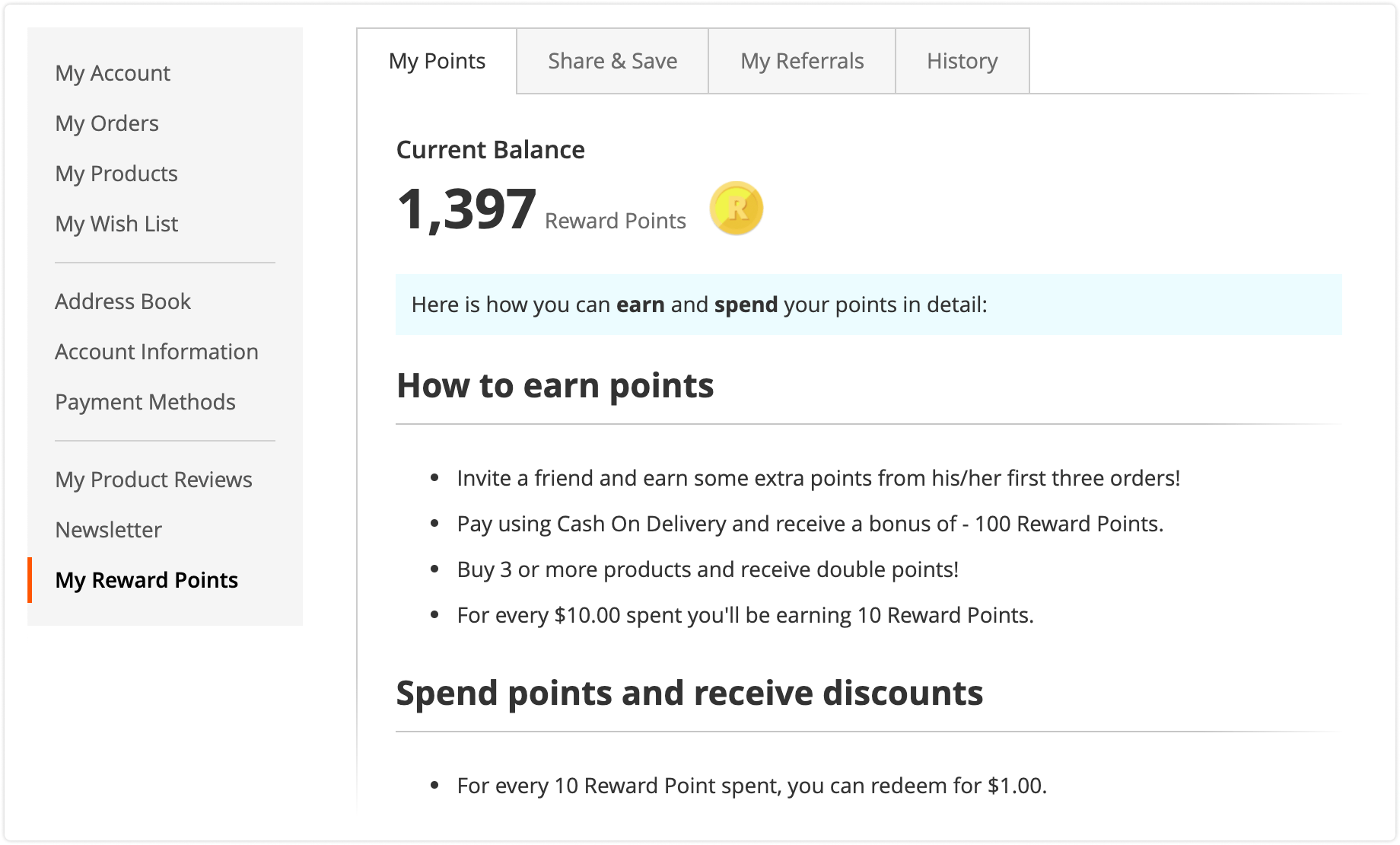
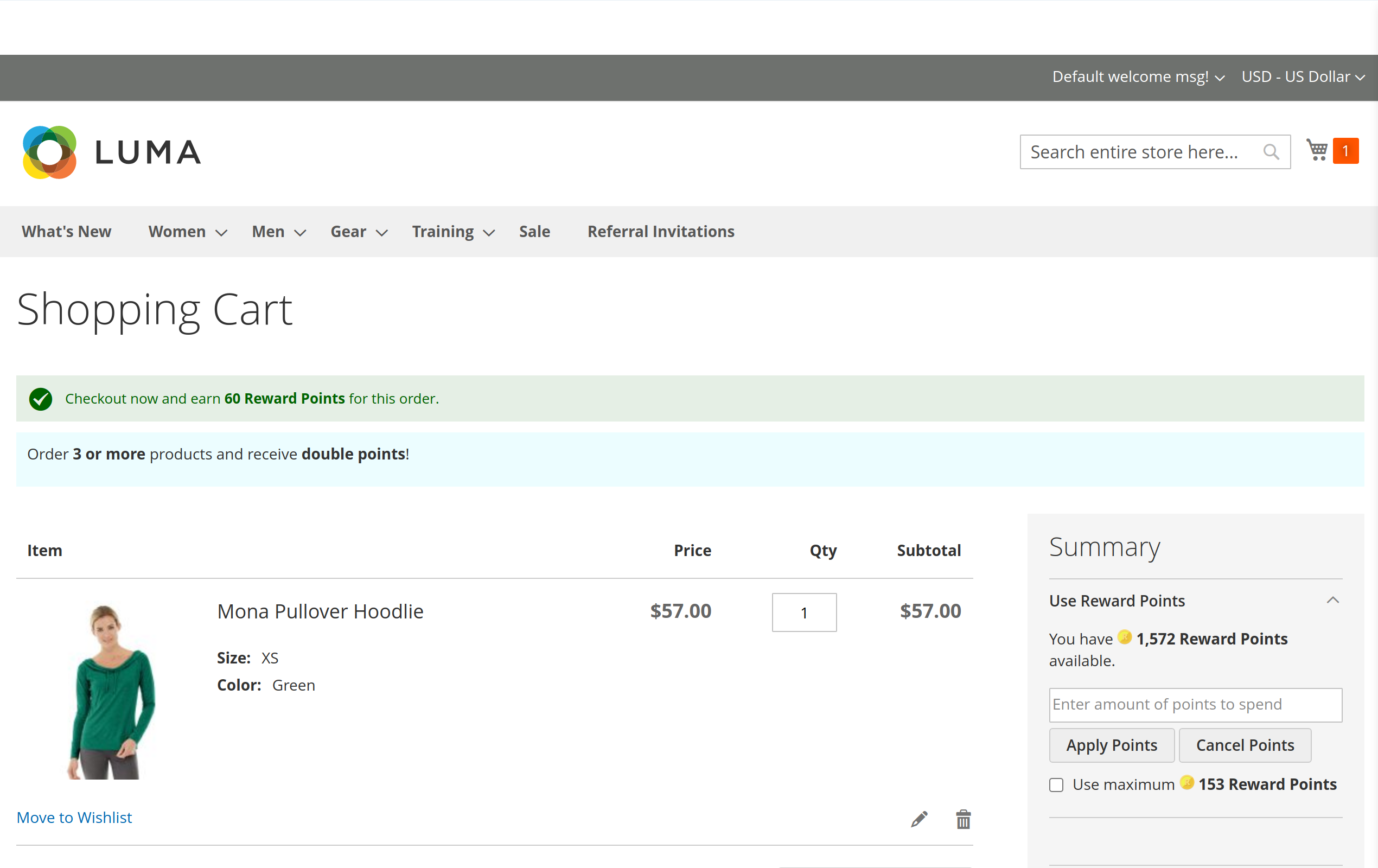
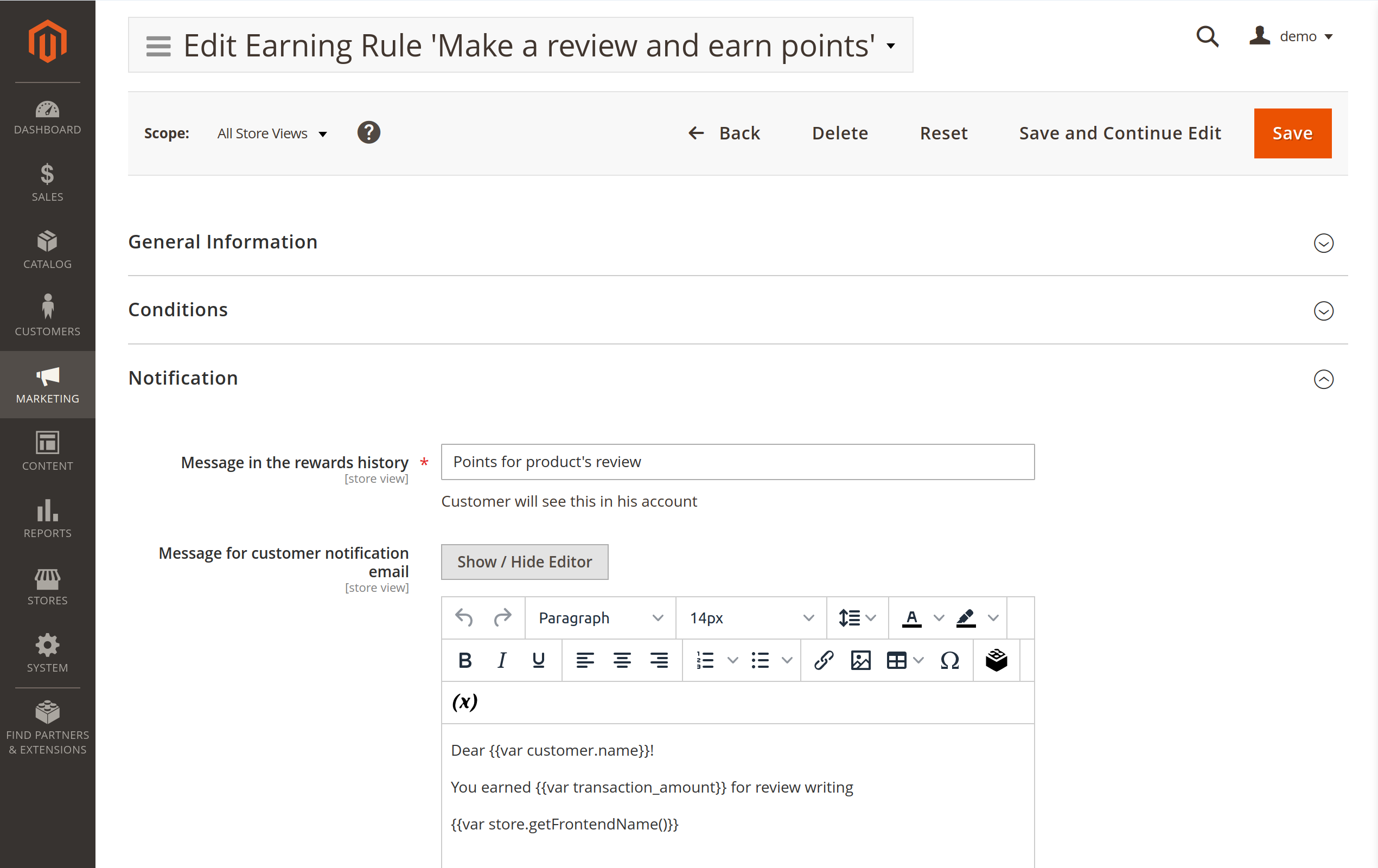
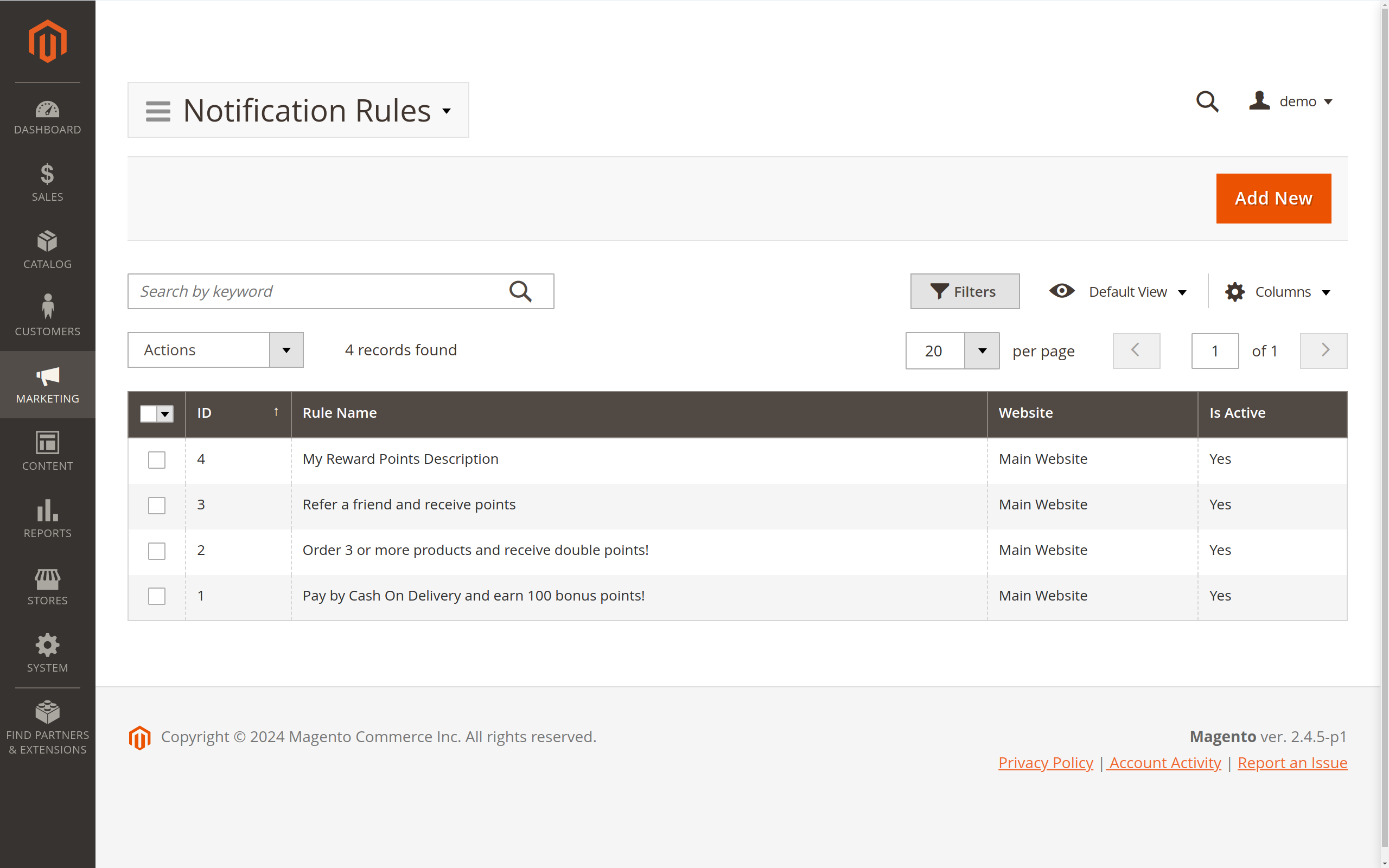
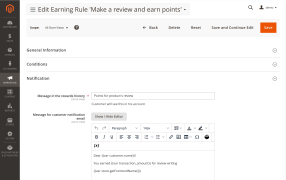
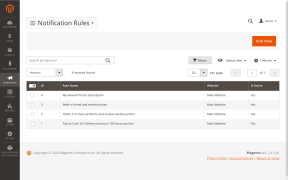
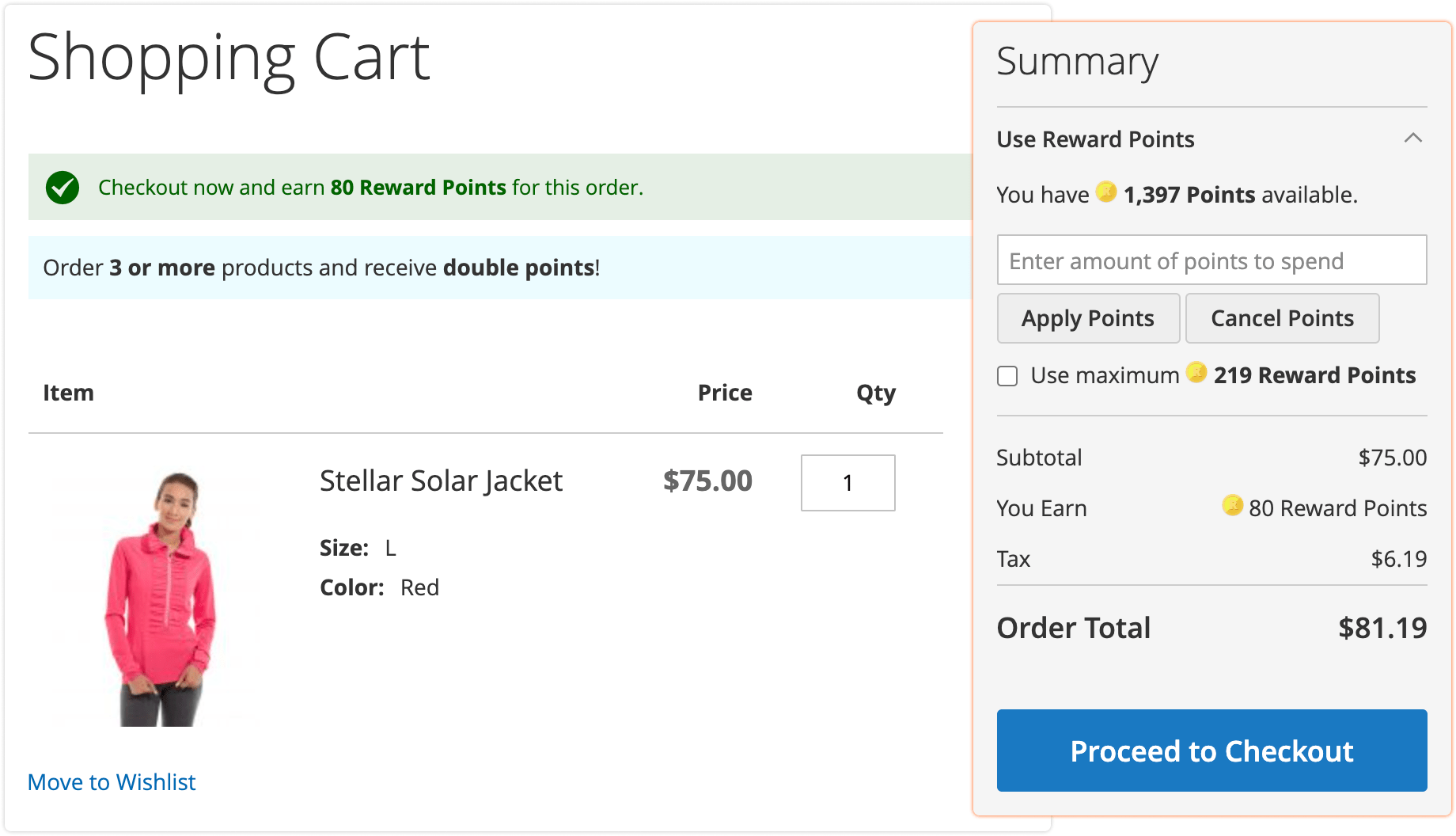
You need to make sure that customers have a clear understanding of how your program works. The module provides extensive notification rules: you can control what kind of information, where and under which circumstances you plan to display it. In particular, you can display information on the cart, reward points and referrals pages. This is great if your goals are to optimize the funnel, increase the average order value, promote specific deals, among other options.
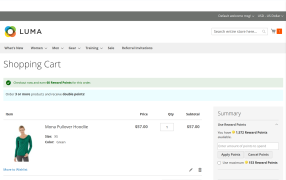
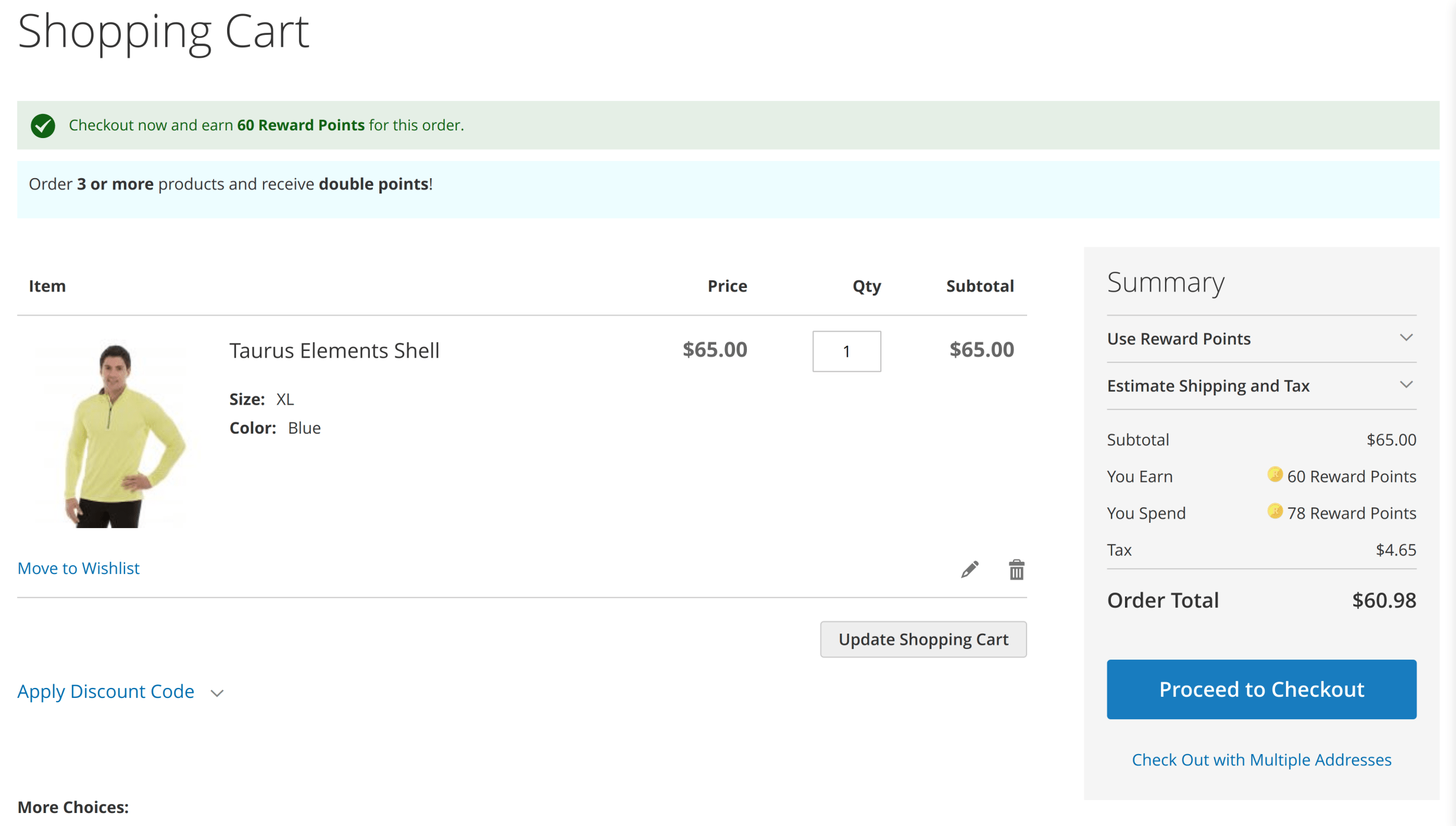
For example, should your customer add just a single product to the cart, you can display "Buy another and receive extra points" right on the cart page. This will encourage them to go to the checkout with more goods.
Last but not least, the module sends automatic notifications each time the customer's point balance changes. They won't have to go to your site to remember how many points they have left.
Provide spontaneous rewards
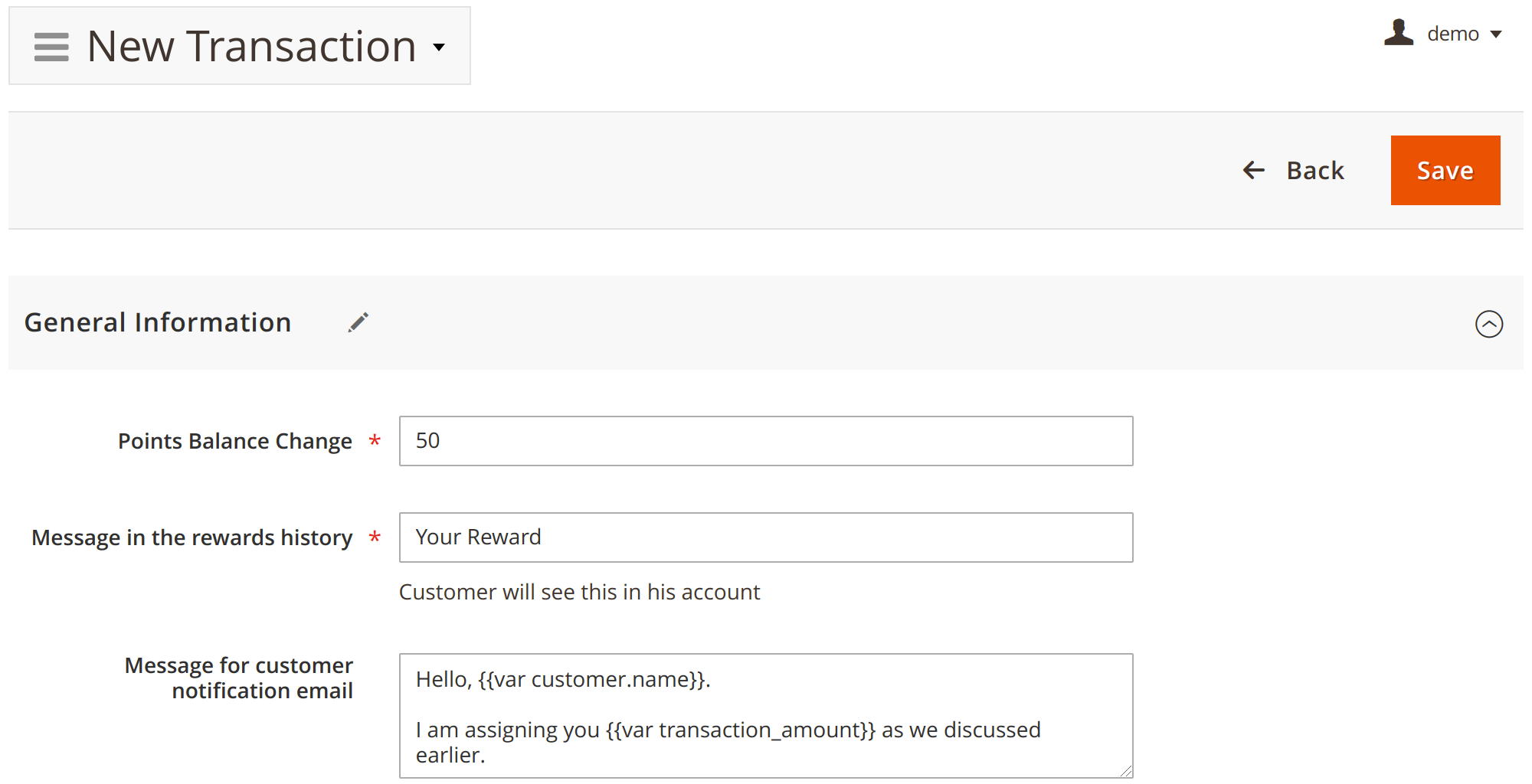
Customers appreciate pleasant surprises, and you can assign points yourself to foster their loyalty. Your support team can also assign points as a form of compensation.
In addition, you can assist customers with manual point redemption.
Reward Points Loyalty Program
Here are some ways to get the most out of it:
Increase the average order value in your store
You can stimulate the purchase of complementary products or bundles by rewarding customers with a significant number of points.
This will make your existing cross-selling setup even more efficient.
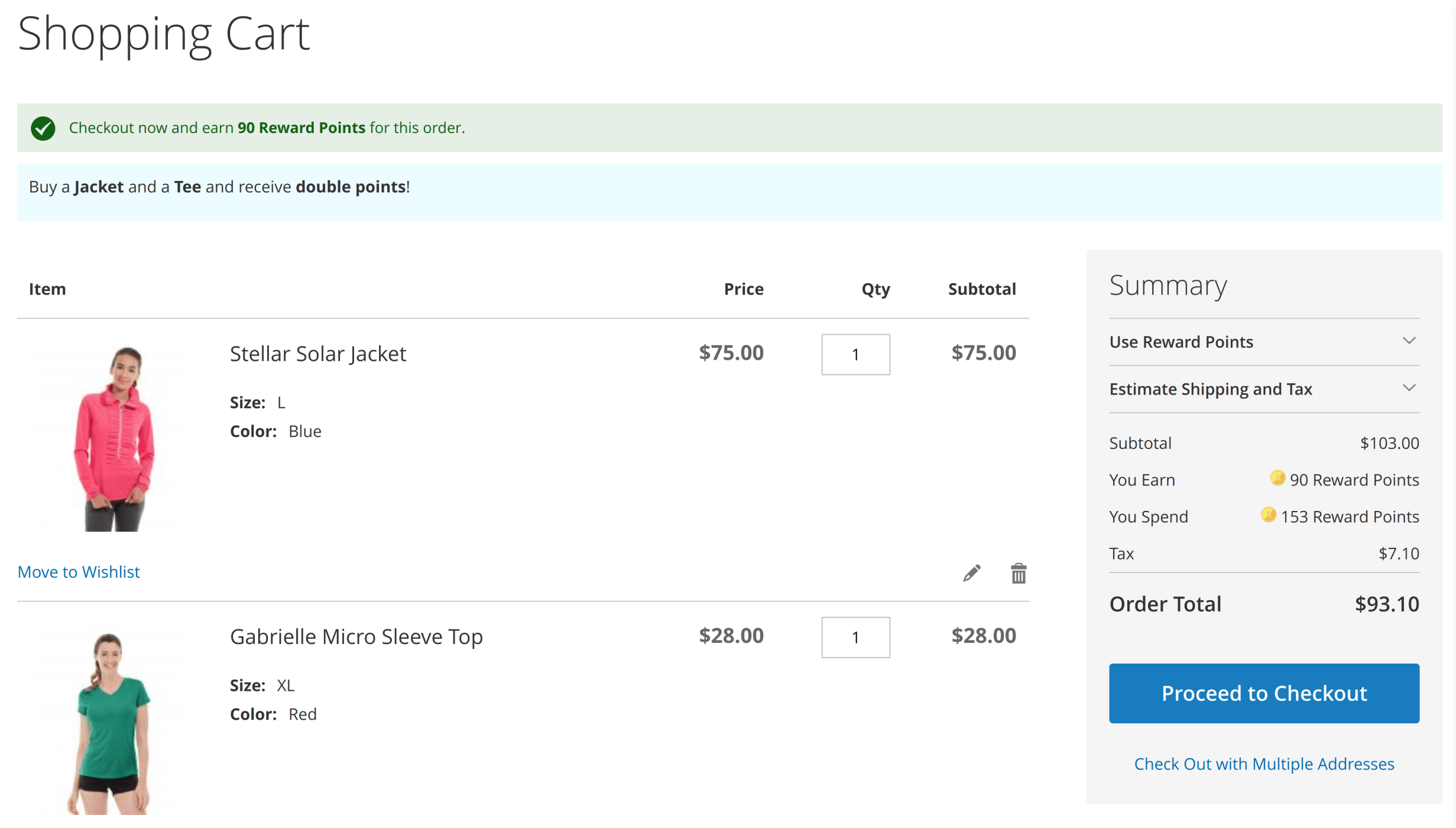
Complement your sales or entirely substitute them
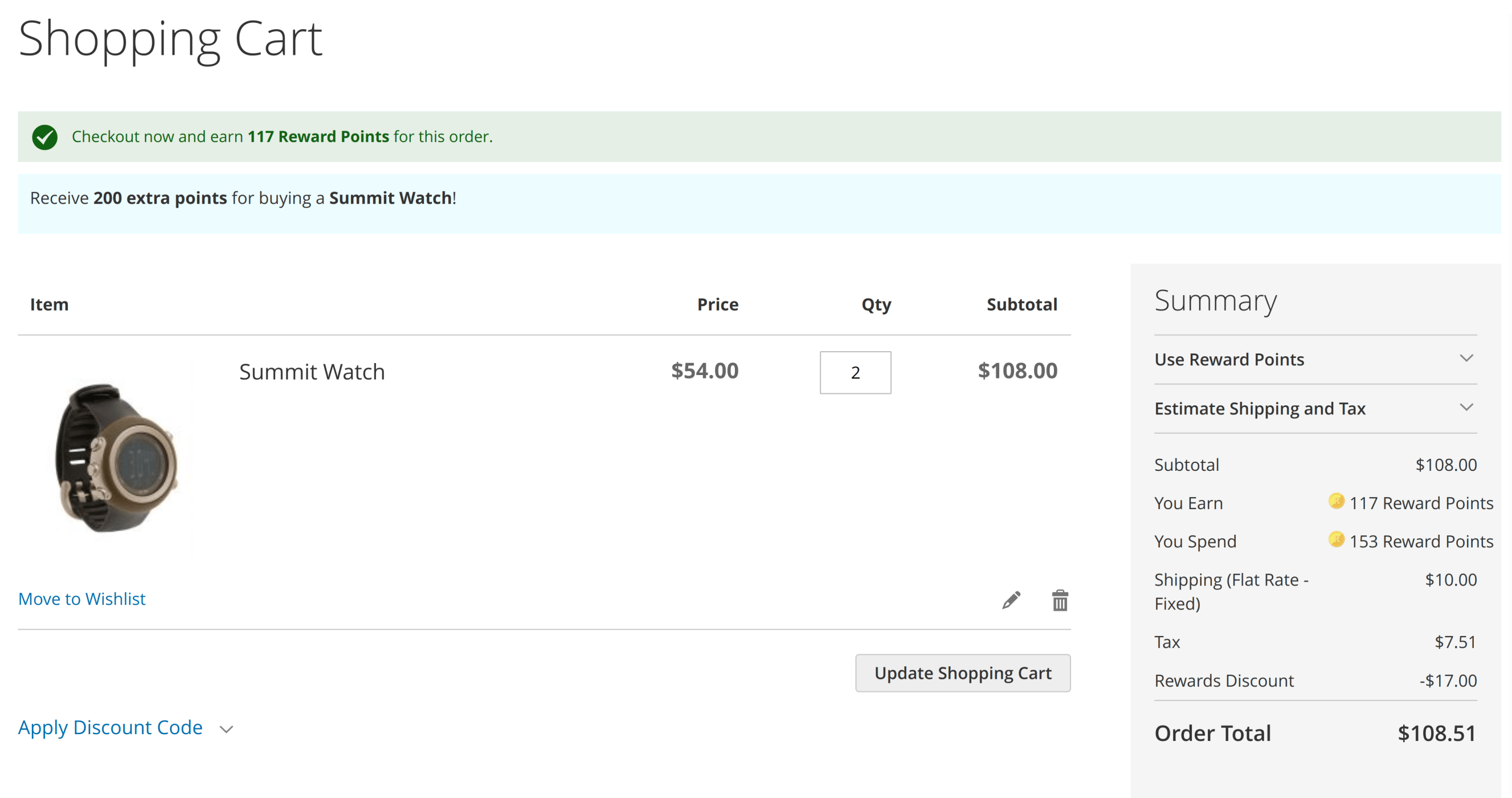
Rewarding more points for certain products is very similar to having a sale with actual discounts.
However, you'll get much more out of it in the long run. The customers will have to return and buy more in order to redeem the points.
Recapture the interest
You can set a rule that rewards points to customers if they've been inactive for a long time, or you can manually reward those customers. The Magento 2 Loyalty Program will then send a balance change notification.
This creates a perfect opportunity for customers to return to your store and check how they can spend their rewards.
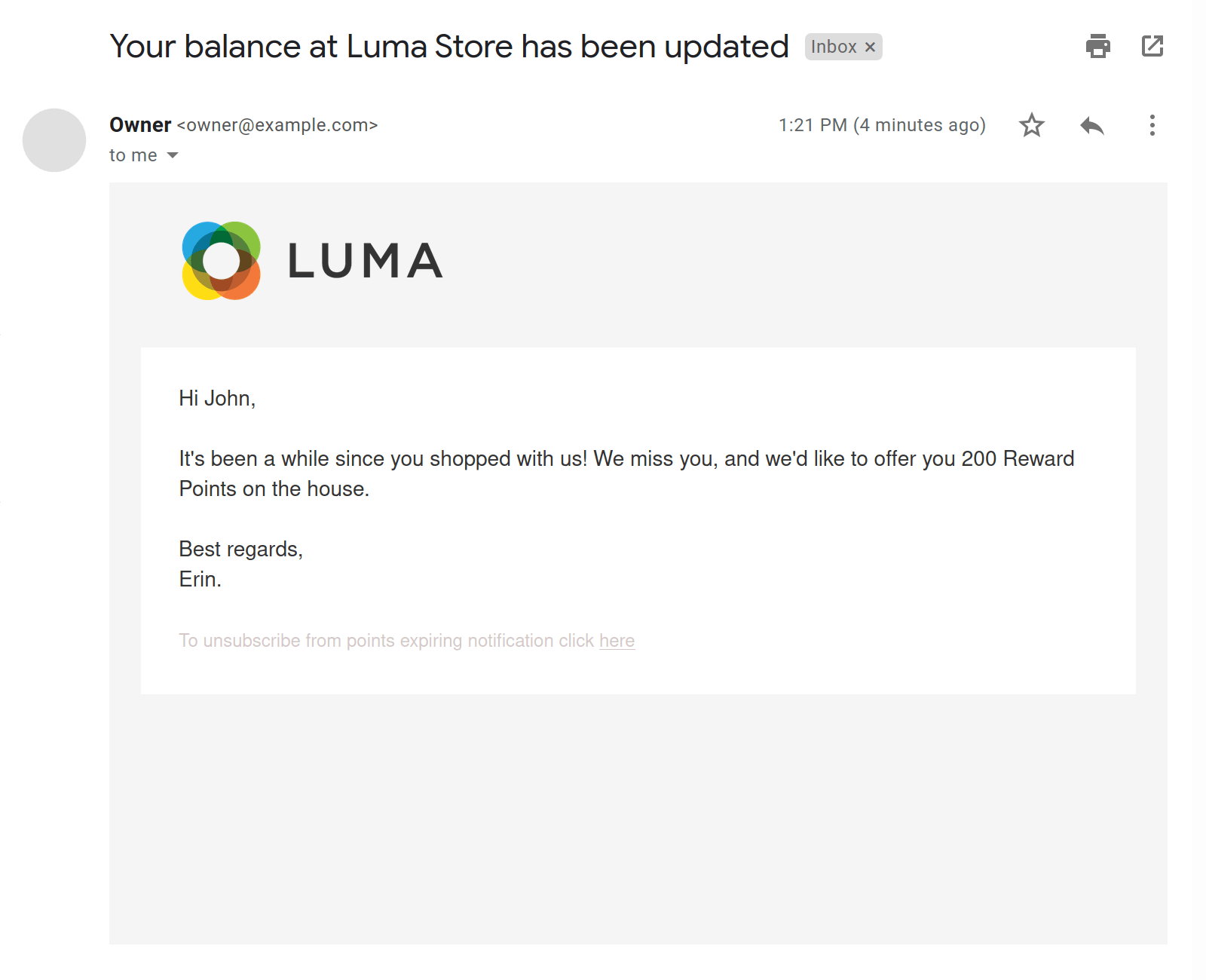
Motivate customers to spend reward points before expiry
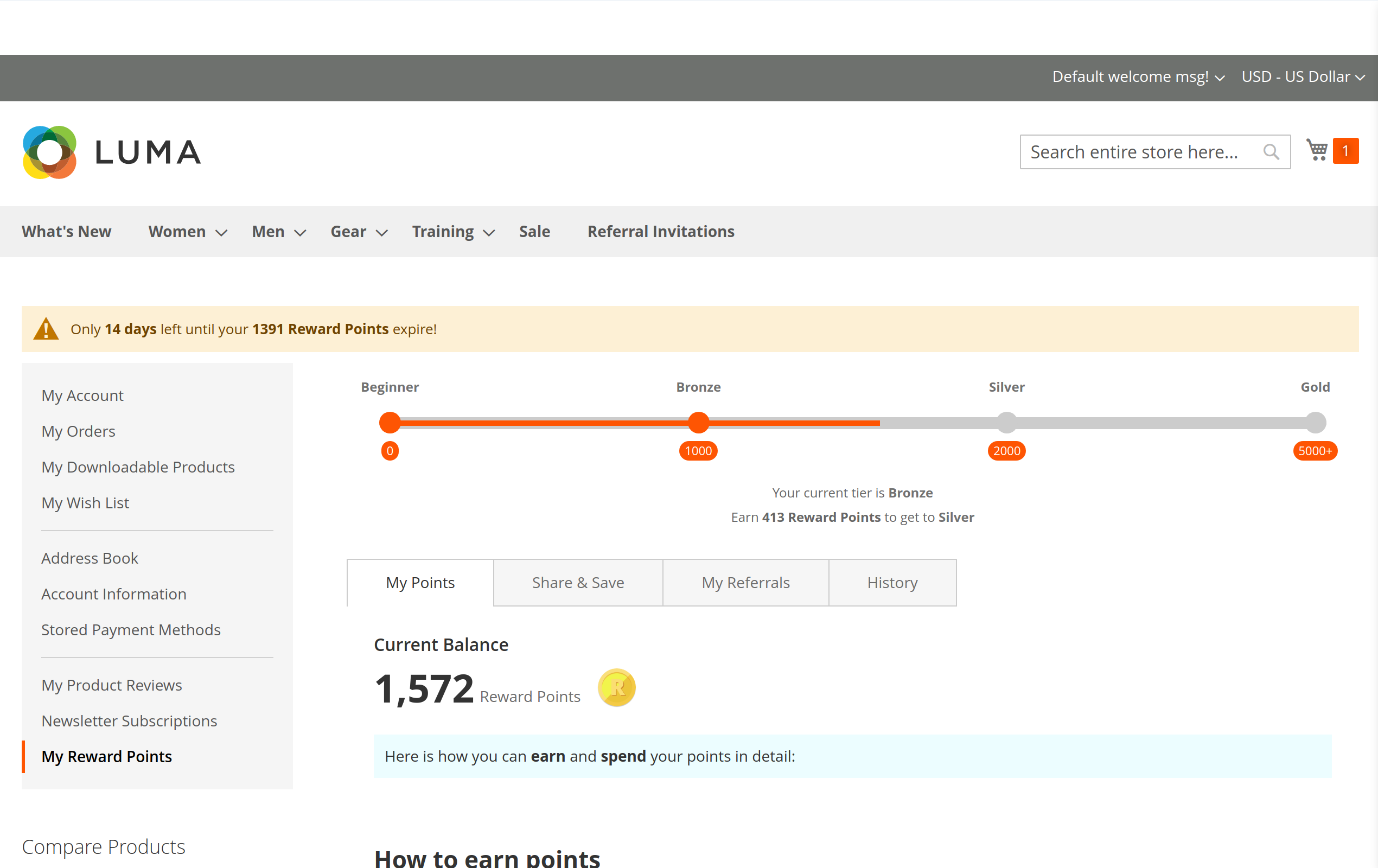
You can make the points expire faster. The Reward Points Magento module will automatically notify the customers a week prior to their points' expiration date.
This will encourage customers to redeem their Magento loyalty points - and spend more.
Tiered Loyalty Program
Get people to spend even more
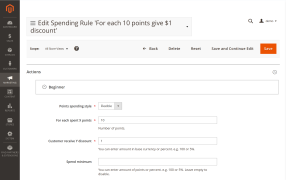
You can split the Magento rewards program into an unlimited number of tiers. Customers in each tier can earn a different number of points for each action, and spend a different amount of points for the same amount of money while redeeming them. You can also add unique benefits with Magento conditions and make the higher tiers more valuable. The better their benefits are, the more customers will spend to get there!
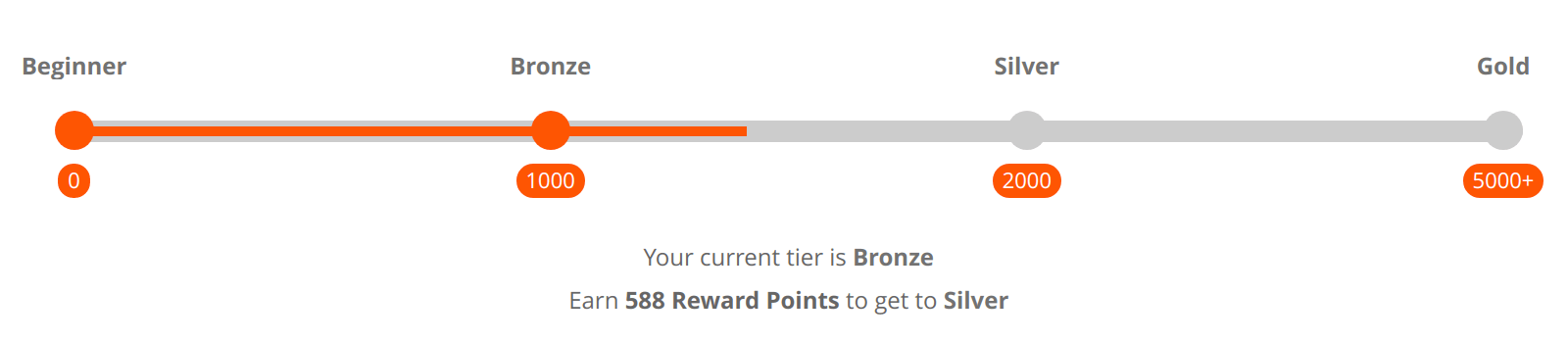
Customer tiers are valuable to you as well. They take advantage of gamification: the tier list is essentially an incomplete task, and customers will be psychologically inclined to spend more to complete it. Not only that, tiers create a hierarchy, and many customers will want to spend more in order to secure a higher status.
Referral Reward Program
Gain curated leads passively
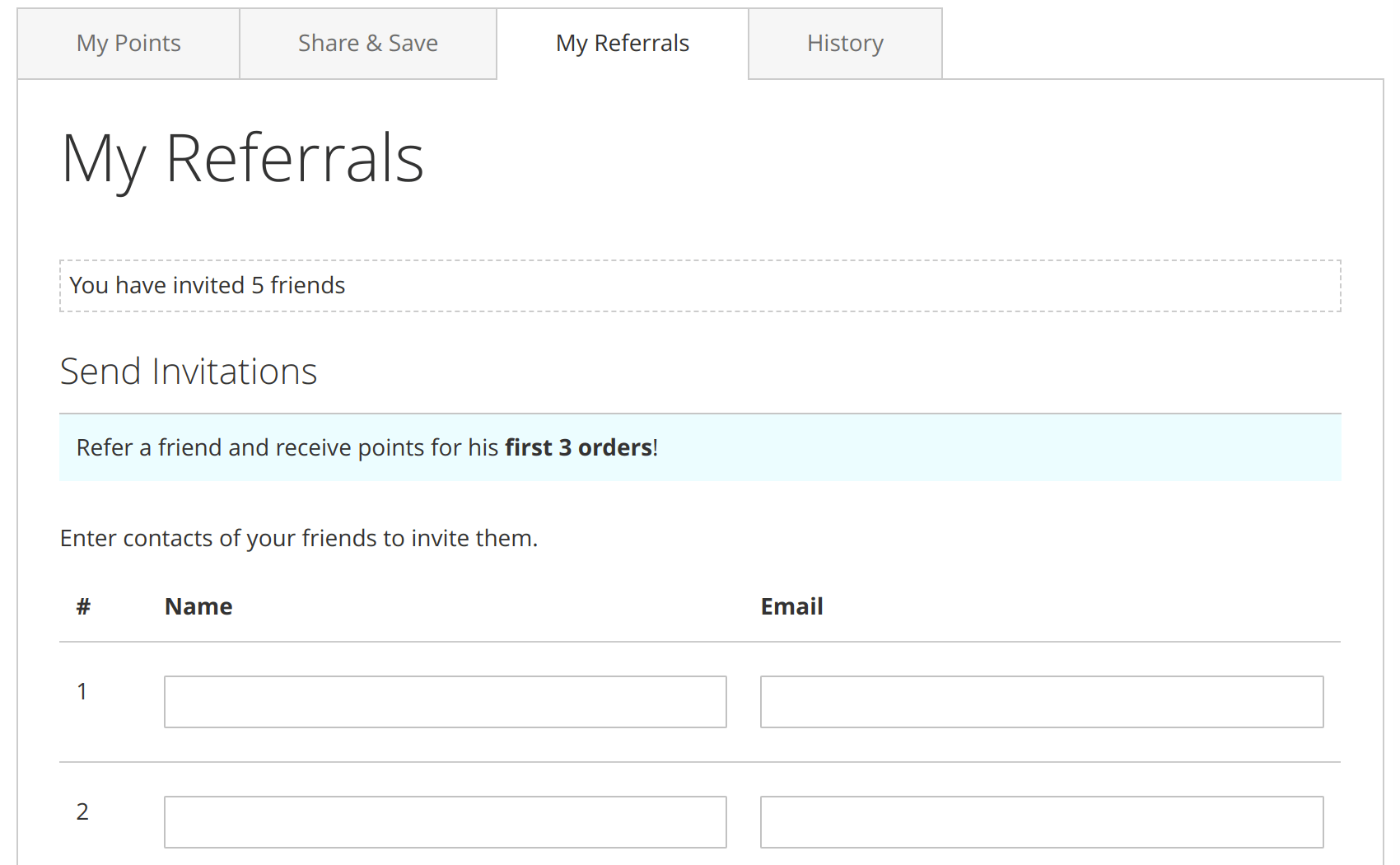
Our Magento 2 Reward Points extension comes with a fully-featured Magento referral program at no extra cost! It can work in two ways:
Provide an incentive to recommend your store
A loyal customer is already likely to share your store with any warm lead on their own, but it's better to give them a tangible benefit for referring someone and increase the chances of that happening.
With the Magento referral program extension, you can also reward them for the orders placed by people they refer. That way, they'll have a personal stake in directing only qualified leads to your store.
Increase their conversion rate
While referred leads tend to be higher quality, giving them an extra incentive to buy from you - which this referral program makes easy - works wonders for your profits.
Customer Experience
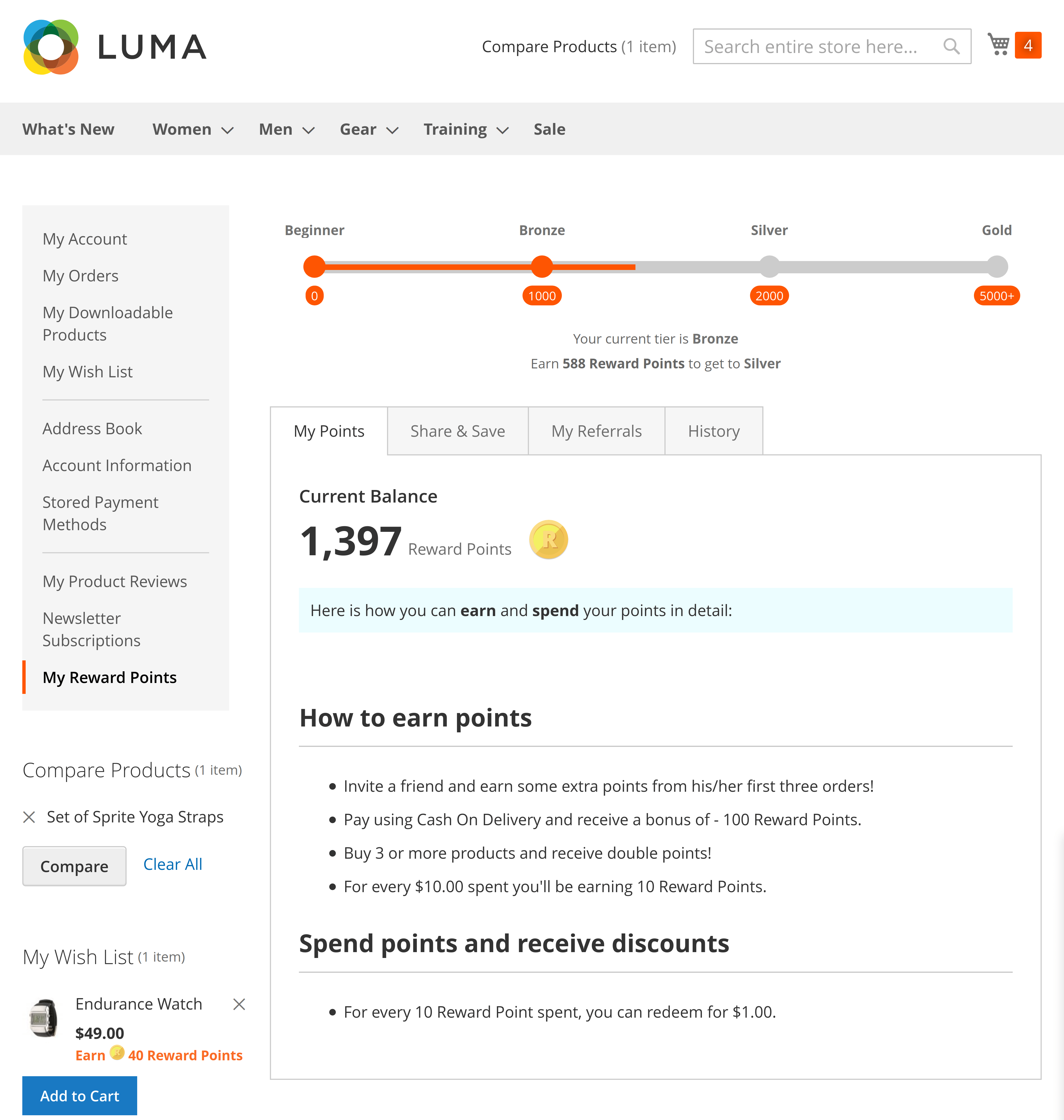
Everything the customers need is in one place
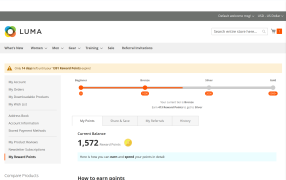
With Reward Points in Magento 2, a page with all the relevant information is added to the account dashboard.
Customers will be able to see the ruleset, their tier, the number of points they have, and their transaction history there.
They'll also be able to refer someone via email or a URL from that page.
Guide the customers without diverting the funnel
The notifications will smoothly deliver the gist of the program's rules to customers while they're browsing your catalog and making purchases.
Analytics & Reporting
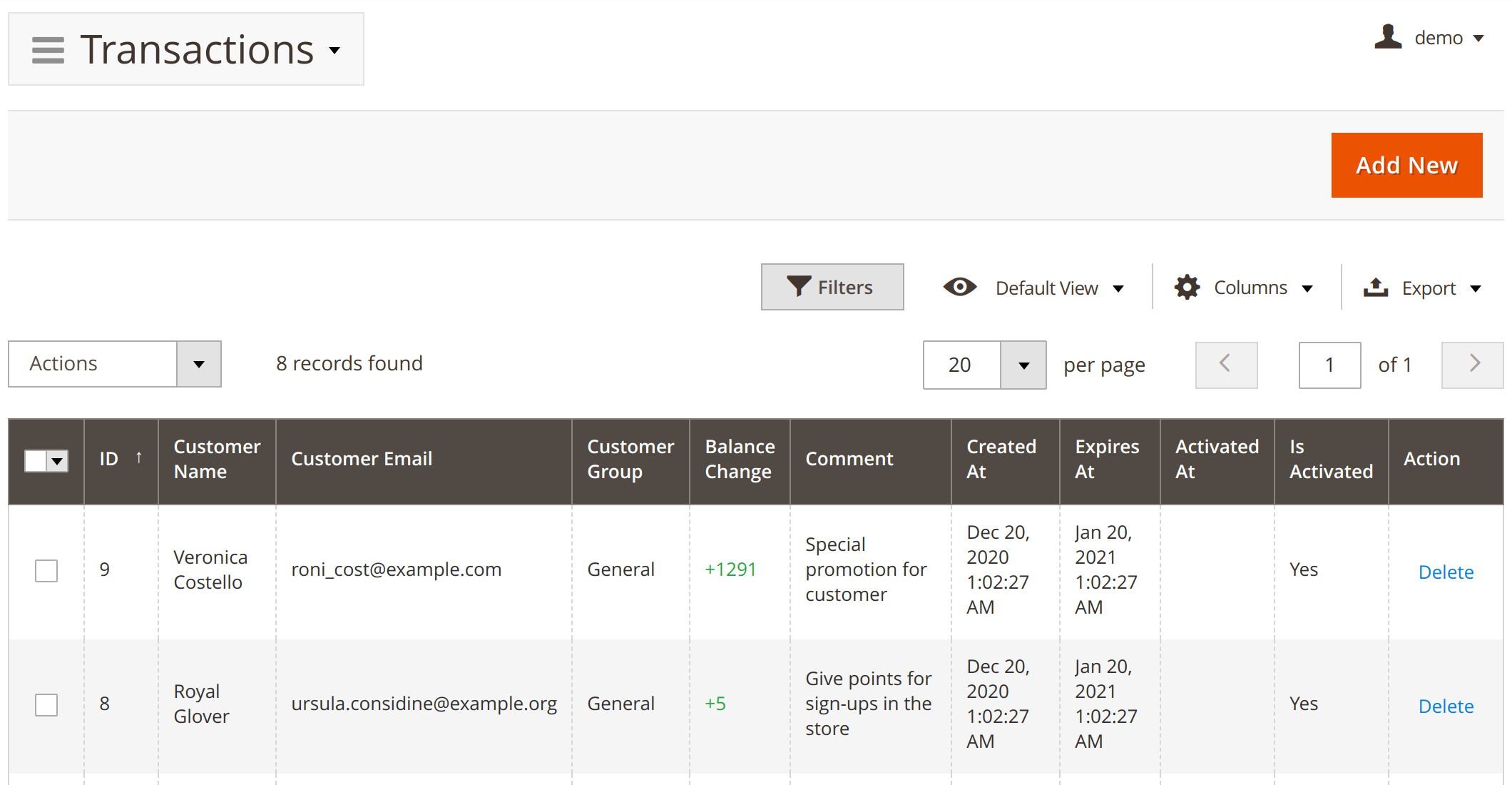
Find out who the most profitable customers are
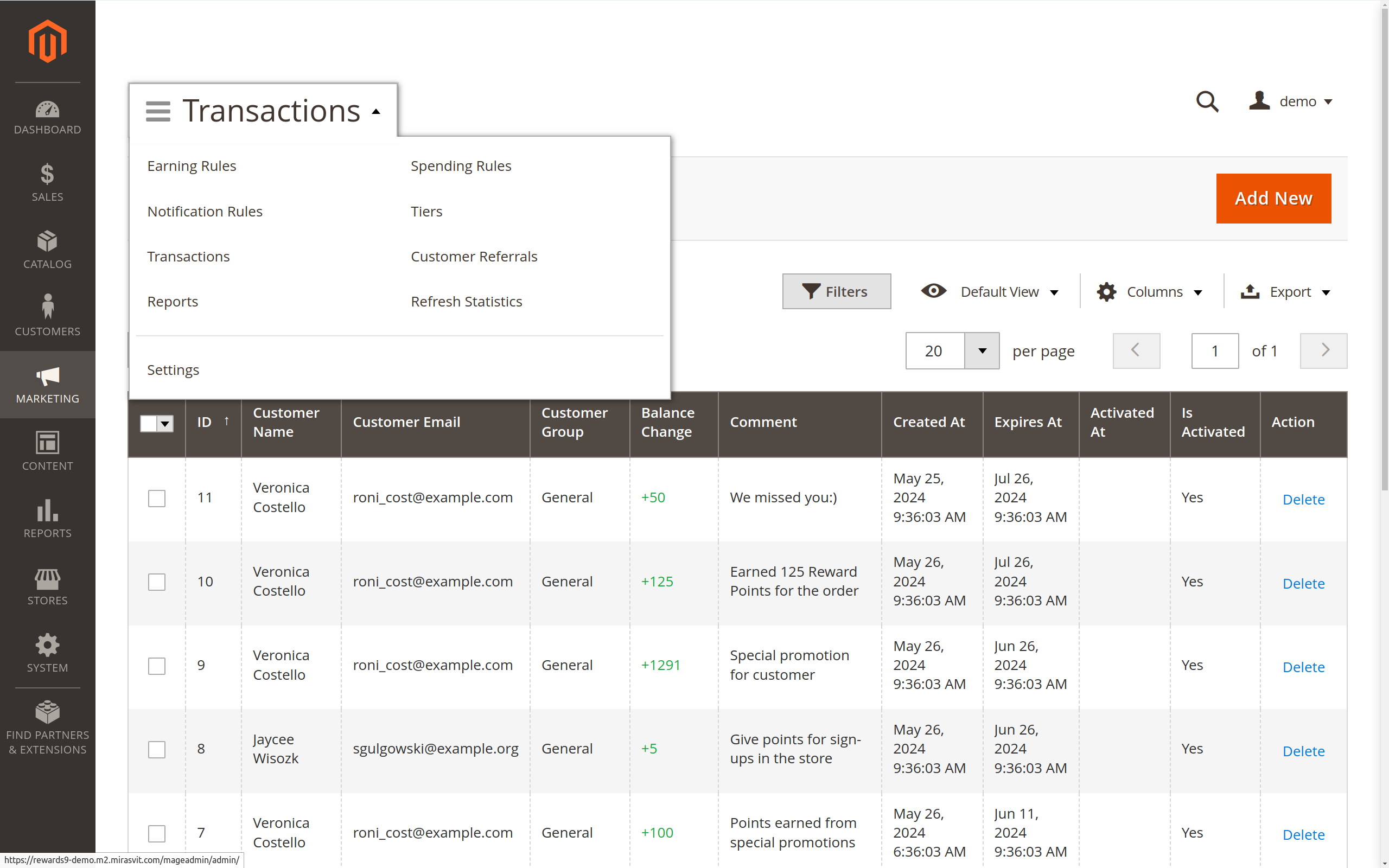
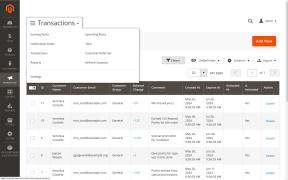
There's a complete list of point-related transactions in the admin panel. You'll be able to see how many points each buyer has earned or spent.
No transaction will ever slip through the cracks!
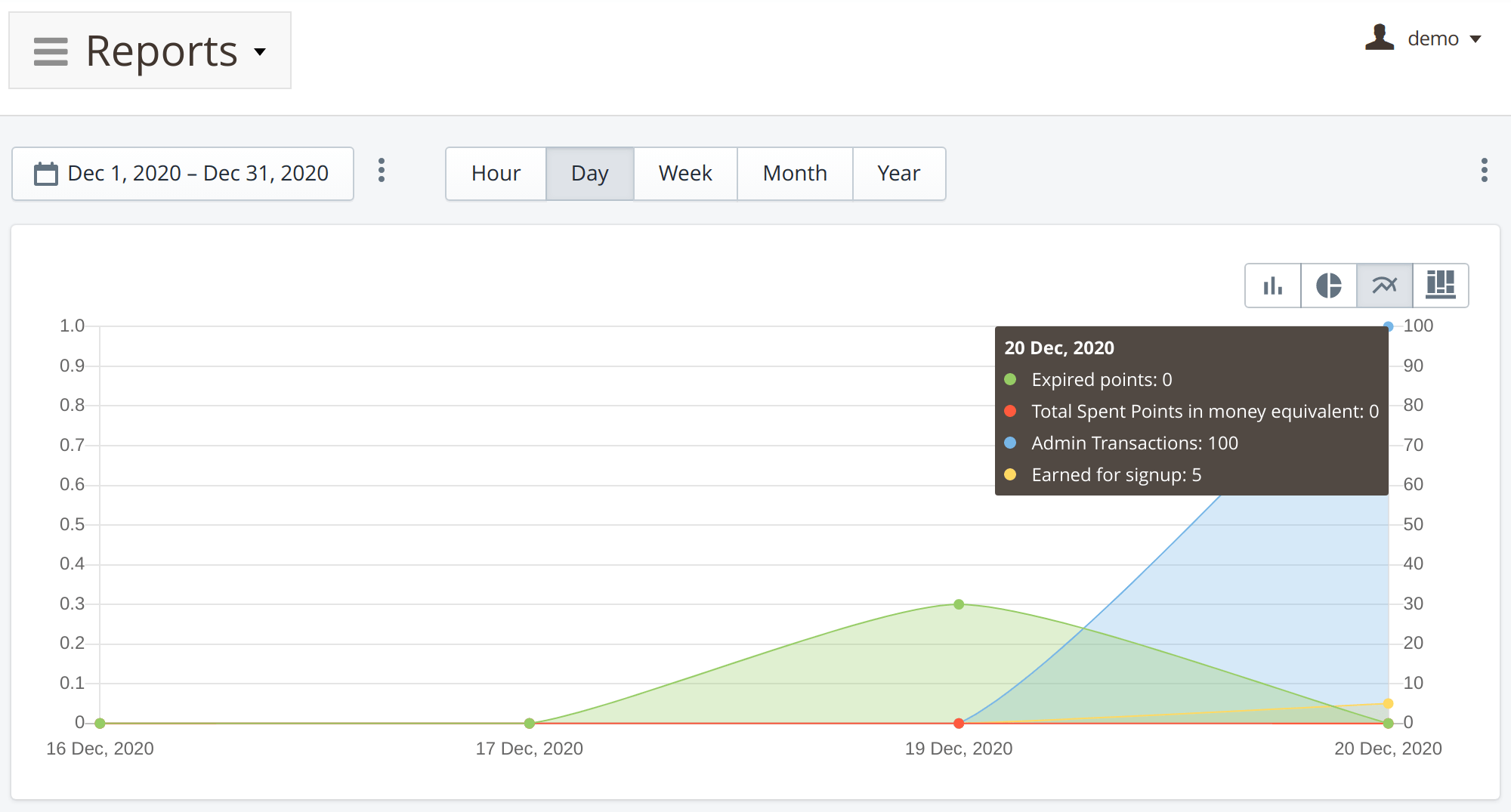
Analyze the entirety of the program
The reports will let you ensure you're earning more than you're losing while giving out points as well as help you fine-tune your program.
API Support
Connect the extension to other services

The Magento 2 reward points extension supports GraphQL, REST, and SOAP, so you can easily integrate your program with external software. For example, you can connect your app and let customers redeem their points on mobile. This feature is particularly used in the Magento 2 Enterprise Reward Points version.
Still comparing reward points extensions? Our comparison of the main Magento 2 reward points and loyalty extensions puts Mirasvit, Amasty, Aheadworks and Webkul side by side on price, built-in tiers, referral and POS rewards, including where another one is the better fit.
Earning rules, customer tiers, promotions, refunds, incentives, expiration policies and email reminders can all be configured around the store's loyalty strategy. Reporting is extensive, and the integration with Magento makes rewards part of the normal customer and order workflow. Done properly, it gives customers a real reason to return and use the value they have accumulated.
One thing administrators should be aware of is database growth. A busy rewards program creates a large activity history from earnings, spending, expiration, tier changes and other events. That history is useful for reporting and auditing, but the transaction tables can become very large on established stores.
The volume the module handles gives us confidence: more than 80,000 point transactions and an active base of tens of thousands of customers with a balance. In day-to-day operations, practically everything is processed automatically, which shows that the integration with the order lifecycle is solid.
On the configuration side, the most useful aspect for us is the separation between earning and spending rules. It lets us apply different redemption logic by context or segment without making the setup difficult to maintain. In our case, the earning side is mainly tied to purchase events and behaves very predictably.
The initial configuration deserves careful thought: rules, expiration, cancellations and refunds are best defined properly from the start. Once configured, maintenance is minimal.
The expiration system is well thought out: points can be configured with expiration logic, and the module handles it without requiring additional custom logic. In programmes with significant volume, this is essential.
I would also highlight the integration with the order flow. The module correctly records point generation, redemption at checkout, cancellations and partial refunds.
For loyalty programmes with real traffic, it delivers what's expected: correctly recording point movements, integrating with cancellations and refunds, and reducing the team's manual maintenance work.
Save time by starting your support request online and we'll connect you to an expert.
Can I reward my customers for the orders of their referred friends in my store?
Yes, our Magento 2 Rewards extension allows you to do that. You need to create a rewards earning rule that will give Magento 2 rewards points to the customer when their referred friend makes a new order in the Magento 2 store.
How do I set up a referral program in Magento 2?
Enable the built-in referral program in the module settings, then create an earning rule that awards points for a referred friend's signup or order. Each customer gets a personal referral link and email invite from their account page. See the referral program details for a full walkthrough.
Can a loyalty program be set up for specific customer groups?
Yes, in the settings of each earning or spending rule, you can specify to which customer groups this rule should apply. Additionally, you can enable the module in the customer account only for specific customer groups via the module settings.
Is it necessary for a customer to join the loyalty program to participate in it?
Every registered customer automatically becomes a part of the loyalty program in your store. There is no need for a special registration process. However, if necessary, you can set different reward rules for various customer groups.
Can the module be configured to calculate the tier based on the total purchase amount over a defined period, rather than the sum of earned points?
Yes, in the module settings, you can configure how you would like to calculate the tier for customers.
Is it possible to configure the module to accrue points on the purchase amount after the discount is applied?
Yes, you can configure the module in a way that the number of earned points will be calculated after the applied discount.
mstRewardsRemovePointsFromCart mutation takes a cart_id and clears the reward points applied to that cart, so a headless or PWA storefront can offer "remove points" next to the existing mstRewardsApplyPointsToCart. Removing points from a cart that has none applied does nothing and returns no error.mstRewardsEarningEstimate(productId, options) returns the points the product page badge shows: the base rate for a guest, the rate of the customer's tier when logged in, with the price of the selected customizable options taken into account. An unknown product or option ID returns a translatable GraphQl error.mirasvit/module-rewards-hyva is gone: the points on product pages, the social share buttons, the "Use points" form in the cart and in Hyvä Checkout, and the customer account pages are now part of Reward Points itself. There is no second package to find and keep in step, and on a Luma store the Hyvä part simply stays dormant. Composer removes the companion package by itself when you upgrade. The "Use points" form in Hyvä Checkout no longer uses its own Magewire component, and magewirephp/magewire is no longer required.mirasvit/module-rewards-graph-ql is gone; the mstRewardsTiers query, the mstRewardsApplyPointsToCart mutation and the reward points fields on Cart and Customer used by headless and PWA storefronts are part of Reward Points itself.customer { orders { items { mstRewardPoints { … } } } } now returns the points spent on each order and the discount they gave, the points earned, and whether and when the earned points become available, so a headless order history can show them. Points given back by a cancellation or refund are subtracted, a cancelled or closed order does not show its promised points as pending, and an order with no points left returns null. A page of orders is loaded in a few queries. Magento 2.3 has no customer.orders; there the same fields are on customerOrders { items { mstRewardPoints { … } } }.mstRewardsEarningEstimate(productId, options) returns the points the product page badge shows: the base rate for a guest, the rate of the customer's tier when logged in, and the price of the selected customizable options taken into account. A product that does not exist is a GraphQl error.Hyva_MirasvitRewards, Hyva_MirasvitRewardsBehavior, Hyva_MirasvitRewardsCatalog, Hyva_MirasvitRewardsCheckout and Hyva_MirasvitRewardsCustomerAccount modules are gone, not renamed - You only need to act if you referenced them yourself: in a custom di.xml, a layout file, or a deployment script that enables modules by name.Mirasvit_Rewards* templates in your theme are still read, but most of those templates are now shared between Luma and Hyvä, so compare your copy with the new one. Four templates the Hyvä package referenced under its own name moved: Hyva_MirasvitRewardsCatalog::pricing/adjustment.phtml is now Mirasvit_RewardsCatalog::pricing/adjustment.phtml; Hyva_MirasvitRewardsCheckout::checkout/price-summary/total-segments/*.phtml is now Mirasvit_RewardsCheckout:: with the same path; Hyva_MirasvitRewardsCheckout::checkout/cart/wireusepoints.phtml is replaced by Mirasvit_RewardsCheckout::checkout/cart/usepoints.phtml; and Hyva_MirasvitRewardsBehavior::js/social.phtml is gone (the script is now Mirasvit_RewardsBehavior::js/social.js). On Hyvä the cart block now uses Mirasvit_RewardsCheckout::checkout/cart/rewardspoints-hyva.phtml, so a Hyvä theme override of checkout/cart/rewardspoints.phtml is no longer read there. An override at an old path is simply not read, with no error to say so.magento/module-graph-ql, magento/module-customer-graph-ql, magento/module-quote-graph-ql and magento/module-sales-graph-ql are now Composer dependencies. If your project removes Magento's GraphQl modules (for example with a replace section in the root composer.json), keep these four.bin/magento hyva:config:generate and rebuild your theme's Tailwind CSS.mst_rewards_transaction.code), which speeds up every order lookup of earned and spent points (order pages, the admin order totals, the GraphQl order history) on stores with a long transaction history.utm_source, gclid, …), so the block cache holds one copy instead of many.transaction_id could also move a transaction to another customer or change its code; updates now only correct amounts and dates. The "Delete" behavior now only deletes a transaction that belongs to the customer named in the row@ or a tab was exported as is; such cells are now exported so that spreadsheet apps show them as text{{store url=""}} in the checkout, notification and earning rule messages now renders the store URL instead of appearing as raw text, on Luma and Hyväexpires_after_days column is added to the mst_rewards_earning_rule table. Existing rules keep an empty value and use the global expiryundefined is not an object (evaluating 'quote[base_discount_amount]')) when paying with reward points through Braintree builds that expect the quote when collecting cart line itemsstore_id column is added to the mst_rewards_transaction table, recording the store view in which points were earned or spent. Existing transactions keep an empty valueMirasvit\Rewards\Model\Earning\Behavior with its resource model and collection (their table never existed), Mirasvit\Rewards\Plugin\DataProviderGroupFilter, Mirasvit\RewardsCheckout\Observer\LockPurchaseOnOrderPlaceBefore, and the earning rule applyAll() / applyAllRulesForDateRange() product indexer methods. Check any custom code that references themtransaction_id, which is now required) instead of reporting success and deleting nothing; rows with an empty customer email are reported as errors instead of being silently skipped or merged with neighbouring rows; the "value is required" error message is now translated; and the import no longer lowers a PHP memory limit that is already set higher than 1 GBgetList()) failing with a "Cannot instantiate interface" errorBlog

 Andriy Kovalenko

We are committed to being open and transparent with our customers. When you purchase our module, you automatically receive one year of free support service and free updates.
Why is this important?
- Seamless Installation and Configuration: We understand that setting up a new module can take time to configure according to your specific needs. That’s why we offer a full year of free support. Our experienced team is here to assist you with installation, configuration, and any questions you might have. We're eager to share our expertise to ensure you get the most out of your purchase.
- Stay Updated with Magento (Adobe Commerce) Releases: Magento releases new versions approximately every three months. These updates can sometimes introduce compatibility challenges. To keep your store running smoothly, we provide a year of free access to the latest versions of our modules, ensuring that you can upgrade Magento and our modules without encountering any obstacles.
- Subscription Included: Renewing your subscription ensures continued access to the latest updates and support from our team. This means you can be confident that any issues you encounter with the extension will be resolved quickly and efficiently. You can cancel your subscription at any time without any additional fees.
These are our primary. A major portion of our new clients come from referrals from our existing clients. Our professional team of developers, marketers and support staff have invested the best knowledge and experience in the field into our work, so you know you can come back to us again and again.
One year free and high quality support. We go to great lengths to provide maximum satisfaction with every module you have purchased in our store. By helping you with installation, configuration, answering your every question, we do all our best to eliminate any possible problems.
30-days money back guarantee. If you are not satisfied with our extension performance for any reason, we provide a full refund.
We constantly add new features to all our modules, and are always interested in hearing your opinion and implementing your suggested features in our future developments.
We provide an expanded user guide for every aspect of our extension, so you can find answers for all your burning questions.
You can customize extension according to your needs and requirements.
The Module is easy to install and upgrade, just follow our step-by-step user guide. Additionally, the extension is ready to use with the Hyvä theme.
No core modifications. The extension has been tested in a Magento Cloud environment and is fully compatible with it.