
Cross-Sell / Upsell Products for Magento 2
Magento Open Source links cross-sell and upsell products only by hand. If you have a lot of products in your store, linking them by hand takes a lot of work.
The cross-sell and upsell feature of the Automatic Related Products extension automates the task: it fills cross-sell and upsell blocks for each product by rules.
- Raise the average order value
- Promote accessories with higher margins
- Link cross-sell and upsell products automatically
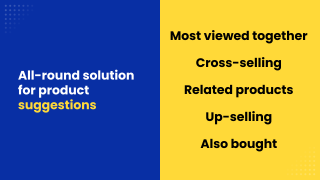
- Pick products by real orders, views and cart contents
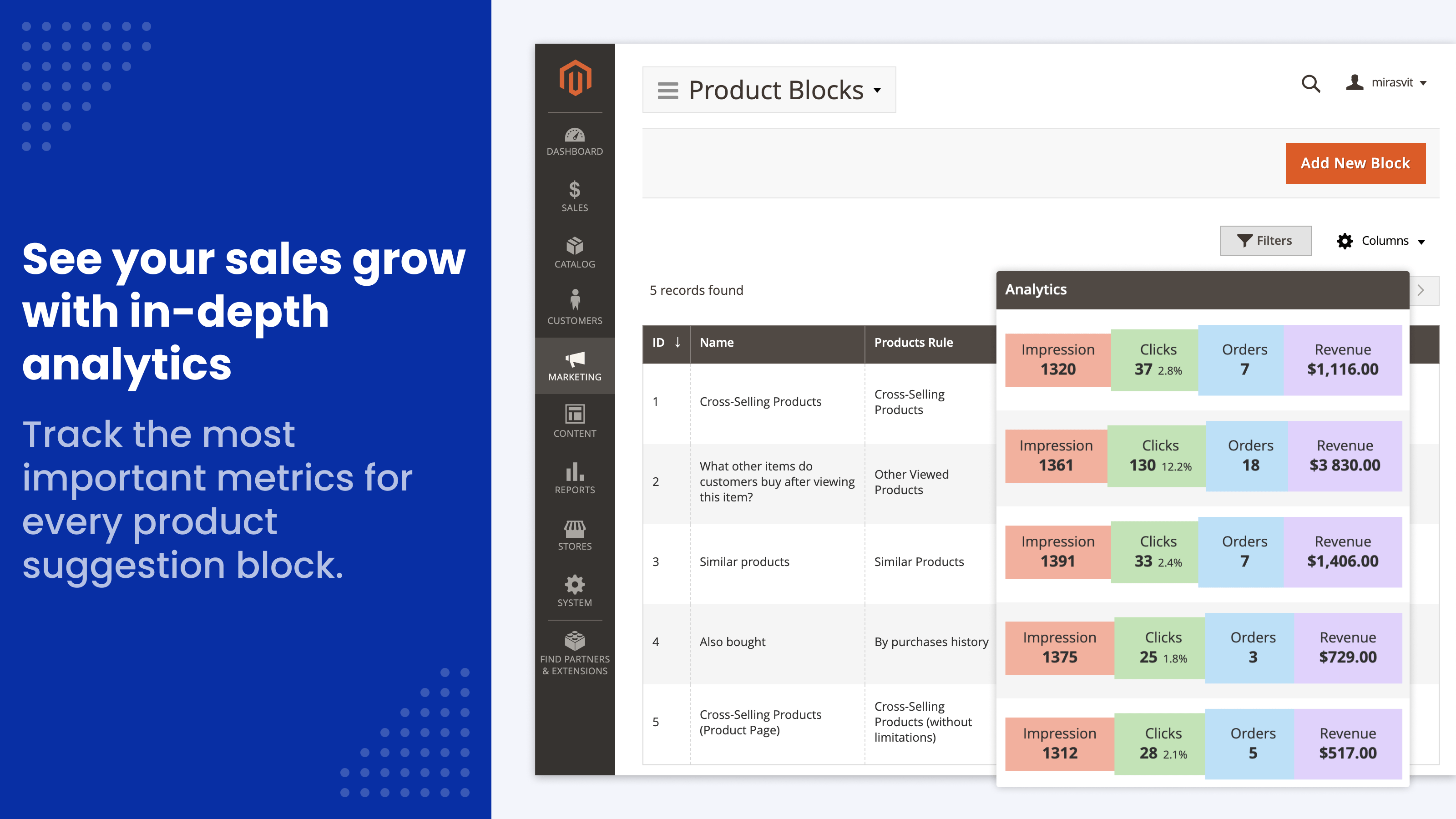
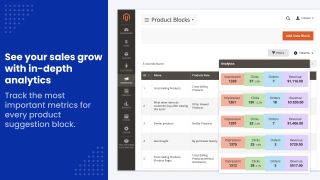
- Track clicks, orders and revenue per block
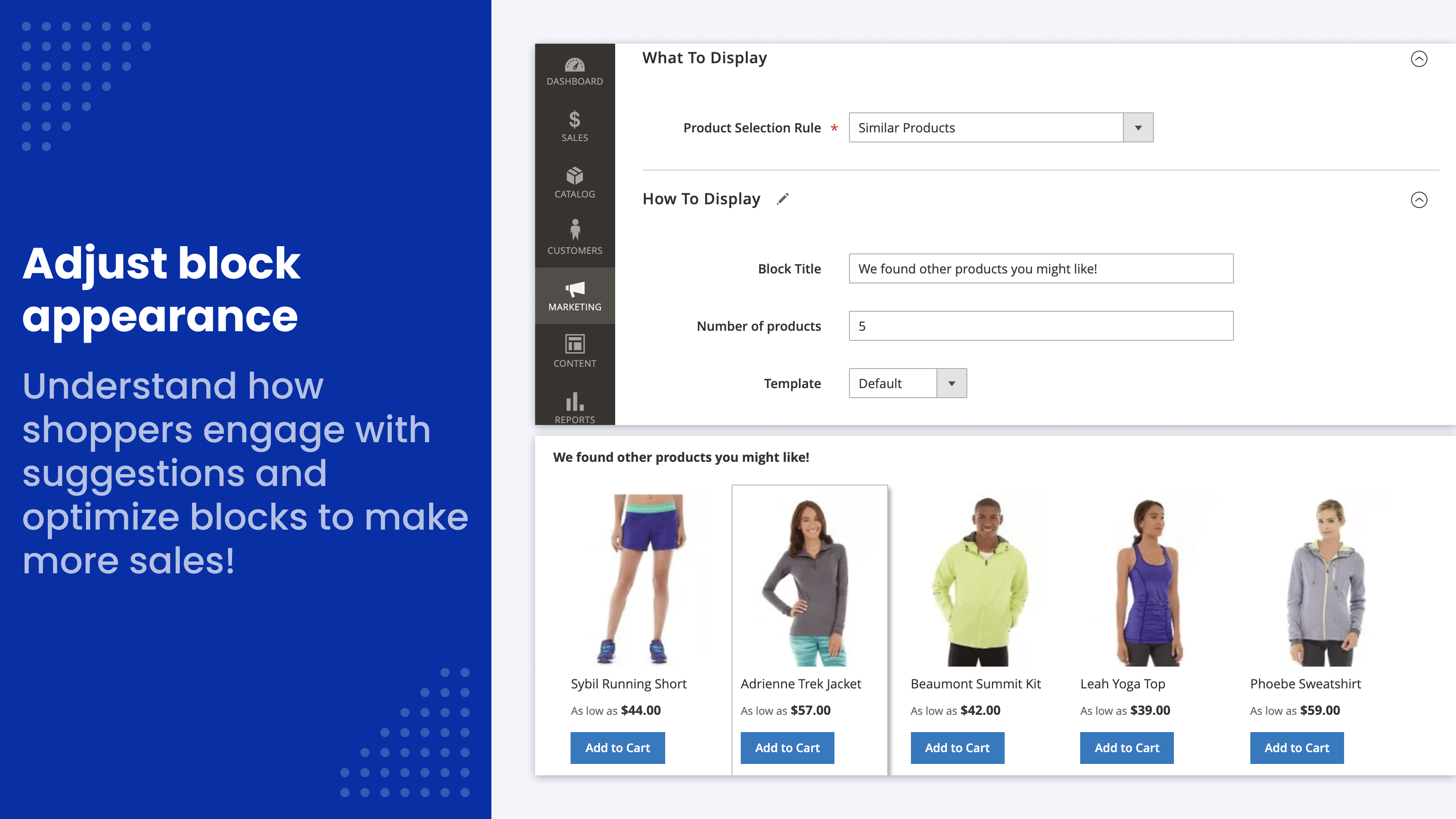
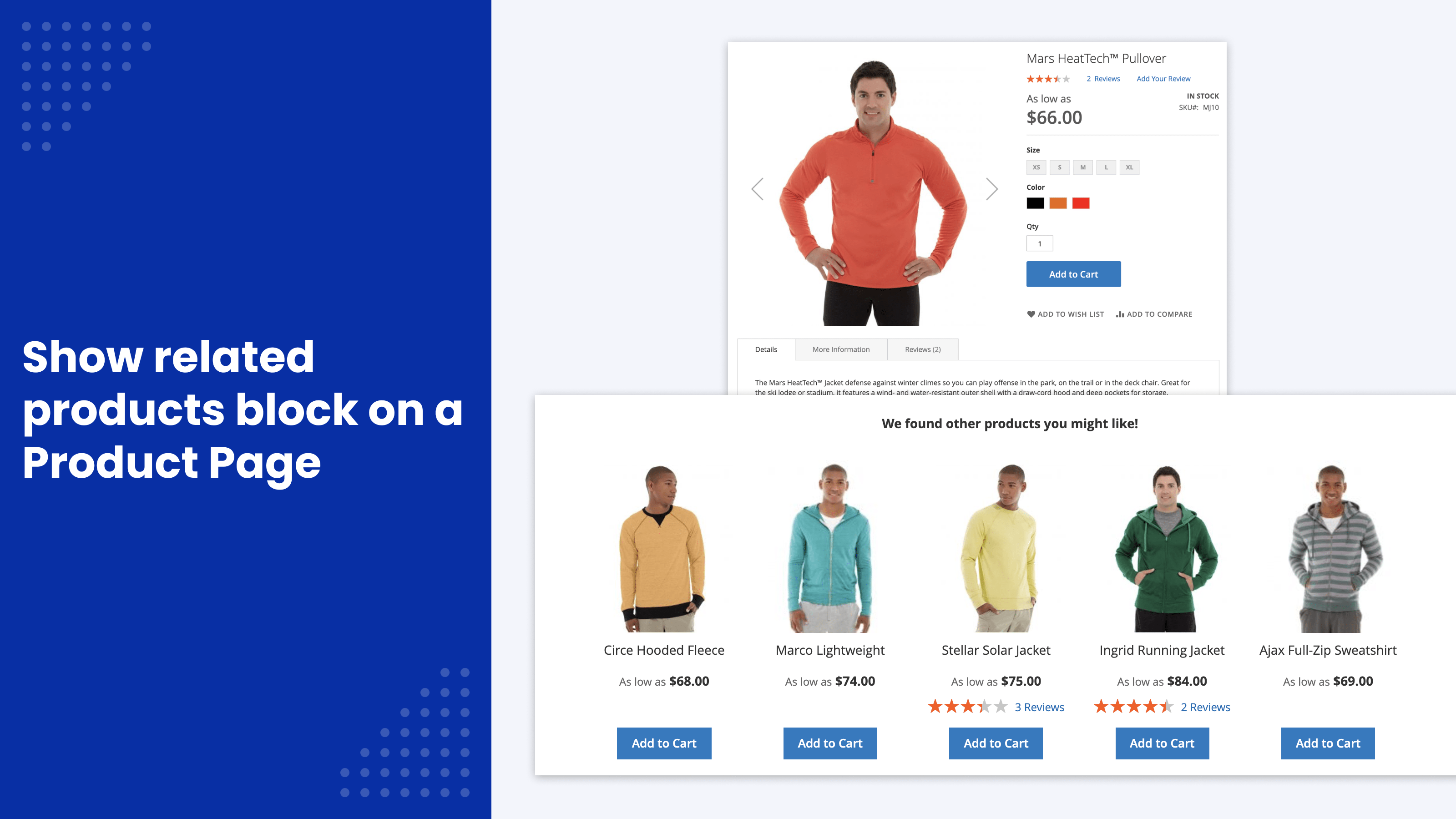
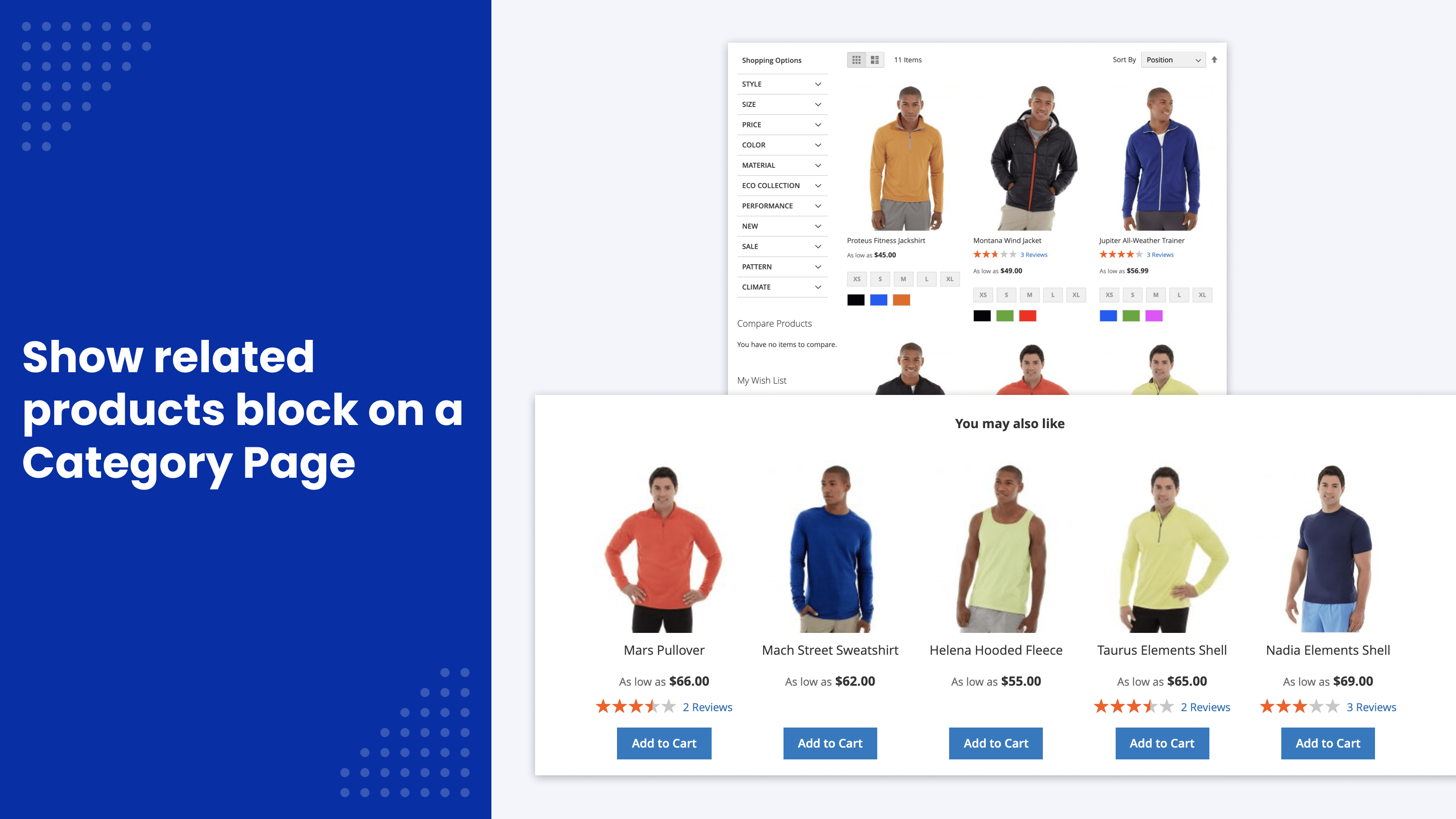
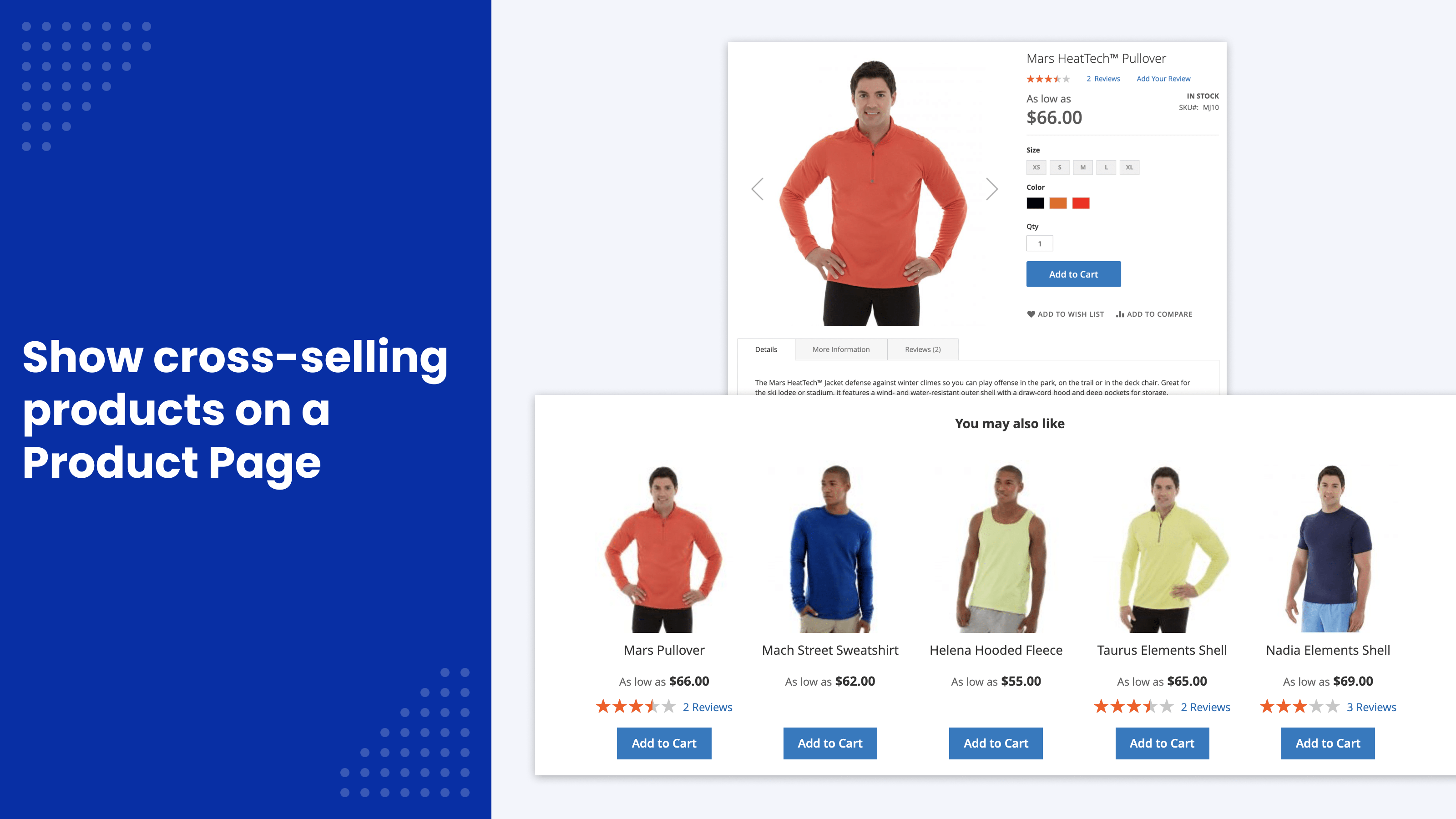
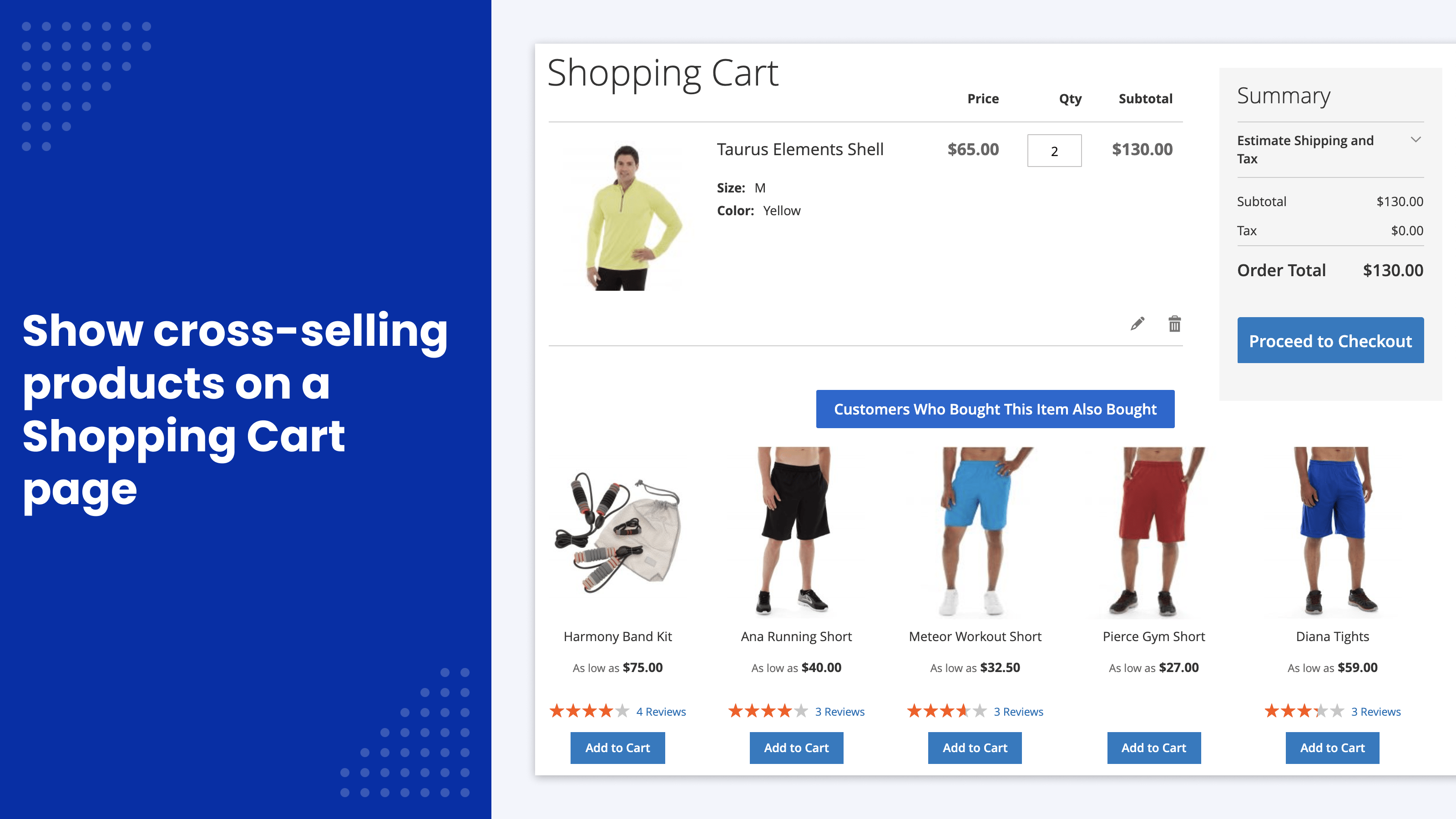
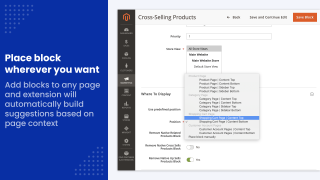
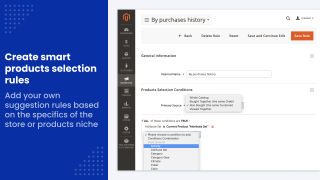
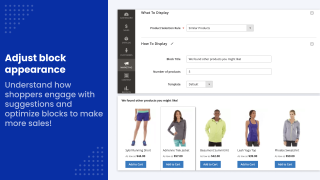
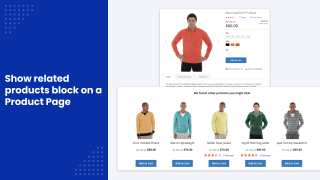
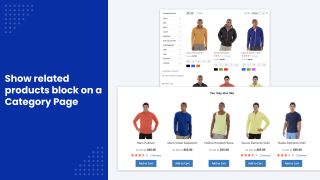
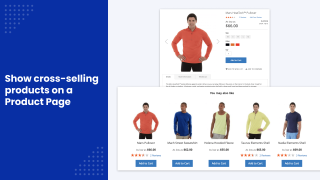
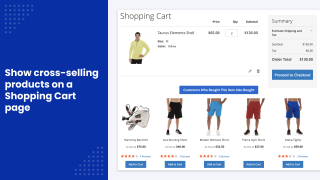
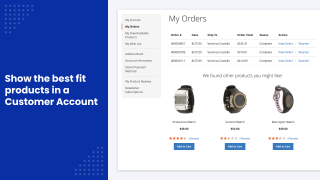
Up-selling and cross-selling work with shoppers who are already in your store, which costs far less than winning new ones. As Harvard Business Review notes, acquiring a new customer can cost 5–25 times more than keeping an existing one.
The cross-sell and upsell feature of Automatic Related Products fills these blocks by rules, so you don't have to link every product by hand. After the initial setup, the blocks follow your catalog and order history each time the extension's index is rebuilt.
How does this module work?
You start by creating blocks for your products and placing them on the pages of your store, usually the product page and the cart page.
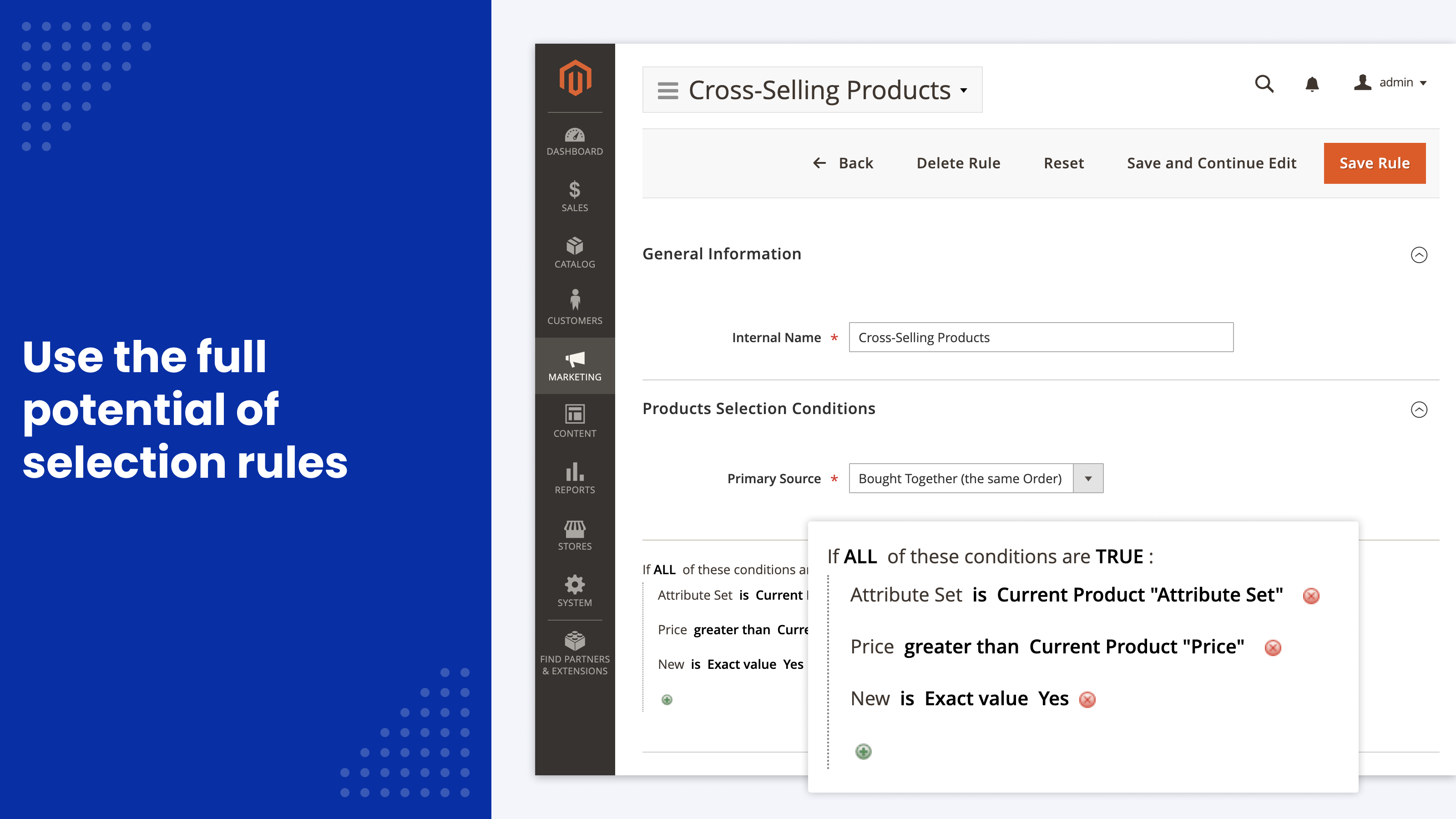
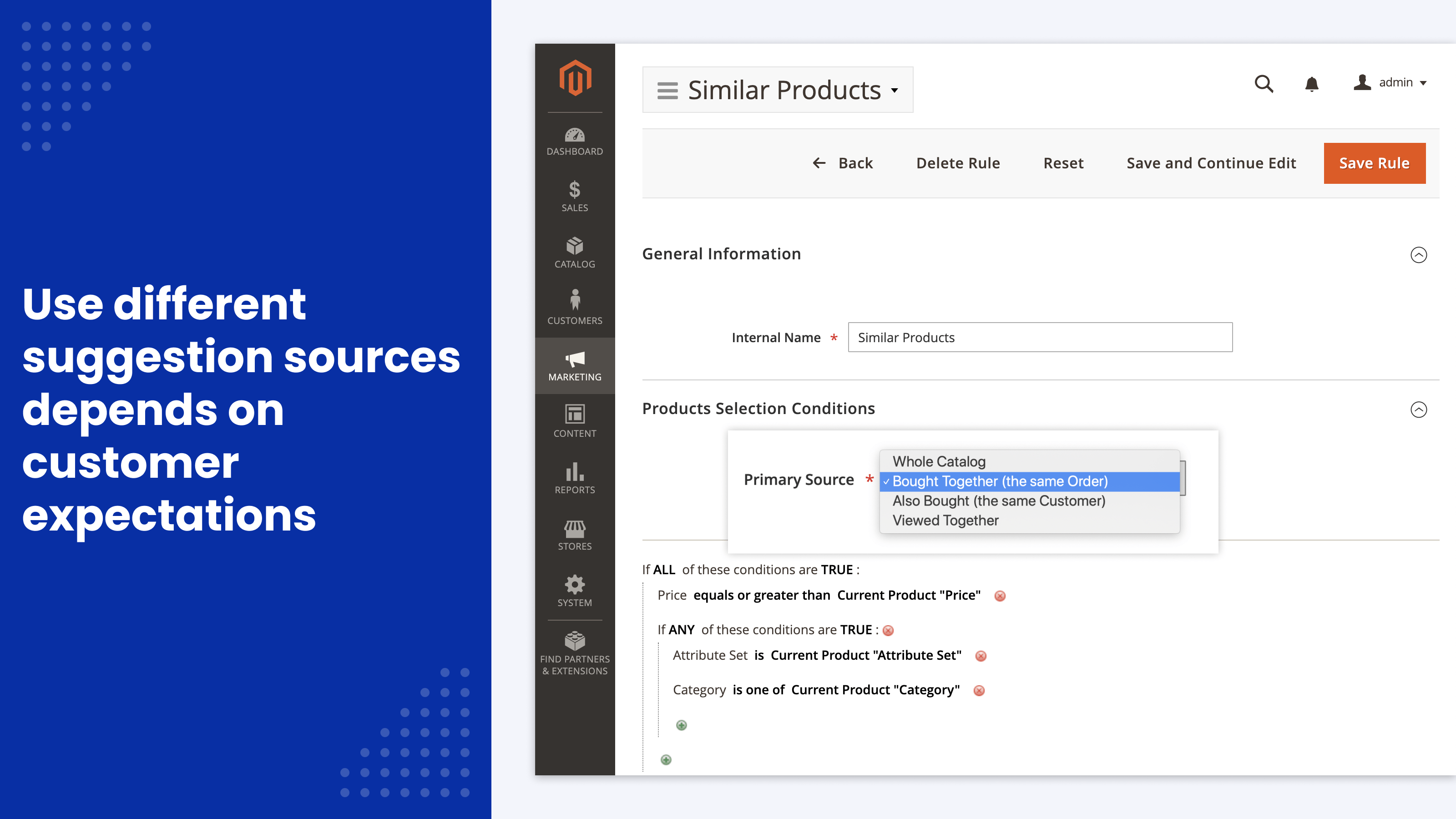
From there, you create rules that pick the most relevant products for those blocks.
For example, if you sell mobile phones, a phone page can show more expensive models that may interest the customer (upsell).
When the customer has added a phone to the cart, the cart page can show a block with accessories for this phone (cross-sell). There's a good chance the customer will buy a case or a charger along with the phone, and accessories often carry higher margins than the phone itself, which makes cross-sells especially worth promoting.
What are the benefits of this module compared to default Magento functionality?
Default Magento:
- For each product, you select all cross-sells and upsells manually, which is often very time-consuming.
- Links are fixed per product. The block doesn't consider other factors that matter for sales, such as what is in the customer's cart right now.
- If your store displays out-of-stock products in the catalog, native blocks show them too.
Our extension:
- Products are picked by rules from real orders and views, the current product and the cart contents.
- Each block can exclude out-of-stock products, even when your catalog shows them.
- You create rules once for your entire catalog or for specific groups of products, instead of linking each product.
- You see conversions and revenue for each block and keep improving the rules.
Main Advantages
Automatically assign cross-sell/upsell products by using rules
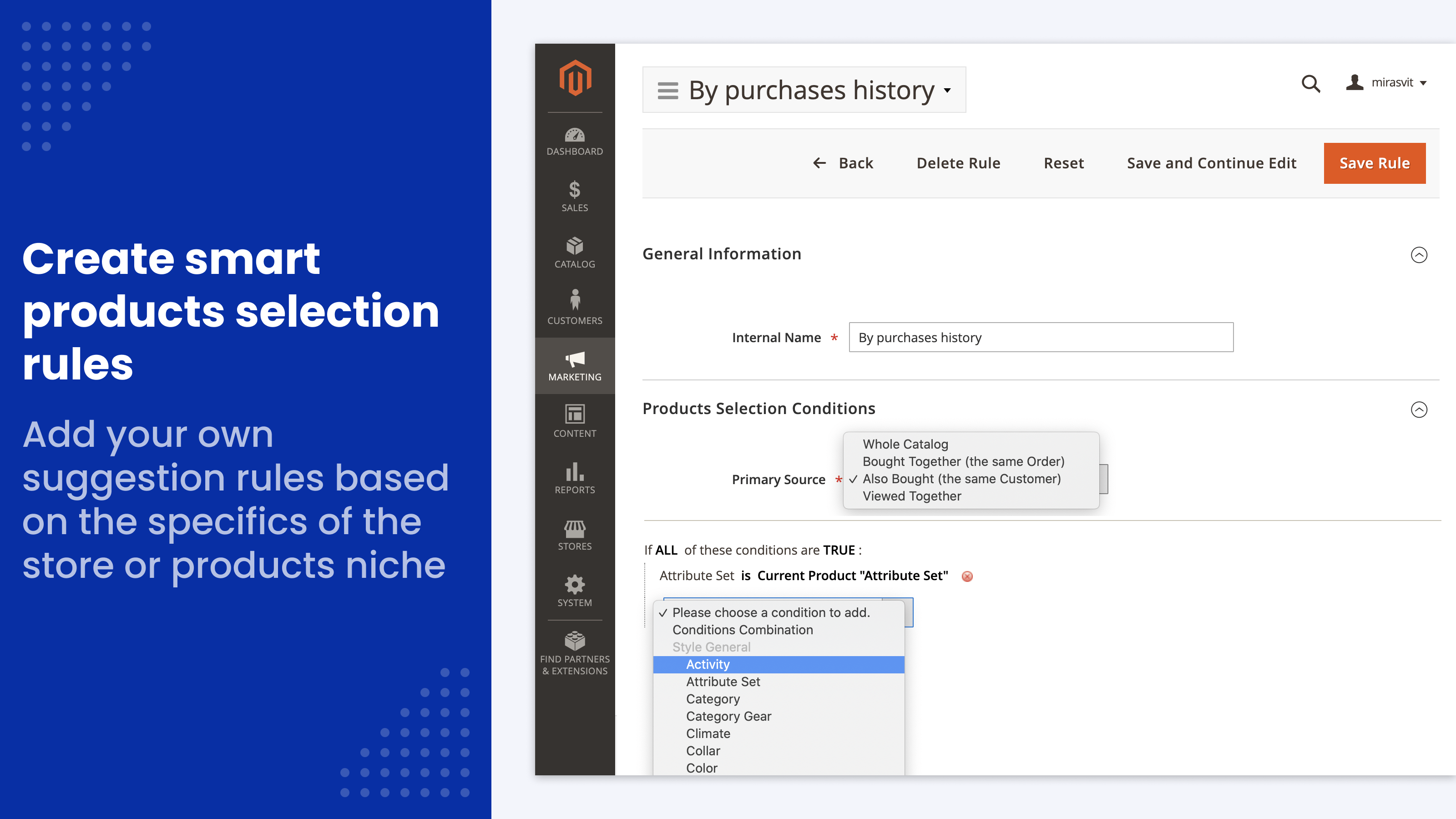
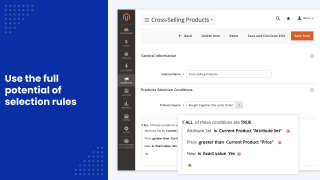
Use conditions to find exactly the group of products that may interest a buyer, for example the same brand or a higher price than the current product.
Suggestions based on real shopper behavior
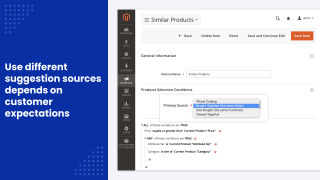
Blocks can use the current product, products usually bought together, what the same customers bought before, recently viewed products and the products in the cart.
Track numbers with built-in analytics
See the views and clicks of each cross-sell and upsell block, the number of orders it led to, and the revenue from the products it showed. Use these numbers to improve your setup.
Many places to put cross-sell/upsell blocks
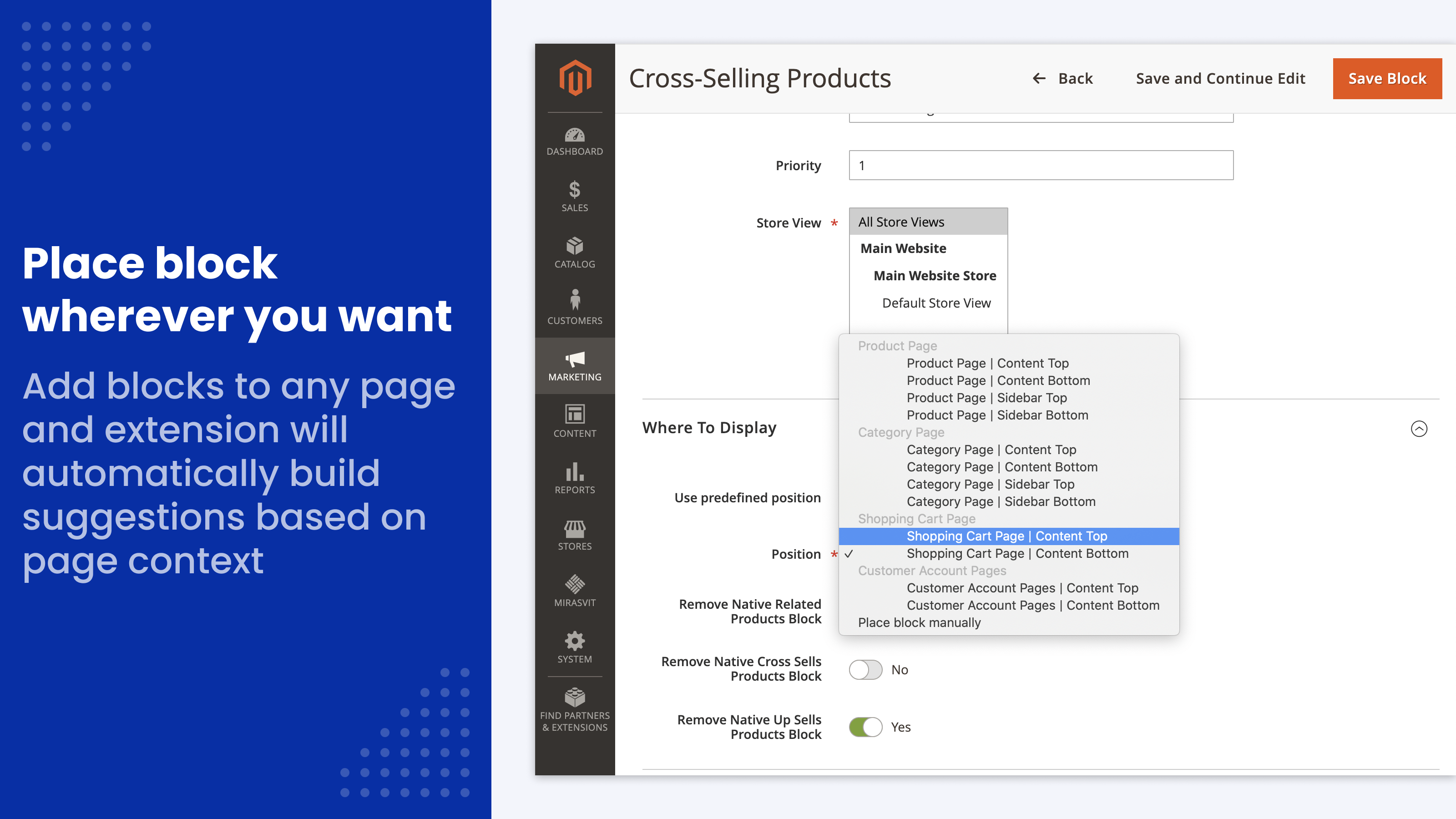
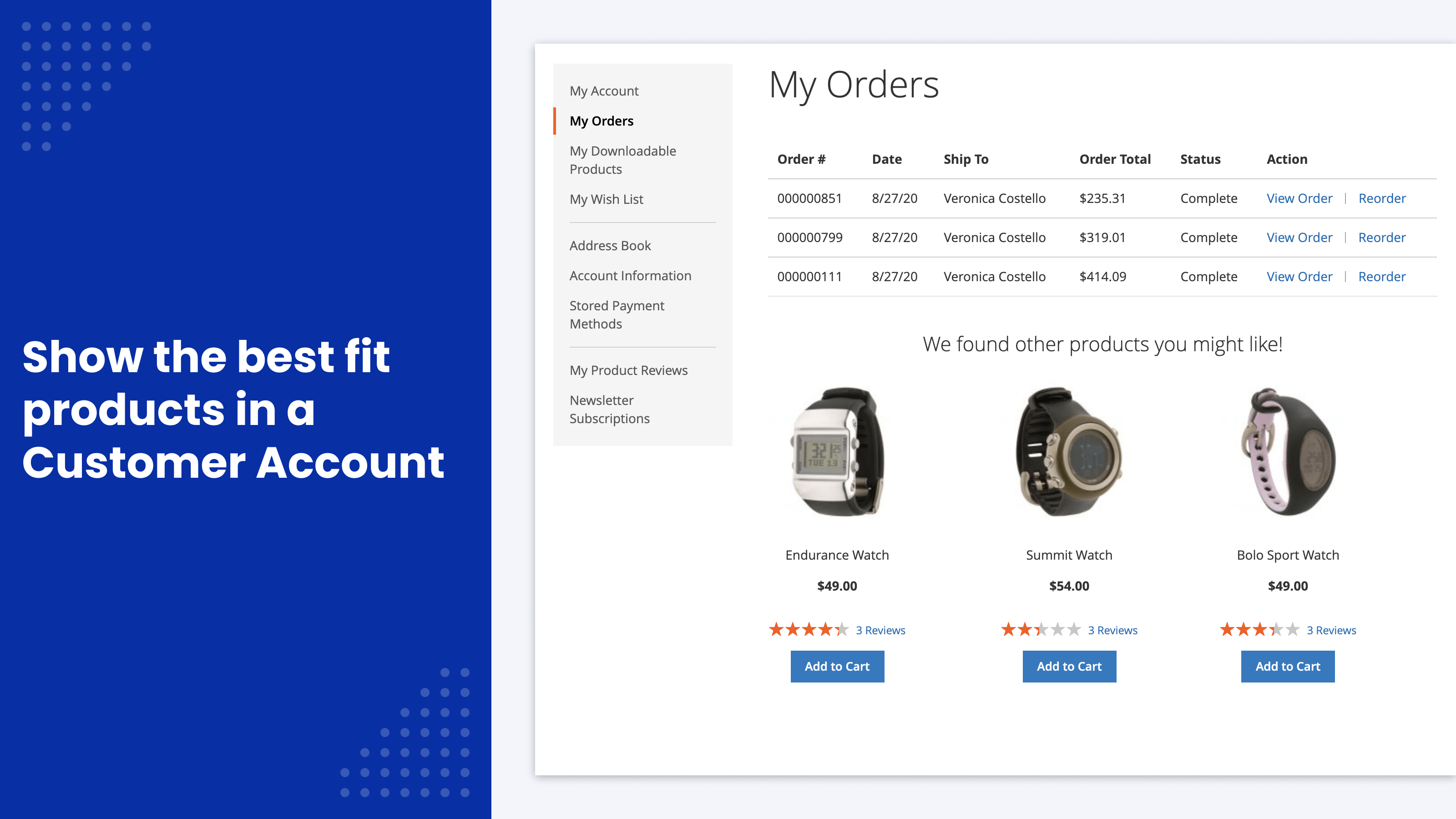
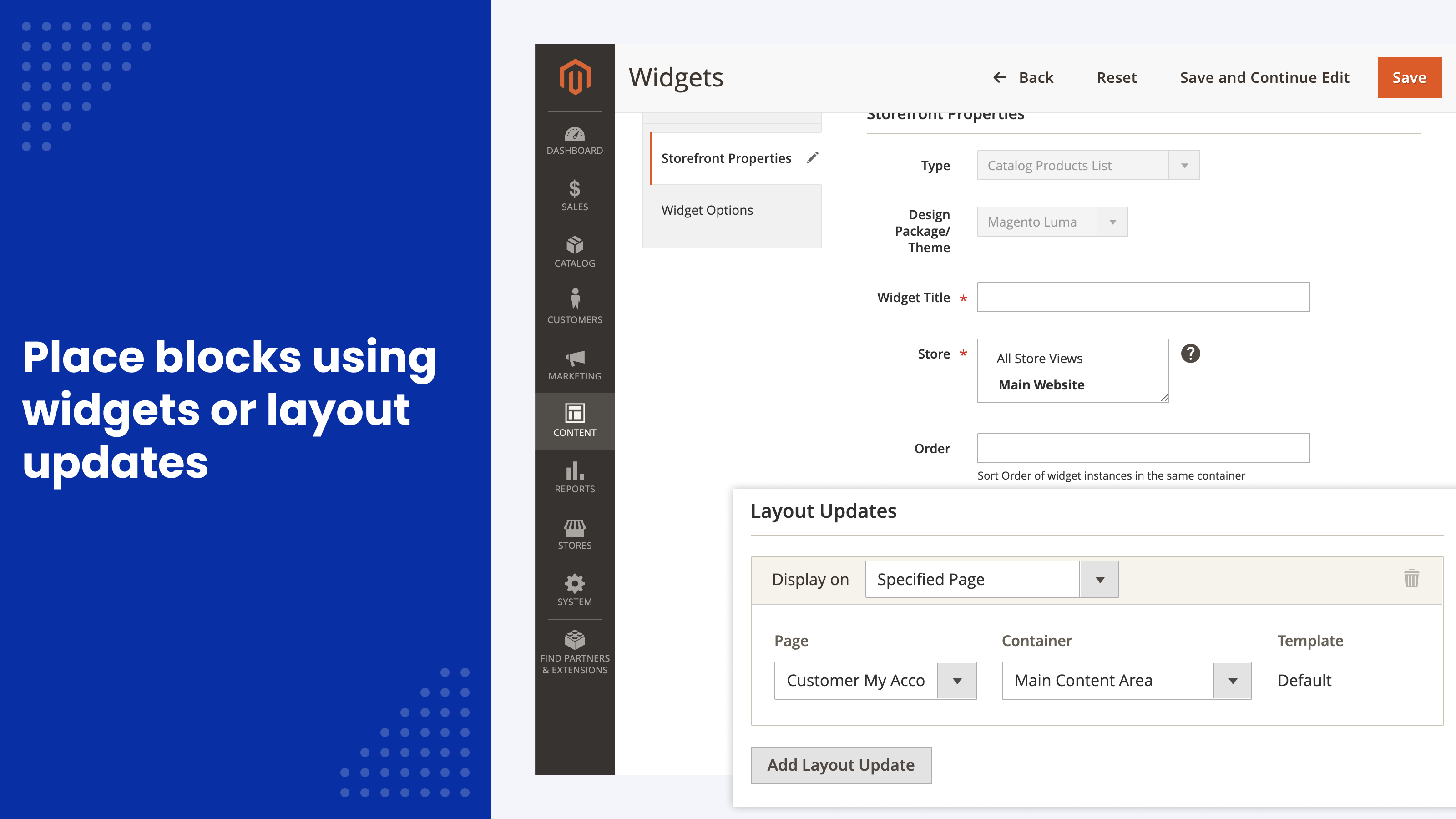
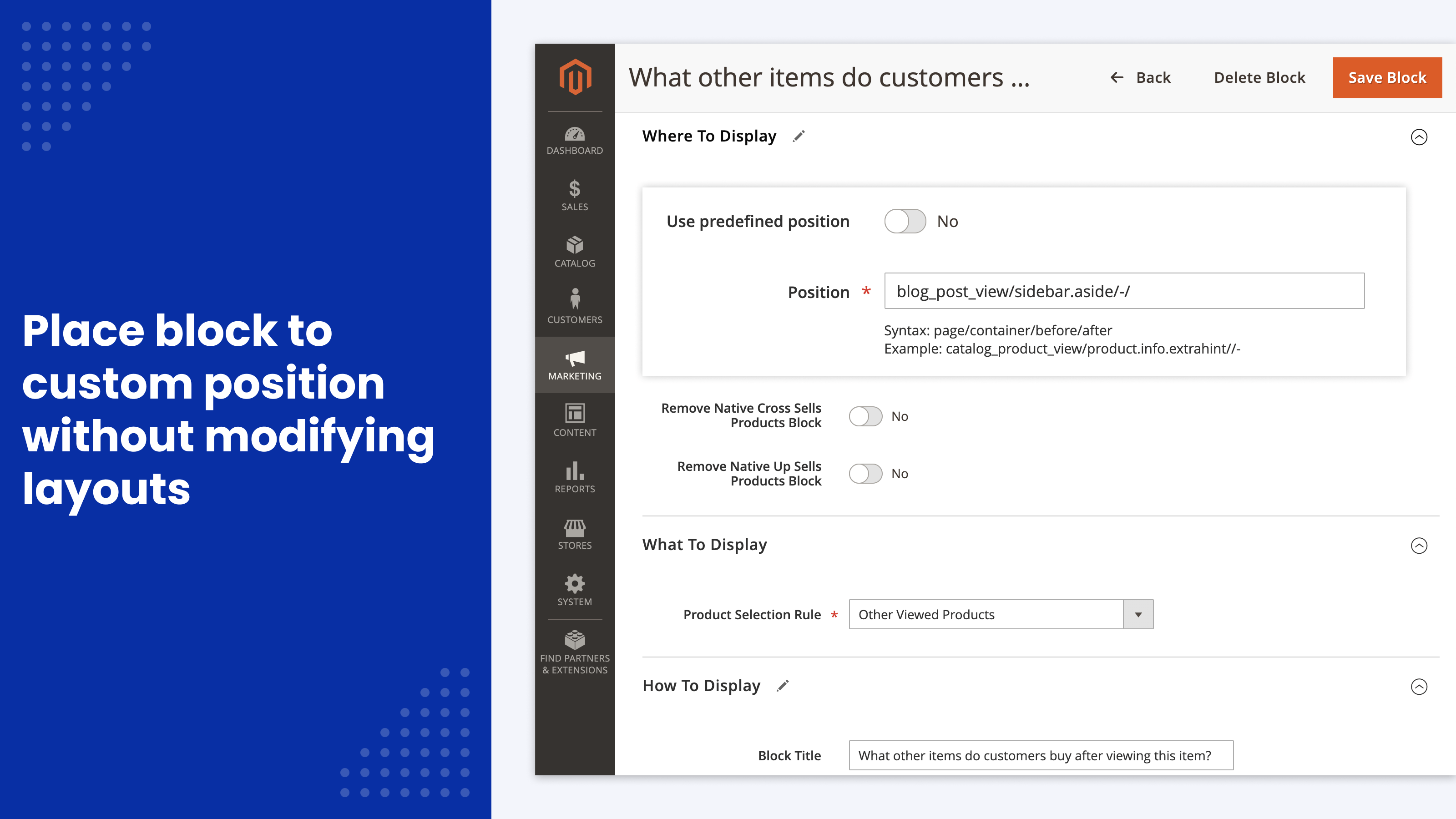
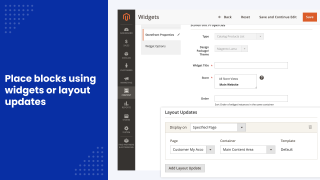
The extension adds a wide set of positions for cross-sell and upsell blocks on the product, category, cart and customer account pages. You don't need to edit your theme: the positions work out of the box.
Ability to use custom positions and templates
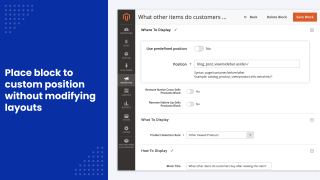
You can define custom positions for cross-sell and upsell blocks (e.g. on the pages of third party extensions), and use custom templates to perfectly fit blocks for your theme.
Interesting fact
McKinsey estimated in 2013 that about 35% of what consumers purchase on Amazon comes from product recommendations. Amazon uses blocks like "Customers who bought this item also bought…" and "What other items do customers buy after viewing this item?" as part of this strategy.
What is cross-selling of products in Magento?
Cross-selling is a sales technique that encourages customers to buy a product related to another product in the cart or one they bought before. Magento allows you to use any visible product in cross-sells.
What is up-selling of products in Magento?
Up-selling is a practice where a seller suggests a more expensive product than the one the customer is currently considering. Magento allows you to use any visible product in upsells.
How do I use target rules for cross-selling in Magento?
Magento Open Source has no rule-based linking: cross-sells are assigned by hand for each product. Adobe Commerce includes Related Product Rules, which link products by catalog conditions. This extension adds rules to both editions and can also pick products by what customers bought and viewed together, with revenue analytics for each block.
How can I import upsells and cross sells in Magento?
You can use the native Magento 2 Import and Export tools to import upsells and cross sells. To do this, go to System > Import/Export.
However, it can be really time-consuming to keep updating the links between products. We recommend setting up dynamic linking rules with this extension instead.
How do I add a cross sell product to a Magento product?
With native Magento functionality, open the main product, select the tab "Related Products, Up-Sells, and Cross-Sells," and add the products there. With our extension, set up the rules at Marketing > Related Products > Product Selection Rules.
Which tables in the Magento 2 database deal with upsell and cross sell products?
Magento stores links between the main product and its cross-sell or upsell products in the table catalog_product_link. The extension only reads this table and never changes it.
Can I show cross-sell products on the product page in Magento 2?
Native Magento shows cross-sell products only in the shopping cart. With this extension, you can place a cross-sell block on the product page as well, for example below the content or in the sidebar, and fill it by rules.
Why are cross-sell or upsell products not showing in Magento 2?
Native cross-sells appear only on the cart page, and upsells only on the product page. Products that are not visible in the catalog or out of stock are not shown. If your theme has removed the native block, nothing appears in it, including products from this extension: in that case, use a position the extension creates itself, such as Product Page | Content Bottom. See the guide to native related blocks.
Why don't Magento up-sell products have an Add to Cart button?
The default Magento theme doesn't show this button in the up-sell block; you can add it by editing the theme. Blocks of this extension have an Add to Cart button on each product.
Which is better: Magento upsell vs cross sell?
There is no simple answer to which is better: Magento upsells or cross-sells. The effectiveness of each technique depends on your market, products and many other factors.
We recommend that you try both approaches and compare the resulting numbers (CTR, revenue).
These are our primary. A major portion of our new clients come from referrals from our existing clients. Our professional team of developers, marketers and support staff have invested the best knowledge and experience in the field into our work, so you know you can come back to us again and again.
One year free and high quality support. We go to great lengths to provide maximum satisfaction with every module you have purchased in our store. By helping you with installation, configuration, answering your every question, we do all our best to eliminate any possible problems.
30-days money back guarantee. If you are not satisfied with our automatic related products extension performance for any reason, we provide a full refund.
We constantly add new features to all our modules, and are always interested in hearing your opinion and implementing your suggested features in our future developments.
We provide an expanded user guide for every aspect of our automatic related products extension, so you can find answers for all your burning questions.
You can customize automatic related products extension according to your needs and requirements.
The Module is easy to install and upgrade, just follow our step-by-step user guide. Additionally, the extension is ready to use with the Hyvä theme.
No core modifications. The automatic related products extension has been tested in a Magento Cloud environment and is fully compatible with it.